


Workstations for 3ds Max
3ds Max models on a single CPU thread and draws its viewport on one GPU, so we size these machines for clock speed and a strong professional card, and size rendering around your renderer.

What matters for 3ds Max
- High CPU clock speed for modelling
- A professional GPU for the viewport
- GPU memory for heavier scenes
- A separate render build for V-Ray, Corona or Arnold
Modelling in 3ds Max is bound to a single thread, so clock speed matters more than core count. The GPU drives the viewport, and 3ds Max itself does not benefit from more than one GPU; only GPU renderers do. Rendering is different: for most render engines, twice the cores is almost twice as fast. So we keep the modelling machine focused and size rendering separately. Standard pairs the Core Ultra 9 285K with an NVIDIA RTX PRO 2000 Blackwell 16GB. Heavy keeps the same processor and steps up to the RTX PRO 4500 Blackwell 32GB for heavier viewports. Modelling needs 16GB of memory as a minimum and rarely more than 32GB, with 64GB or more for big CPU renders, so 128GB leaves room to spare. If rendering is your bottleneck, our V-Ray, Corona and Arnold pages size machines around those renderers, with more cores or more GPUs as each one needs.
Recommended configurations
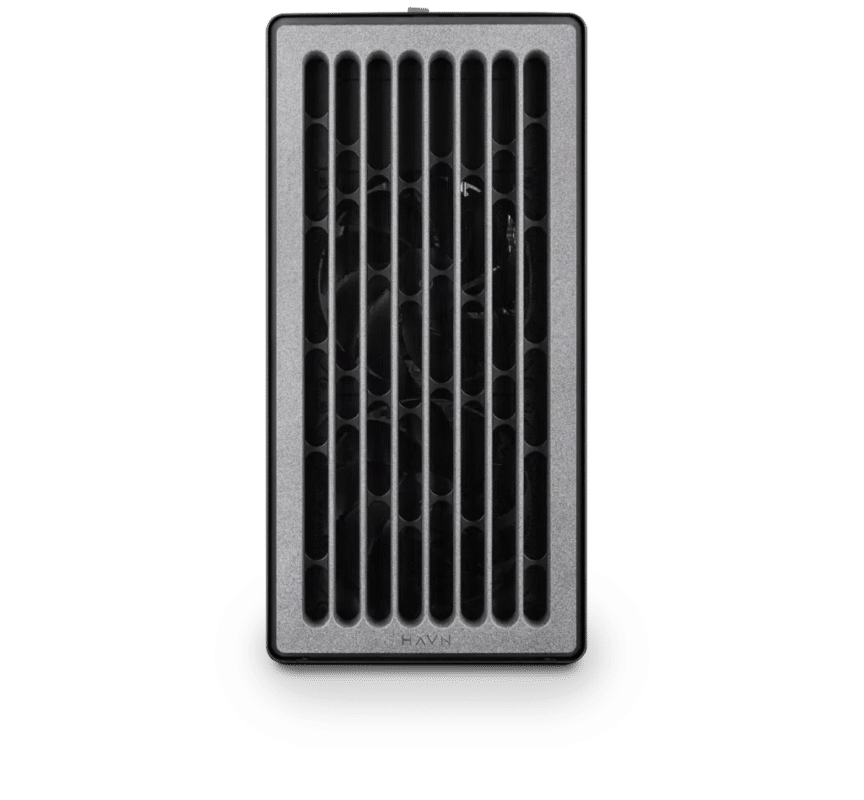
3ds Max – Standard
Electron · NVIDIA RTX PRO 2000 Blackwell 16GB
For a single artist or engineer
- CPU: AMD Ryzen 9 9950X 16 Core
- RAM: 128GB DDR5 6000 2x64GB
- PCIe 1 (x16): NVIDIA RTX PRO 2000 Blackwell 16GB
- NVMe Storage (Gen 5.0): Samsung 9100 Pro Gen 5 2TB
- Operating System: Microsoft Windows 11 Pro
£8,518.70 inc VAT
Built to order · dispatched in 21 working days
3ds Max – Heavy
Electron · NVIDIA RTX PRO 4500 Blackwell 32GB
For professionals and freelancers
- CPU: AMD Ryzen 9 9950X 16 Core
- RAM: 128GB DDR5 6000 2x64GB
- PCIe 1 (x16): NVIDIA RTX PRO 4500 Blackwell 32GB
- NVMe Storage (Gen 5.0): Samsung 9100 Pro Gen 5 4TB
- Operating System: Microsoft Windows 11 Pro
£11,862.92 inc VAT
Built to order · dispatched in 21 working days
Each recommended system is a starting point. Select Customise to add components or change the specification before you order.
Tell us what you need for 3ds Max
Share your 3ds Max version, the renderer you use, your current hardware and the scenes that slow you down. We will review the right configuration and confirm availability before you order.
Frequently asked questions
Not for modelling or the viewport. 3ds Max itself does not benefit from multiple GPUs; only GPU renderers do. If you render on the GPU, see our V-Ray page.
Not for modelling, which is single-threaded. They help with rendering, where twice the cores is almost twice as fast for most engines. Our Corona Renderer and Arnold pages offer machines with up to 96 cores.
You need 16GB as a minimum and rarely more than 32GB, with 64GB or more for big CPU renders. Both configurations have 128GB.
Standard suits a single artist on a budget working on typical scenes. Heavy suits a professional or freelancer with heavier viewports, doubling GPU memory to 32GB. If rendering holds you up, choose a render build as well.
Talk to someone at Renderboxes
Not sure which build is right? Speak to our team and we will help you choose the right configuration for your work.


Send us an enquiry
Tell us what you are working on and we will recommend a configuration.
Contact us