


Workstations for KeyShot
KeyShot renders on the CPU or the GPU. In GPU mode it scales almost linearly with extra cards, so we size these machines around GPU count and memory, with strong processors for CPU mode too.

What matters for KeyShot
- Number of NVIDIA GPUs for GPU mode
- GPU memory: at least 8GB, more for large scenes
- Many CPU cores at high clocks for CPU mode
- System memory: 128GB or more for CPU mode, twice your GPU memory for GPU mode
KeyShot has two modes. In GPU mode, it scales almost linearly: two cards roughly halve render time and three cut it to about a third. NVIDIA cards are the better choice for GPU mode, and KeyShot says you need at least 8GB of GPU memory, as most scenes will not run on less (KeyShot requirements). In CPU mode, more cores and threads give faster renders (KeyShot requirements), ideally cores that hold high clocks. Standard starts with one NVIDIA RTX PRO 5000 48GB, with 48GB of ECC memory for GPU mode. Heavy adds a second NVIDIA RTX PRO 5000 48GB and the 64-core Threadripper 9980X, which reaches more than 80% of the 96-core 9995WX in CPU rendering, so it is strong in both modes. More than two GPUs needs a Threadripper PRO, so Studio uses the Threadripper PRO 9965WX with four RTX PRO 6000 Blackwell Max-Q 96GB cards in the Nano Pro, each on a full PCIe Gen5 x16 link. System memory follows a simple rule of thumb: 128GB or more for CPU mode and twice the GPU memory for GPU mode.
Recommended configurations
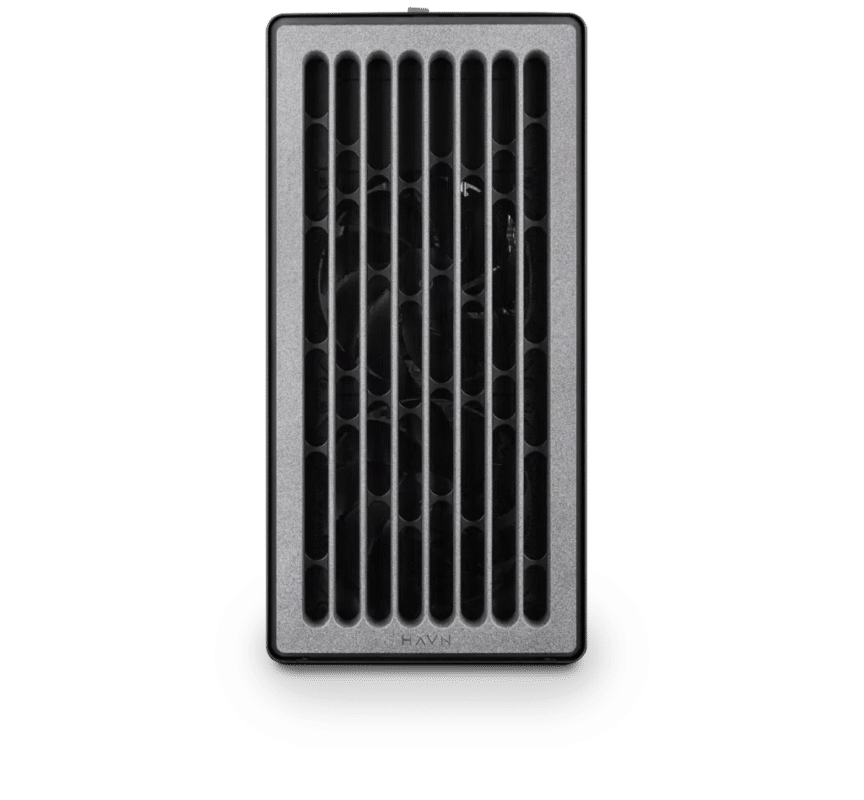
KeyShot – Standard
Electron · NVIDIA RTX PRO 5000 48GB
For a single artist or engineer
- CPU: AMD Ryzen 9 9950X3D
- RAM: 128GB DDR5 6000 2x64GB
- PCIe slots (16x): Nvidia RTX Pro 5000 Blackwell 48GB
- NVMe Storage (Gen 5.0): Samsung 9100 Pro Gen 5 4TB
- Operating System: Microsoft Windows 11 Pro
£15,270.19 inc VAT
£12,725.16 ex VAT
Built to order · dispatched in 11 working days
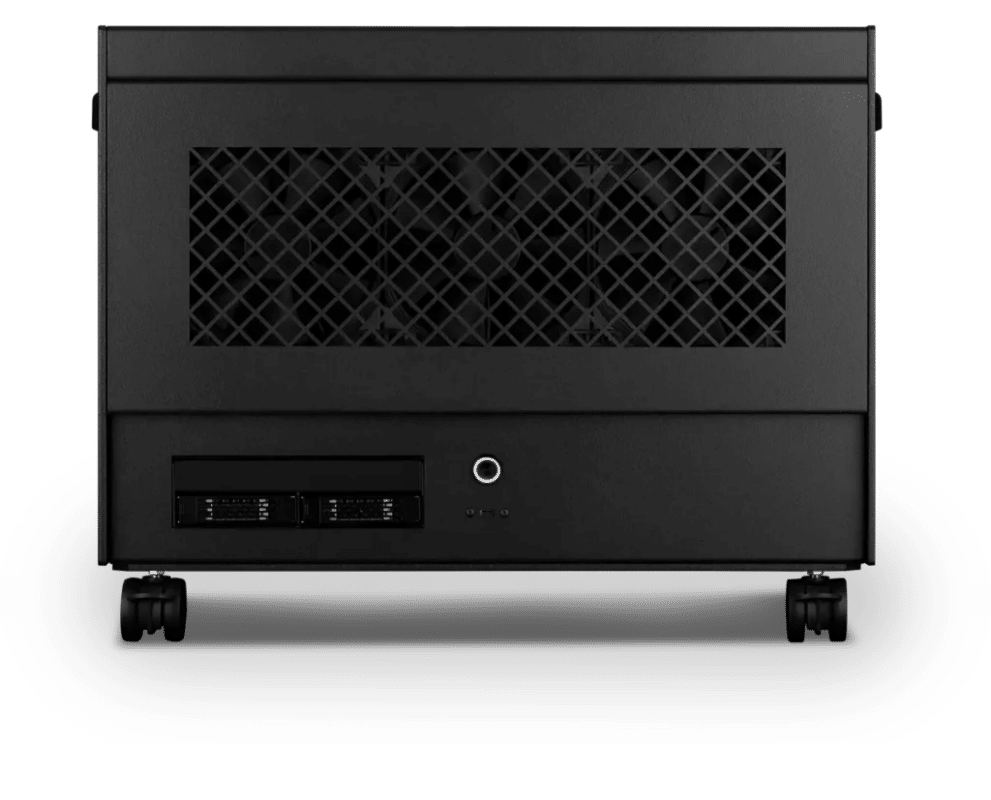
KeyShot – Heavy
Atom · 2× NVIDIA RTX PRO 5000 48GB
For professionals and freelancers
- CPU: AMD Ryzen Threadripper 9980X 64 Core
- RAM: 4 × 64GB RDIMM ECC DDR5 6400
- PCIe slots (16x): 2 × Nvidia RTX Pro 5000 Blackwell 48GB
- NVMe M.2 Drives (Gen 5): Samsung 9100 Pro Gen 5 4TB
- Operating System: Microsoft Windows 11 Pro
£38,555.07 inc VAT
£32,129.24 ex VAT
Built to order · dispatched in 11 working days
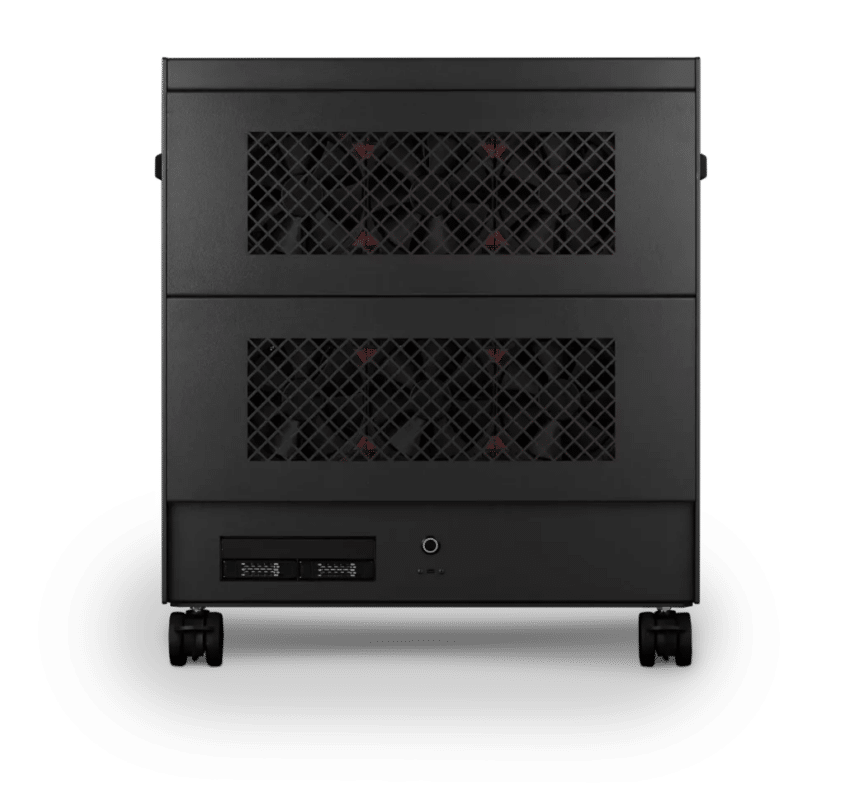
KeyShot – Studio
Nano Pro · 4x NVIDIA RTX PRO 6000 Blackwell Max-Q 96GB
For studios and small teams
- CPU: AMD Ryzen Threadripper PRO 9965WX 24 Core
- RAM: 8 × 128GB RDIMM ECC DDR5 6400
- PCIe Options: 4 × Nvidia RTX Pro 6000 Blackwell Max-Q 96GB
- NVMe M.2 Drives (Gen 5): Samsung 9100 Pro Gen 5 8TB
- Operating System: Microsoft Windows 11 Pro
£134,563.34 inc VAT
£112,136.14 ex VAT
Built to order · dispatched in 12 working days
Each recommended system is a starting point. Select Customise to add components or change the specification before you order.
Tell us what you need for KeyShot
Tell us whether you render in CPU or GPU mode, the size of your scenes and what slows you down. We will review the right configuration and confirm availability before you order.
Frequently asked questions
GPU mode scales almost linearly: two cards roughly halve render time and three cut it to about a third. Those figures stop at three cards; Studio fits four.
KeyShot lists AMD RDNA 3 and newer cards as experimental, without memory sharing (KeyShot requirements), and NVIDIA is the safer choice for GPU mode. Every configuration here uses NVIDIA cards.
KeyShot asks for at least 8GB, as most scenes will not run on less (KeyShot requirements). Standard and Heavy have 32GB per card, and Studio has 96GB per card for the largest scenes.
Heavy. Its 64-core Threadripper 9980X reaches more than 80% of the 96-core 9995WX in CPU rendering, and it has 256GB of memory, above the 128GB guideline for CPU rendering. Studio is built for GPU mode.
Standard suits a single artist on a budget in GPU mode. Heavy suits a professional or freelancer who uses both modes. Studio is for a studio or team that renders in GPU mode and wants four 96GB cards in one workstation.
Talk to someone at Renderboxes
Not sure which build is right? Speak to our team and we will help you choose the right configuration for your work.


Send us an enquiry
Tell us what you are working on and we will recommend a configuration.
Contact us