Data sovereignty
Your data stays in the building.
Prompts, documents and outputs are processed on the machine, on your network and under your control.


Run language models, document AI, image and video generation and training on hardware you own, from one GPU to eight.
Your data stays in the building.
Prompts, documents and outputs are processed on the machine, on your network and under your control.
No per-user or per-request charges.
One machine serves the whole team over the local network, at a fixed hardware cost rather than a monthly subscription for every user.
Your models, your software.
You choose the models and tools, and nothing changes unless you change it.
AI that speaks your business: your terminology, documents and style.
ExploreTrain and experiment on hardware you own, with no cloud queue or hourly bills.
ExploreInteractively query, visualise and explore your data, kept on your premises.
Explore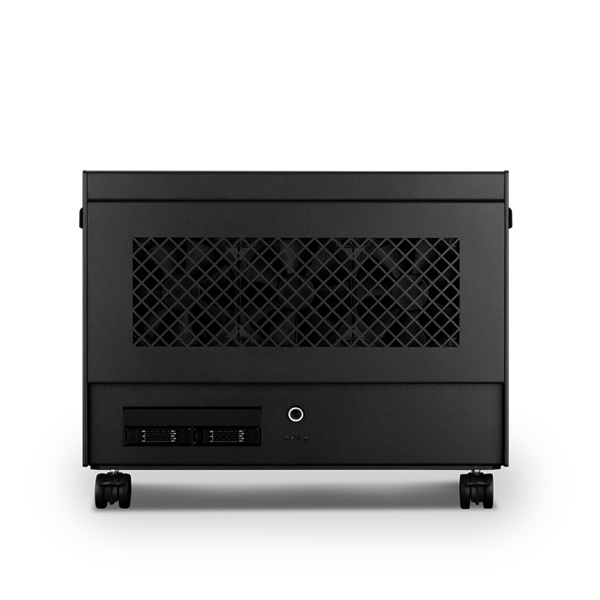
The Atom: 2× the GPUs and VRAM of a Photon1, for a team getting started with private AI.
Explore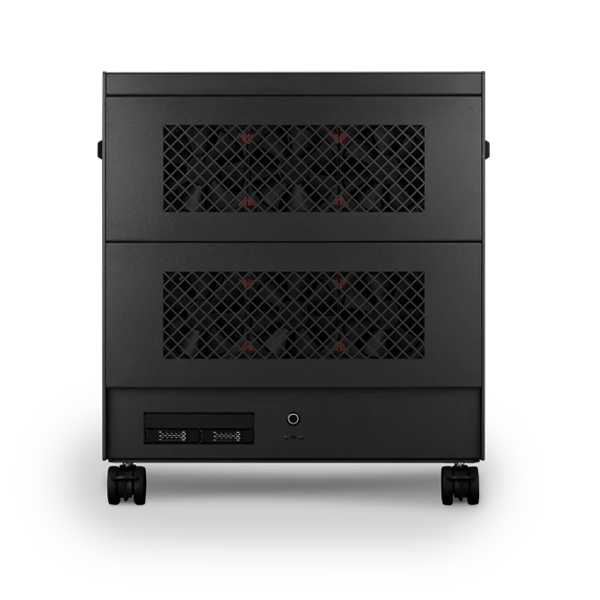
The Nano Pro: 4× a Photon, desk-side, for heavier models and more people at once.
Explore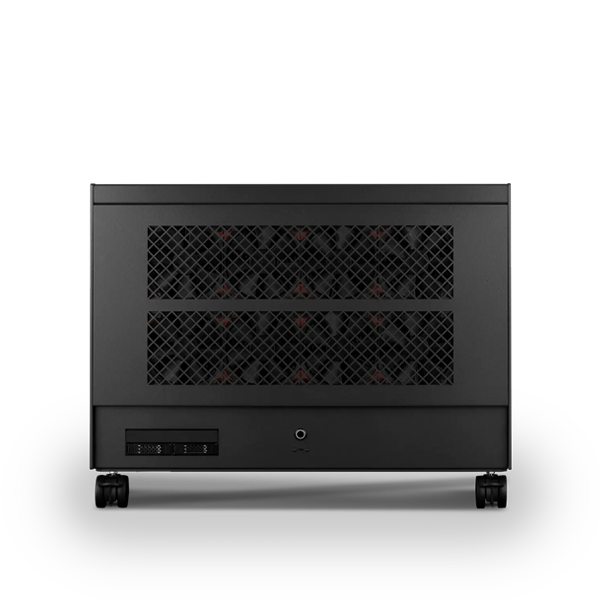
The Molecule Air: 8× a Photon, for whole-company AI, agents and fine-tuning.
ExplorePRIVATE AI FOR THE WHOLE TEAM
One machine becomes a private AI system for the whole team: chat, search over your own documents, a coding assistant and transcription, managed from a browser on the local network.
It depends on what you want to do and how many people will use it. Start with the Atom for a team getting started, step up to the Nano Pro for heavier models and more people, or the Molecule Air for company-wide AI. Tell us about your team and we will recommend the right size.
That depends on your workflows and how heavily they are used. One machine can serve a small team or a whole company. Tell us about your team and the work you plan to do, and we will size the machine accordingly.
Not for the models you run on the machine: local models have no per-user or per-request charges. Some teams keep a cloud subscription for specialist tasks, but RBOS Studio does not need one.
Not for inference: prompts, documents and outputs are processed on the machine. With RBOS, the only outbound connections are the Renderboxes signed update channel and model downloads an administrator starts.
RBOS is available on Ubuntu LTS for AI, rendering and general Linux work, and on Rocky Linux 9 where your organisation’s security baseline requires the Red Hat family. Both support RBOS Studio.
Yes. Choose a machine with room to grow: the Nano Pro takes up to four GPUs and the Molecule Air up to eight, so GPUs can be added as demand increases.
Find the right place to start.
We help you choose the workflows, the machine and the rules for your data.
Ready on day one.
RBOS, RBOS Studio and your workflows set up and tested before delivery.
From the people who built it.
Help with your machine and your workflows, through Renderboxes EXP+.
Grow when you need to.
Add GPUs, workflows and people as your use of private AI grows.
Not sure which build is right? Speak to our team and we will help you choose the right configuration for your work.


Tell us what you are working on and we will recommend a configuration.
Contact us