


Workstations for Unreal Engine Virtual Production
Virtual production puts the GPU first. Previs and green screen can use a single NVIDIA RTX PRO 5000 48GB, while in-camera VFX on LED walls calls for NVIDIA professional GPUs and sync, so we size each node around the stage it drives.

What matters for Unreal Engine Virtual Production
- The GPU first, with 24 to 48GB of memory for LED volumes
- NVIDIA RTX PRO cards and a matched NVIDIA Sync card on every nDisplay node
- At least 64GB of memory, with 256GB for ICVFX
- A CPU of at least 3GHz, with more cores for shader and lighting rebuilds
- 10GbE networking on every machine
The GPU is the single most critical component. In-camera VFX on LED walls requires NVIDIA professional GPUs, while green-screen work needs less GPU memory. LED volumes favour 24 to 48GB of GPU memory, and mocap or green screen about 10 to 14GB. Each nDisplay node needs an NVIDIA Sync card, matched across nodes (Epic nDisplay sync). Epic gives 64GB of memory and a 3GHz CPU as minimums (Epic ICVFX hardware).
Standard is an Electron with the NVIDIA RTX PRO 5000 48GB for previs and green screen. Heavy moves to an Atom with an RTX PRO 6000 96GB for green-screen compositing or a small LED wall. Studio is built for in-camera VFX: a Nano Pro with a Threadripper PRO 9975WX for shader and lighting rebuilds, 256GB of memory and two RTX PRO 6000 Max-Q cards. Multi-process rendering puts the outer frustum on one GPU and the inner frustum on the other, without NVLink (Epic multi-process rendering, UE 5.8).
Recommended configurations
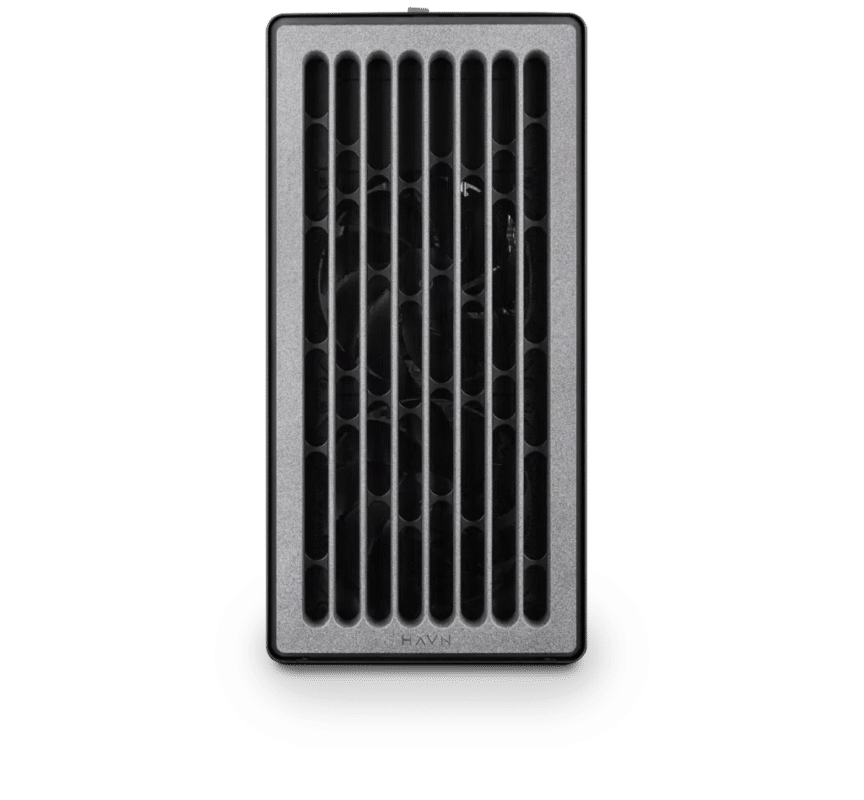
Virtual Production – Standard
Electron · NVIDIA RTX PRO 5000 48GB
For a single artist or engineer
- CPU: AMD Ryzen 9 9950X3D
- RAM: 128GB DDR5 6000 2x64GB
- PCIe slots (16x): Nvidia RTX Pro 5000 Blackwell 48GB
- NVMe Storage (Gen 5.0): Samsung 9100 Pro Gen 5 4TB
- Operating System: Microsoft Windows 11 Pro
£15,270.19 inc VAT
£12,725.16 ex VAT
Built to order · dispatched in 11 working days
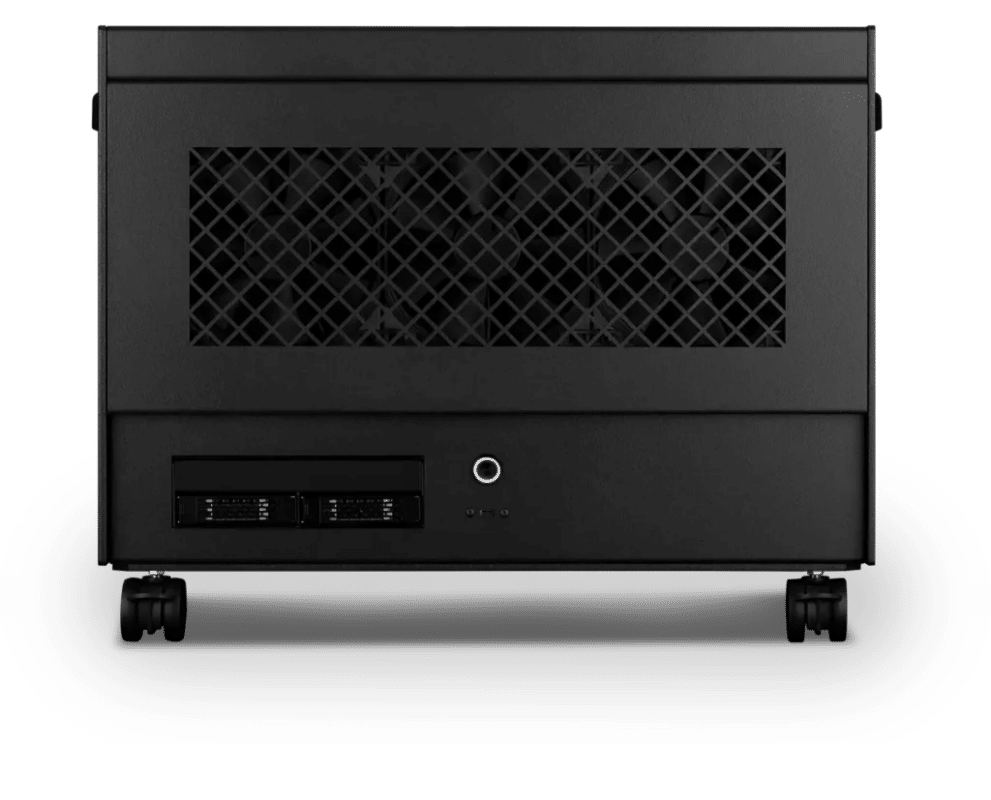
Virtual Production – Heavy
Atom · NVIDIA RTX PRO 6000 Workstation Edition 96GB
For professionals and freelancers
- CPU: AMD Ryzen Threadripper 9970X 32 Core
- RAM: 4 × 64GB RDIMM ECC DDR5 6400
- PCIe slots (16x): Nvidia RTX Pro 6000 Blackwell Workstation 96GB
- NVMe M.2 Drives (Gen 5): Samsung 9100 Pro Gen 5 4TB
- Operating System: Microsoft Windows 11 Pro
£35,462.95 inc VAT
£29,552.48 ex VAT
Built to order · dispatched in 11 working days
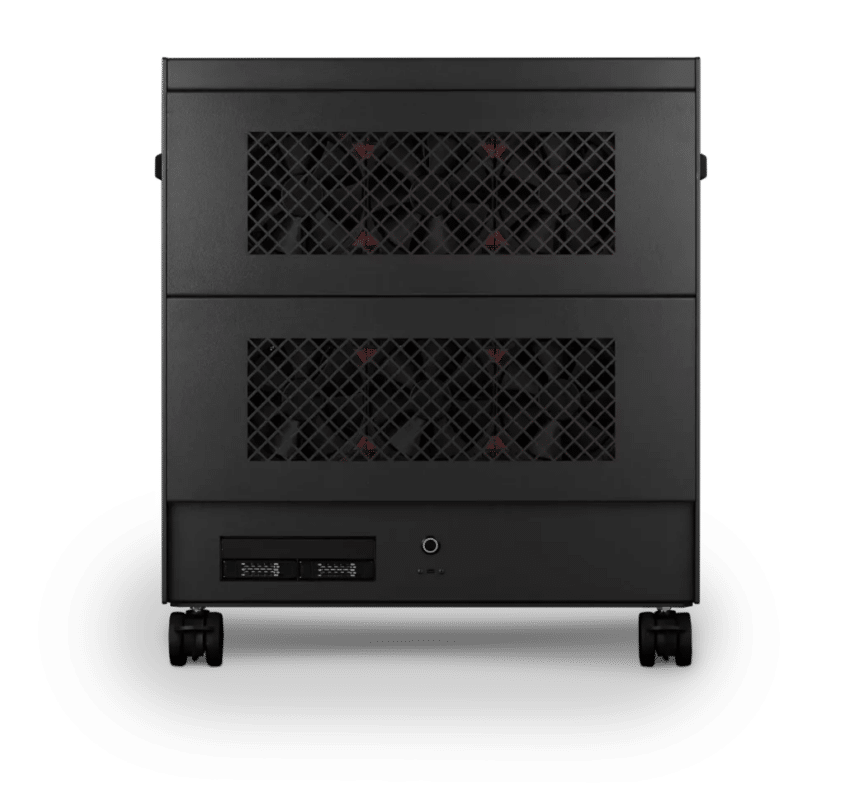
Virtual Production – Studio
Nano Pro · 2x NVIDIA RTX PRO 6000 Max-Q 96GB
For studios and small teams
- CPU: AMD Ryzen Threadripper PRO 9975WX 32 Core
- RAM: 8 × 32GB RDIMM ECC DDR5 6400
- PCIe Options: 2 × Nvidia RTX Pro 6000 Blackwell Max-Q 96GB
- NVMe M.2 Drives (Gen 5): Samsung 9100 Pro Gen 5 8TB
- Operating System: Microsoft Windows 11 Pro
£61,990.64 inc VAT
£51,658.87 ex VAT
Built to order · dispatched in 12 working days
Each recommended system is a starting point. Select Customise to add components or change the specification before you order.
Tell us what you need for Unreal Engine Virtual Production
Share your Unreal Engine version, stage type (green screen or LED volume), wall resolution and node count. We will review the right configuration and confirm availability before you order.
Frequently asked questions
For LED-wall in-camera VFX, yes. ICVFX requires NVIDIA professional GPUs, and only NVIDIA will work when a Sync card is needed. For previs and green-screen work, Standard uses an NVIDIA RTX PRO 5000 48GB.
Each nDisplay node driving an LED wall needs an NVIDIA Sync card, and the cards must match across nodes (Epic nDisplay sync). NVIDIA RTX PRO Sync supports RTX PRO 4000 to 6000 Blackwell cards, with up to four GPUs per Sync card (PNY RTX PRO Sync). The Sync card is not part of these configurations yet, so tell us when you enquire.
Yes, with multi-process rendering. The outer frustum renders on the primary GPU and the inner frustum on a second GPU in an offscreen process, with only the final texture shared. NVLink is not required, SLI must be off, and Epic recommends disabling SMT (Epic multi-process rendering, UE 5.8). We have not found a source for more than two GPUs per node, so Studio stops at two.
Large volumes use a cluster of nDisplay nodes, each with a matched Sync card and 10GbE networking (Epic ICVFX hardware). SMPTE 2110 walls need NVIDIA BlueField networking. Tell us about your volume and we will plan the nodes with you.
Standard suits previs and green screen without sync. Heavy suits green-screen compositing or a small LED wall, with a professional card that works with NVIDIA RTX PRO Sync. Studio suits in-camera VFX on larger walls, with two GPUs for the inner and outer frustums and a Threadripper PRO for shader and lighting rebuilds.
Talk to someone at Renderboxes
Not sure which build is right? Speak to our team and we will help you choose the right configuration for your work.


Send us an enquiry
Tell us what you are working on and we will recommend a configuration.
Contact us