Memory channels and cores
On the CPU solver, each core needs a steady flow of data from memory.
More memory channels, every one populated, give each core more bandwidth. Match the core count to your licence.
Matters most



STAR-CCM+ solves on CPU cores, or on GPUs with a Power Session Plus licence, while meshing always runs on the processor. We size each machine to your licence and solver first, then to your models and physics.
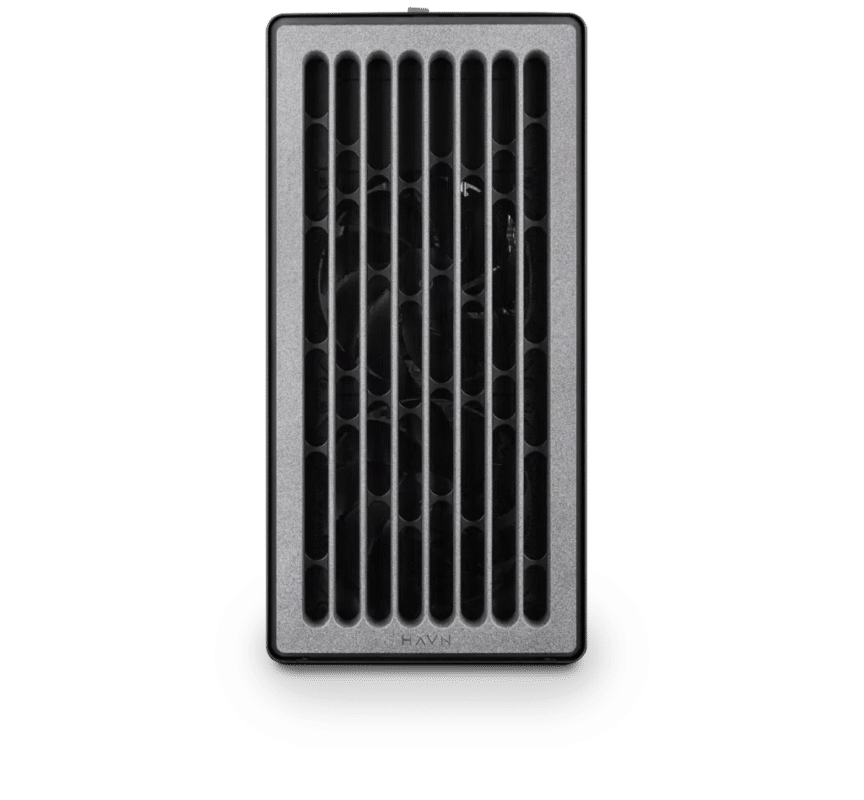
Electron · NVIDIA RTX PRO 2000 16GB
For a single artist or engineer
£8,065 inc VAT
Built to order · build time 5–7 working days1
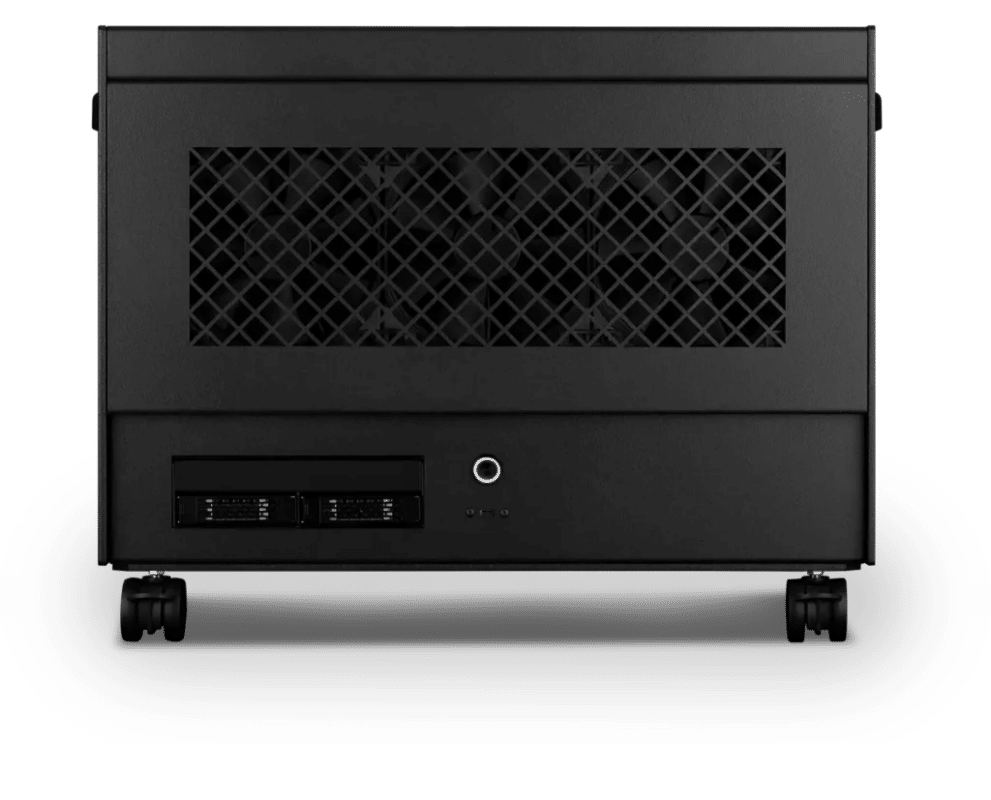
Atom · NVIDIA RTX PRO 4000 24GB
For professionals and freelancers
£22,135 inc VAT
Built to order · build time 7–10 working days1
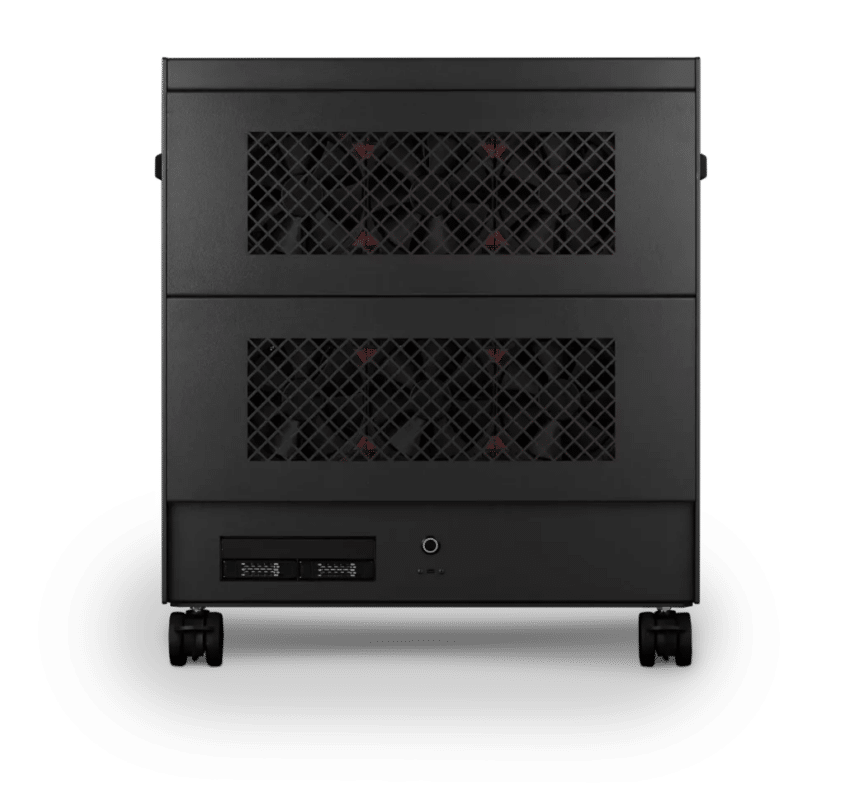
Nano Pro · 4× NVIDIA RTX PRO 6000 Max-Q 96GB
For studios and small teams
£43,115 inc VAT
Built to order · build time about 10–13 working days1

Molecule Air · 8× NVIDIA RTX PRO 6000 Max-Q 96GB
For large teams and enterprise
£119,735 inc VAT
Built to order · build time 14–21 working days1
Each recommended system is a starting point. Select Customise to add components or change the specification before you order.
1 Working days, when all parts are in stock. If a part is delayed, we confirm your dispatch date before your order goes ahead.

Simcenter STAR-CCM+ is Siemens' multiphysics computational fluid dynamics (CFD) software. Beyond fluid flow and heat transfer, it models single and multiphase flows, particle dynamics, reacting flows, fluid-structure interaction, aeroacoustics, rheology and electrodynamics.
It brings the whole job into one application: CAD preparation, automated meshing, physics set-up, solving, data analysis and visualisation, with design exploration built in through Design Manager. The model is a mesh of millions of cells, and the solver works through each cell repeatedly until the flow settles.
The solver runs on CPU cores or, with a Power Session Plus licence, natively on one or more graphics cards. Siemens adds GPU-native models with each release.
Simcenter and STAR-CCM+ are trademarks or registered trademarks of Siemens Industry Software Inc. Renderboxes is not affiliated with or endorsed by Siemens.
Meshing, physics, solving and analysis in one application, with workflow automation and design exploration built in.
Multiphase, particles, reacting flow, fluid-structure interaction and aeroacoustics in the same environment.
The same solver runs on CPU cores and on GPUs, so you can choose the hardware that suits your licence.

Meshing and set-up run on the processor. The solve runs on CPU cores or, with a GPU licence, on the graphics cards.
Bring in CAD and prepare the surfaces so they can be meshed.
The mesher fills the fluid volume with cells. Meshing runs only on the processor, so the machine needs enough cores and memory for it even when you solve on GPUs.
Choose turbulence, heat transfer, multiphase or particle models and boundary conditions.
On CPU, licensed cores and memory bandwidth set the pace. On GPUs, Siemens recommends one CPU process per GPU, and two for some coupled flow problems.
Build scenes, plots and reports, or let Design Manager move on to the next design variant.
On the CPU solver, each core needs a steady flow of data from memory.
More memory channels, every one populated, give each core more bandwidth. Match the core count to your licence.
Matters most
Holds the model during a GPU solve.
Siemens supports a single GPU, several GPUs in one computer and GPUs across several computers, so larger models can spread across cards.
Matters a lot
The GPU solver can split a model across several cards.
Release 2602 reduces the overhead of communication between GPUs, so speed rises more in proportion as GPUs are added.
Matters for teams
Holds the mesh during meshing and the CPU solver's data.
For GPU solves, Siemens asks for at least as much system memory as GPU memory, and one and a half times as much for best results.¹
Matters
Holds simulation files, which carry the mesh and results together.
Files for large models run to many gigabytes. NVMe drives keep saves and loads quick.
Matters
External aerodynamics and vehicle thermal management.
Siemens has demonstrated vehicle thermal management cases on GPUs.
Free surfaces, mixing and particles.
Release 2602 brings VOF and mixture multiphase onto the GPU.
Explore design variants automatically with Design Manager.
More hardware means more variants solved overnight.
If a simulation uses a model that is not yet supported on the GPU, STAR-CCM+ warns and reverts to the CPUs. Check your physics against your release before choosing the GPU ladder.³ 1. Siemens' published GPGPU fact sheet for release 2602, not Renderboxes tests. Actual use depends on mesh, physics and settings. 2. Comparisons are of GPU memory or the number of GPUs between Renderboxes builds, not speed. 3. As published by Siemens for release 2602, November 2026.
| Solver or model | On the GPU | |
|---|---|---|
| Segregated and coupled flow and energy | Flow and heat transfer | Native |
| Wall-modelled LES | Scale-resolving turbulence | Native since 2306 |
| Surface-to-surface radiation | Thermal radiation | Native since 2406 |
| VOF and mixture multiphase | Free surface, multiple flow regimes | Native, new in 2602 |
| Multi-component species | Species transport | Native |
| Eulerian and Lagrangian multiphase | Dispersed phases | Not yet: runs on CPU |
Tell us your STAR-CCM+ release, your licence type (per core, Power Session or Power Session Plus), and your typical cell counts and physics. We will review the right configuration and confirm availability before you order.
STAR-CCM+ warns and reverts to the CPUs. In batch runs you can make it stop with an error instead. Check your physics list against your release before choosing between the CPU and GPU ladders.
Yes. Meshing runs only on the processor, and Siemens recommends one CPU process per GPU, or two for some coupled flow problems. Siemens puts 16 to 32 cores as sufficient for four- to eight-GPU systems.
Yes. Siemens supports multiple GPUs in one computer and across several computers, so the model is shared across the cards. That is how the four- and eight-GPU builds handle the largest models.
Release 2602 adds full AMD GPU acceleration on Windows, alongside NVIDIA. The builds here use NVIDIA cards; tell us if you need AMD.
GPU use is accessible with a Power Session Plus licence, which covers unlimited GPUs or CPUs (Siemens GPGPU fact sheet). Without one, choose from the CPU solver ladder.
Not always. Each core needs memory bandwidth, so more memory channels, every one populated, matter as much as core count, and your licence sets how many cores you can use. Tell us your licence and model sizes and we will match the platform.
Yes. Siemens' GPGPU fact sheet for release 2602 supports NVIDIA GPUs from the Volta architecture onwards and names the RTX PRO 6000 Blackwell as a workstation example. If you are on an earlier release, tell us which one before ordering.
Siemens' public guidance sets system memory against GPU memory rather than a figure per million cells: at least 1:1, and 1.5:1 for best results (Siemens GPGPU fact sheet). Tell us your cell counts and physics and we will size the GPU memory.
Without a GPU licence, choose from the CPU ladder by model size. With Power Session Plus, choose from the GPU ladder, using one card for smaller models and four or eight matched cards for the largest.
Not sure which build is right? Speak to our team and we will help you choose the right configuration for your work.


Tell us what you are working on and we will recommend a configuration.
Contact us

Offline · Mon–Fri, 9am–5pm UK
Our engineers are online. Ask about a build, a quote or an order and we will answer here.