


Workstations for Redshift
Redshift renders on the GPU, so the number of cards and the memory on each one decide how fast and how large your scenes render. We size these machines around that first.

What matters for Redshift
- GPU memory per card for your largest scenes
- More GPUs for faster frames, up to four per machine
- High CPU clocks rather than a high core count
- System memory at about twice your total GPU memory
- Fast local storage for textures and caches
Redshift renders on the GPU, and the processor will not improve its rendering speed, so the budget goes on the cards. The memory on each card limits scene size: out-of-core rendering works but is slower, and if you mix cards, all of them are limited to the smallest card’s memory. Redshift scales very well across multiple cards, but in our experience the gain beyond four GPUs is not worth the cost, so the range stops at four. Standard starts with one NVIDIA RTX PRO 4500 32GB, which suits less complex scenes. Heavy moves to two NVIDIA RTX PRO 5000 48GB cards in the Atom. Studio fits four in the Nano Pro, which gives each GPU a full PCIe Gen5 x16 link without riser cables, alongside the Threadripper PRO 9965WX, a good match for four cards. Team keeps four GPUs but moves to 96GB cards for the largest scenes. System memory follows a rule of thumb of about twice the total GPU memory, and fast NVMe storage keeps textures and caches close.
Recommended configurations
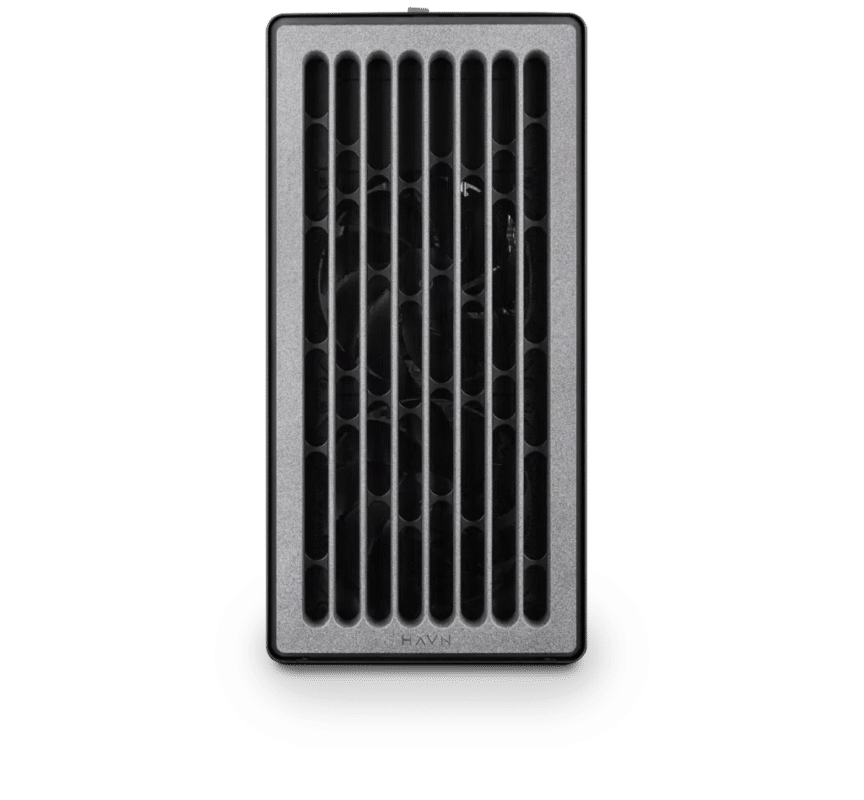
Redshift – Standard
Electron · NVIDIA RTX PRO 4500 32GB
For a single artist or engineer
- CPU: AMD Ryzen 9 9950X3D
- RAM: 128GB DDR5 6000 2x64GB
- PCIe slots (16x): Nvidia RTX Pro 4500 Blackwell 32GB
- NVMe Storage (Gen 5.0): Samsung 9100 Pro Gen 5 2TB
- Operating System: Microsoft Windows 11 Pro
£11,537.75 inc VAT
£9,614.79 ex VAT
Built to order · dispatched in 4 working days
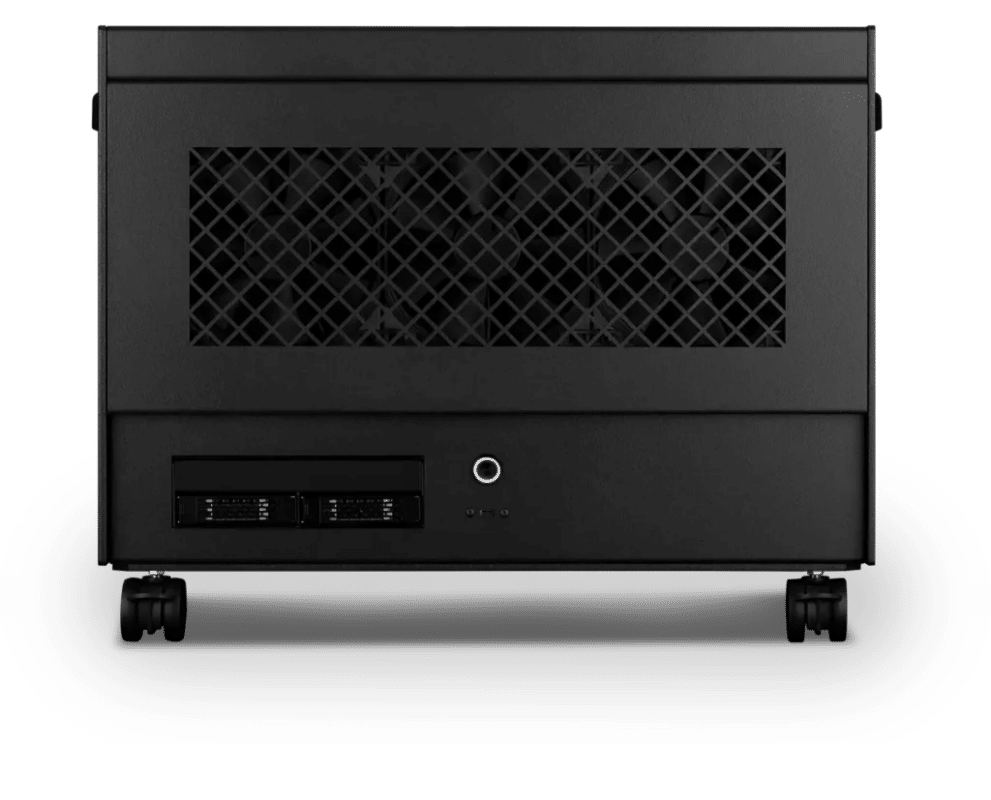
Redshift – Heavy
Atom · 2× NVIDIA RTX PRO 5000 48GB
For professionals and freelancers
- CPU: AMD Ryzen Threadripper 9960X 24 Core
- RAM: 4 × 64GB RDIMM ECC DDR5 6400
- PCIe slots (16x): 2 × Nvidia RTX Pro 5000 Blackwell 48GB
- NVMe M.2 Drives (Gen 5): Samsung 9100 Pro Gen 5 4TB
- Operating System: Microsoft Windows 11 Pro
£35,270.00 inc VAT
£29,391.68 ex VAT
Built to order · dispatched in 11 working days
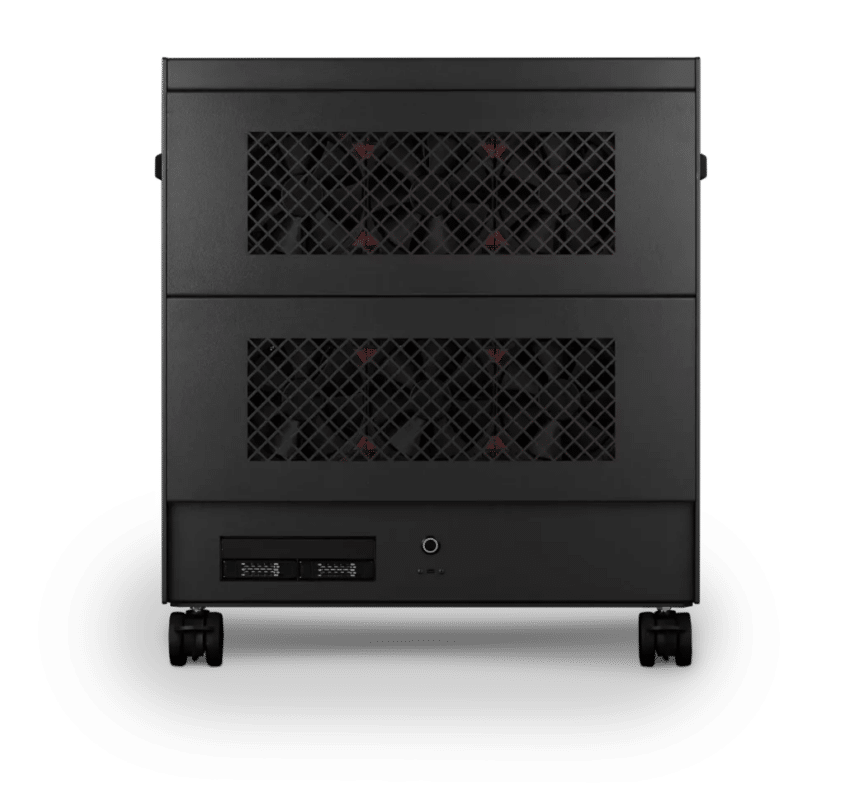
Redshift – Studio
Nano Pro · 4× NVIDIA RTX PRO 5000 48GB
For studios and small teams
- CPU: AMD Ryzen Threadripper PRO 9965WX 24 Core
- RAM: 8 × 64GB RDIMM ECC DDR5 6400
- PCIe Options: 4 × Nvidia RTX Pro 5000 Blackwell 48GB
- NVMe M.2 Drives (Gen 5): Samsung 9100 Pro Gen 5 8TB
- Operating System: Microsoft Windows 11 Pro
£71,953.02 inc VAT
£59,960.86 ex VAT
Built to order · dispatched in 12 working days
Redshift – Team
Nano Pro · 4x NVIDIA RTX PRO 6000 Blackwell Max-Q 96GB
For large teams and enterprise
- CPU: AMD Ryzen Threadripper PRO 9965WX 24 Core
- RAM: 8 × 128GB RDIMM ECC DDR5 6400
- PCIe Options: 4 × Nvidia RTX Pro 6000 Blackwell Max-Q 96GB
- NVMe M.2 Drives (Gen 5): Samsung 9100 Pro Gen 5 8TB
- Operating System: Microsoft Windows 11 Pro
£134,563.34 inc VAT
£112,136.14 ex VAT
Built to order · dispatched in 12 working days
Each recommended system is a starting point. Select Customise to add components or change the specification before you order.
Tell us what you need for Redshift
Share your Redshift and host application versions, your current hardware and the scenes that slow you down. We will review the right configuration and confirm availability before you order.
Frequently asked questions
Yes. Out-of-core rendering lets Redshift work beyond the memory on the card, but it is slower. If your scenes regularly outgrow 32GB, the Team configuration’s 96GB cards keep them in GPU memory.
Redshift scales very well with multiple cards, but in our experience the gain beyond four GPUs is too small to justify. If you need more throughput, we recommend a second machine rather than more cards in one.
You can, but every card is then limited to the memory of the smallest one, so a 16GB card alongside 32GB cards caps them all at 16GB. Each of our configurations uses matching cards.
Maxon supports AMD RDNA 2 and newer cards with 8GB or more on Windows, but not on Linux (Maxon Redshift requirements). Maxon recommends multiple NVIDIA RTX GPUs with 12GB or more each, and every configuration here uses NVIDIA cards with at least 16GB.
Standard suits a single artist on a budget working on less complex scenes. Heavy suits a professional or freelancer who wants two cards for faster frames. Studio puts four NVIDIA RTX PRO 5000 48GB cards in one workstation for a studio or team. Team is for large teams and enterprise work with the heaviest scenes, using four 96GB cards and 1TB of memory.
Talk to someone at Renderboxes
Not sure which build is right? Speak to our team and we will help you choose the right configuration for your work.


Send us an enquiry
Tell us what you are working on and we will recommend a configuration.
Contact us