Processor cores
Corona renders on the processor, so the processor sets render time.
Chaos states that the faster your CPU, the faster your renders.³ High clocks also help the 3ds Max interface.
Matters most




Chaos Corona is CPU-based, so the processor and system memory decide render time and scene size. The graphics card drives the viewport and the interactive AI denoiser, so we put the budget into the processor.
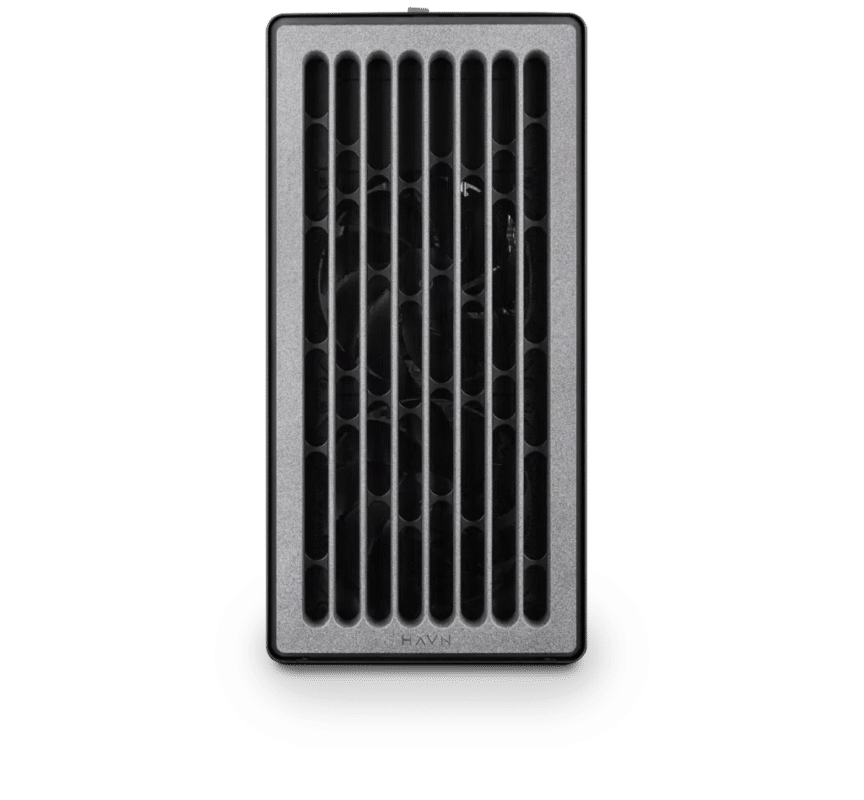
Electron · NVIDIA RTX PRO 2000 Blackwell 16GB
One visualiser on interiors and smaller exteriors: a 16-core processor and a 16GB card for the viewport.
£8,065 inc VAT
Built to order · build time 5–7 working days1

Atom · NVIDIA RTX PRO 2000 Blackwell 16GB
A freelancer on full exteriors and animations: 64 cores and 256GB of memory. Four times the cores of Standard.²
£24,185 inc VAT
Built to order · build time 7–10 working days1

Nano Pro · NVIDIA RTX PRO 2000 Blackwell 16GB
A studio's main Corona machine: 96 cores and 512GB of memory. One and a half times the cores and twice the memory of Heavy.²
£54,195 inc VAT
Built to order · build time about 10–13 working days1
Each recommended system is a starting point. Select Customise to add components or change the specification before you order.
1 Working days, when all parts are in stock. If a part is delayed, we confirm your dispatch date before your order goes ahead.

Corona is a photorealistic renderer from Chaos, dedicated to 3ds Max and Cinema 4D and built for architectural visualisation artists.
Corona is CPU-based: Chaos says the faster your CPU, the faster your renders. It renders from system memory, and Chaos gives 32GB as the minimum and 64GB as the sweet spot, with more helping heavy scenes.
Interactive rendering updates the image in real time as you change the scene, and runs completely on the CPU. By default the NVIDIA AI Denoiser cleans the interactive image, which needs an NVIDIA graphics card, as does AI upscaling. LightMix edits the colour and intensity of lights during or after rendering.
Corona is a trademark of Chaos Software EOOD. Renderboxes is not affiliated with or endorsed by Chaos.
A dedicated renderer for 3ds Max and Cinema 4D, built for architectural visualisation artists.
The image updates in real time as you work, and LightMix edits the lights during or after rendering.
Scenes are limited by system memory, and a workstation holds far more of it than any card.

From 3ds Max or Cinema 4D to a finished image. The processor does the rendering; the graphics card runs the interactive AI denoiser.
Corona reads geometry, materials and lights from the host application into system memory.
Unless path tracing is forced, Corona precomputes its UHD Cache before the main passes.
The processor cores trace rays, and the image improves with each pass until it reaches the limit you set.
In interactive rendering the NVIDIA AI Denoiser cleans the preview in real time on the graphics card. LightMix adjusts the lights, and the image is saved.
Corona renders on the processor, so the processor sets render time.
Chaos states that the faster your CPU, the faster your renders.³ High clocks also help the 3ds Max interface.
Matters most
The whole scene lives in system memory.
Chaos gives 32GB as the minimum and 64GB as the sweet spot, with more helping heavy scenes.³ That is why the larger builds have 256GB and 512GB.
Matters a lot
Distributed rendering uses other computers on your network for a single frame, and render managers send sequences to several machines.
Corona is CPU-based, so capacity grows with processors, in more machines, not with extra graphics cards.
Matters for teams
Scenes with proxies and large textures load from local NVMe drives.
Big exteriors reference many files; local NVMe keeps scene loading short.
Matters
Drives the viewport and runs the NVIDIA AI Denoiser and AI upscaling during interactive rendering.
The processor does the rendering, so every build uses the same 16GB professional card.
Matters least
Buildings in context, with planting, people and sky.
System memory holds dense scenes that would overflow a graphics card.
Photographic interiors for architects and developers.
Interactive rendering updates in real time as lights and materials change.
Catalogue images and configurations.
Chaos builds Corona for photorealism.
One render, several lighting moods.
LightMix edits the colour and intensity of each light during or after rendering.
Camera paths through a building.
Render managers such as Backburner send frames to several machines.
Brochure and website images before construction.
Distributed rendering adds other network machines to one large still.
Corona renders on the processor. A few optional features use an NVIDIA graphics card.³ 1. Published guidance from Chaos, not Renderboxes tests. 2. Comparisons are of GPU memory, the number of GPUs or processor cores between Renderboxes builds, not speed. 3. System requirements and recommendations as published by Chaos for Corona in November 2026; check the current documentation for your version.
| Runs on | Notes | |
|---|---|---|
| Corona for 3ds Max | Processor | 3ds Max 2016 to 2026 on 64-bit Windows 10 or newer. |
| Corona for Cinema 4D | Processor | Listed by Chaos.³ |
| Interactive rendering | Processor | Runs completely on the CPU. |
| NVIDIA AI Denoiser | NVIDIA graphics card | Maxwell or newer; denoises the interactive view by default. |
| NVIDIA AI upscaling | NVIDIA graphics card | From Corona 12 Update 1; turns on the NVIDIA AI Denoiser. |
| Distributed rendering | Other machines' processors | In 3ds Max it needs Autodesk Backburner, free from Autodesk. |
Share your Corona and host application versions, your current hardware and the scenes that slow you down. We will review the right configuration and confirm availability before you order.
Yes. For interactive rendering, Corona's thread override sets how many cores to use; a value of -1 uses all but one, leaving a core for the interface.
It drives the viewport and runs the NVIDIA AI Denoiser and AI upscaling during interactive rendering. Rendering happens on the processor, so every build uses the same 16GB professional card.
Yes. Both come from Chaos. If you also render with V-Ray GPU, a build with stronger graphics cards will suit you better; see our V-Ray configurations.
Chaos's requirements for Corona for 3ds Max list 64-bit Windows 10 or newer. Tell us which host application you use and we will match the operating system.
No. Chaos describes Corona as CPU-based: the faster your processor, the faster your renders. The graphics card in these machines drives the viewport and runs the NVIDIA AI Denoiser during interactive rendering.
Chaos does not publish Corona scaling figures. Studio has one and a half times the cores and twice the memory of Heavy;² tell us about your scenes and we will advise which suits you.
Machines. Corona is CPU-based, so extra graphics cards do not add render capacity. Distributed rendering uses other computers on your network for a single frame, and render managers spread sequences across machines.
Chaos gives 32GB as the minimum and 64GB as the sweet spot, with more helping heavy scenes. Heavy has 256GB and Studio 512GB. Send us details of your largest scene and we will check it fits comfortably.
Standard suits a single artist on a budget. Heavy suits a professional or freelancer and quadruples the cores to 64. Studio is for a studio or team that wants the most cores and memory in one workstation.
Not sure which build is right? Speak to our team and we will help you choose the right configuration for your work.


Tell us what you are working on and we will recommend a configuration.
Contact us

Offline · Mon–Fri, 9am–5pm UK
Our engineers are online. Ask about a build, a quote or an order and we will answer here.