


Workstations for Adobe Premiere Pro
Premiere Pro runs best on one fast GPU and a processor matched to your camera media. We size these machines around the formats you cut, then add memory for your resolution.

What matters for Adobe Premiere Pro
- A processor matched to your media, with Intel Quick Sync for H.264 and HEVC
- One fast GPU; a second card adds very little
- Memory from 96GB at 4K to 256GB at 12K
- NVMe storage, ideally with a separate cache drive
Premiere Pro’s speed depends heavily on the media you edit. For H.264 and HEVC camera files, Intel processors with Quick Sync are the best choice and can cut export times by up to five times. For other formats, Threadripper is the top performer, but core count alone is not a good guide and Threadripper PRO is not recommended. The NVIDIA RTX PRO 5000 48GB has 48GB of GDDR7 ECC memory and 1,344 GB/s of bandwidth, and the NVIDIA RTX PRO 4500 32GB has 32GB at 896 GB/s. Minimum GPU memory is 8GB for 4K and 16GB or more for 8K, and a second GPU brings extremely minimal gains, so every tier uses one card. Standard and Heavy pair an Intel Core Ultra 9 with an NVIDIA RTX PRO 4500 32GB or NVIDIA RTX PRO 5000 48GB and 128GB, which covers the recommended 6K memory minimum. Studio moves to a Threadripper 9970X with 256GB, enough for 12K, for RAW and intermediate formats. From version 27, Premiere needs a GPU to launch and Windows 11 24H2 or later (Adobe).
Recommended configurations
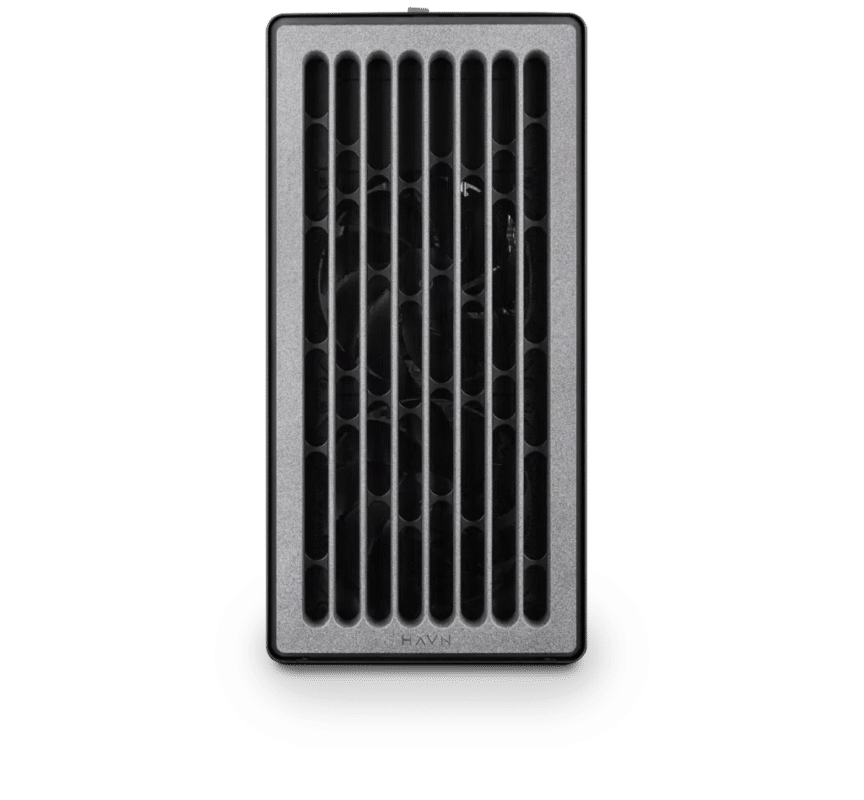
Adobe Premiere Pro – Standard
Electron · NVIDIA RTX PRO 4500 32GB
For a single artist or engineer
- CPU: Intel Core Ultra 9 285K
- RAM: 128GB DDR5 6000 2x64GB
- PCIe slots (16x): Nvidia RTX Pro 4500 Blackwell 32GB
- NVMe Storage (Gen 5.0): Samsung 9100 Pro Gen 5 2TB
- Operating System: Microsoft Windows 11 Pro
£11,454.42 inc VAT
£9,545.35 ex VAT
Built to order · dispatched in 5 working days
Adobe Premiere Pro – Heavy
Electron · NVIDIA RTX PRO 5000 48GB
For professionals and freelancers
- CPU: Intel Core Ultra 9 285K
- RAM: 128GB DDR5 6000 2x64GB
- PCIe slots (16x): Nvidia RTX Pro 5000 Blackwell 48GB
- NVMe Storage (Gen 5.0): Samsung 9100 Pro Gen 5 4TB
- Operating System: Microsoft Windows 11 Pro
£15,186.86 inc VAT
£12,655.72 ex VAT
Built to order · dispatched in 11 working days
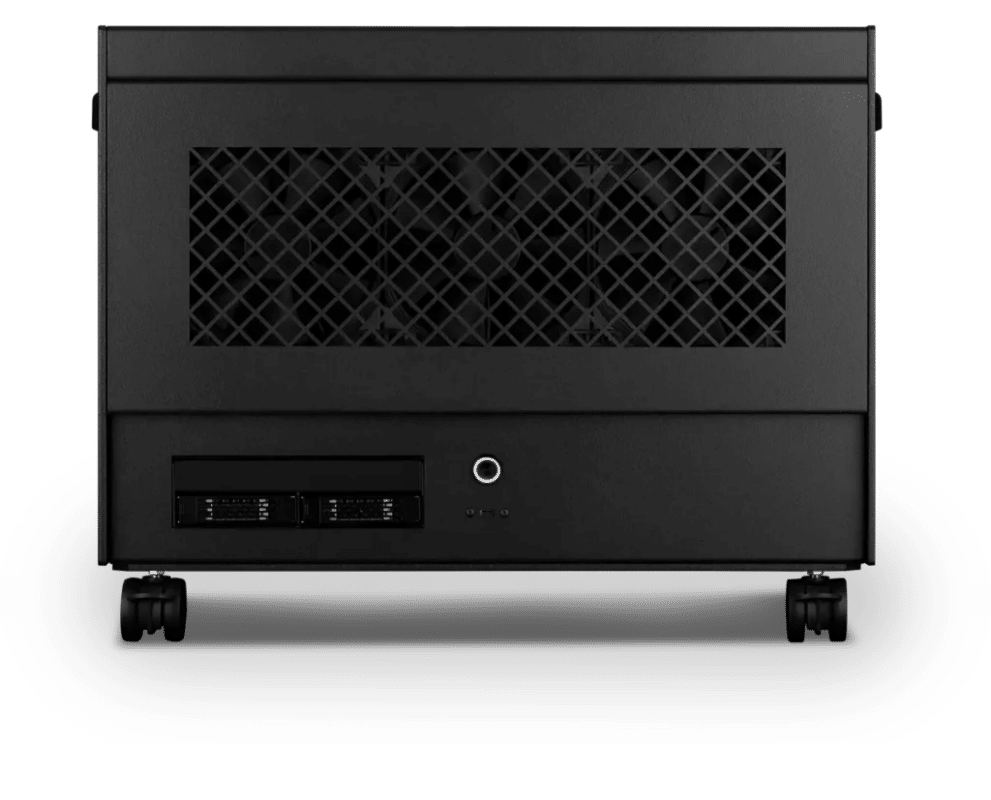
Adobe Premiere Pro – Studio
Atom · NVIDIA RTX PRO 5000 48GB
For studios and small teams
- CPU: AMD Ryzen Threadripper 9970X 32 Core
- RAM: 4 × 64GB RDIMM ECC DDR5 6400
- PCIe slots (16x): Nvidia RTX Pro 5000 Blackwell 48GB
- NVMe M.2 Drives (Gen 5): Samsung 9100 Pro Gen 5 4TB
- Operating System: Microsoft Windows 11 Pro
£27,916.01 inc VAT
£23,263.36 ex VAT
Built to order · dispatched in 11 working days
Each recommended system is a starting point. Select Customise to add components or change the specification before you order.
Tell us what you need for Adobe Premiere Pro
Share your camera formats, timeline resolution and export targets. We will review the right configuration and confirm availability before you order.
Frequently asked questions
Very little. Multiple GPUs bring extremely minimal gains, and a single higher-end card gives better performance. That is why every configuration here has one GPU.
Intel Quick Sync speeds up H.264 and HEVC, the formats most cameras record. It can reduce export times by up to five times for those formats.
Recommended minimums are 96GB at 4K, 128GB at 6K, 192GB at 8K and 256GB at 12K. Standard and Heavy have 128GB; Studio has 256GB.
Standard suits 4K editing of camera media. Heavy adds the NVIDIA RTX PRO 5000 48GB for heavier effects and 6K timelines. Studio is for 8K and 12K work in RAW or intermediate formats, where Threadripper and 256GB of memory help more than Quick Sync.
Adobe says that from version 27 Premiere Pro needs a GPU to launch and Windows 11 24H2 or later (Adobe). Every configuration here has a dedicated NVIDIA GPU and ships with Windows 11 Pro.
Talk to someone at Renderboxes
Not sure which build is right? Speak to our team and we will help you choose the right configuration for your work.


Send us an enquiry
Tell us what you are working on and we will recommend a configuration.
Contact us