


Workstations for ZBrush
ZBrush runs on the CPU, so a fast 16-core processor and plenty of system memory matter far more than the graphics card. One well-balanced machine covers it.

What matters for ZBrush
- High clock speeds and 16 or more cores
- System memory for polygon count and multitasking
- Fast NVMe storage for the scratch cache
- A mid-range GPU is enough
ZBrush is CPU-based and multi-threaded. It benefits most from high clock speeds with 16 or more cores, and there is not really a case for extreme core counts or Threadripper PRO. That is why we offer one configuration, built on the 16-core Ryzen 9 9950X3D in the Electron. The graphics card is a low priority: polygon limits come from system memory, not GPU memory, so a mid-range card is enough. We fit an NVIDIA RTX PRO 2000 Blackwell 16GB. Maxon asks for a GPU with OpenGL 3.3 and Vulkan 1.1 support, 16GB of memory and an AVX2 processor (Maxon system requirements). As a guide, 16GB of memory suits tens of millions of polygons and 32GB suits multitasking, so 128GB leaves plenty of headroom for large projects and other applications running alongside. A fast NVMe drive matters because ZBrush keeps a scratch cache on disk, so we fit a Samsung 9100 Pro Gen 5 drive. If you also render on the GPU, tell us and we will size the card for your renderer.
Recommended configurations
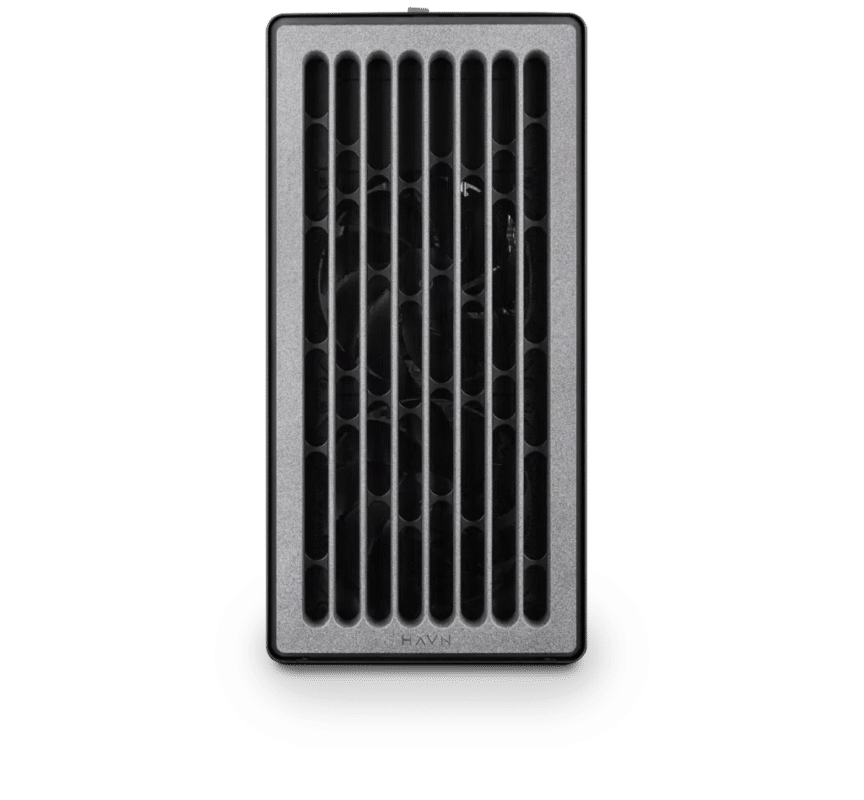
ZBrush – Standard
Electron · NVIDIA RTX PRO 2000 Blackwell 16GB
For a single artist or engineer
- CPU: AMD Ryzen 9 9950X3D
- RAM: 128GB DDR5 6000 2x64GB
- PCIe slots (16x): Nvidia RTX Pro 2000 Blackwell 16GB
- NVMe Storage (Gen 5.0): Samsung 9100 Pro Gen 5 2TB
- Operating System: Microsoft Windows 11 Pro
£8,608.33 inc VAT
£7,173.61 ex VAT
Built to order · dispatched in 4 working days
Each recommended system is a starting point. Select Customise to add components or change the specification before you order.
Tell us what you need for ZBrush
Share your ZBrush version, the size of your sculpts, the other applications you run and what slows you down. We will review the right configuration and confirm availability before you order.
Frequently asked questions
ZBrush gains nothing from extreme core counts, Threadripper PRO or extra GPUs. One machine with a fast 16-core processor suits a single artist, from hobby work to professional sculpting.
There is not really a case for extreme core counts or Threadripper PRO in ZBrush. High clock speeds with 16 or more cores give the best result.
No. The GPU is a low priority and polygon limits come from system memory, not GPU memory. If you also render on the GPU, we can fit a larger card.
As a guide, 16GB suits tens of millions of polygons, and 32GB is better if you multitask. Maxon’s minimum is 16GB (Maxon system requirements). This configuration has 128GB.
Yes. ZBrush uses a scratch cache on disk, so a fast NVMe drive helps. This configuration uses a Samsung 9100 Pro Gen 5 drive.
Talk to someone at Renderboxes
Not sure which build is right? Speak to our team and we will help you choose the right configuration for your work.


Send us an enquiry
Tell us what you are working on and we will recommend a configuration.
Contact us