


Workstations for Notch
Notch’s requirements centre on the GPU: the card and its memory set what you can run, especially at 8K. We size these machines around Notch’s own GPU guidance.

What matters for Notch
- An NVIDIA GPU at or above Notch’s recommended RTX 4080 class
- At least 12GB of GPU memory for 8K work
- NVIDIA hardware for Background Removal, Face Tracking and Body Tracking
- One strong GPU: Notch does not document multi-GPU use
Notch’s published requirements are mostly about the GPU. It needs Windows 10 or later, recommends an NVIDIA RTX 4080 or better, or an RTX A5000 or better, and lists at least 4GB of GPU memory for 4K and 12GB for 8K (Notch system requirements). Background Removal, Face Tracking and Body Tracking run only on NVIDIA. We found no CPU or memory guidance from Notch and no documented multi-GPU use, so every configuration here has one GPU, a Ryzen 9 9950X3D and 128GB of memory.
The ladder steps up by GPU. Standard is an Electron with the NVIDIA RTX PRO 4000 24GB, twice the 12GB Notch lists for 8K. Heavy moves to a Photon with the NVIDIA RTX PRO 4500 32GB for show work. Studio uses the RTX PRO 5000 48GB, from the professional line Notch recommends, for more memory headroom. NVIDIA’s RTX PRO Sync card supports it if your setup needs sync (PNY RTX PRO Sync).
Recommended configurations
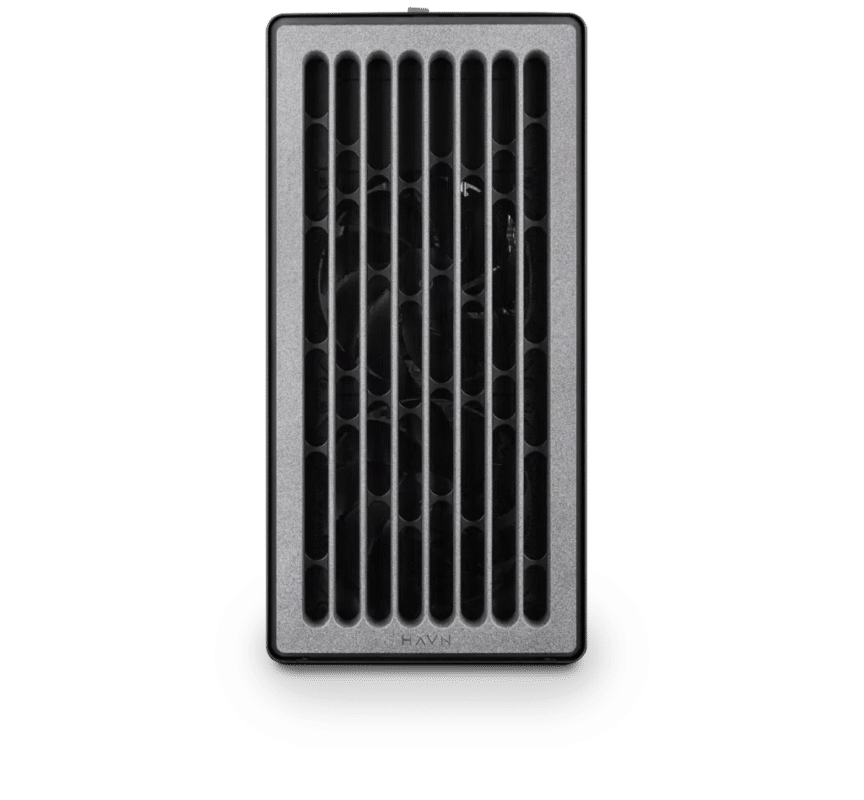
Notch – Standard
Electron · NVIDIA RTX PRO 4000 24GB
For a single artist or engineer
- CPU: AMD Ryzen 9 9950X3D
- RAM: 128GB DDR5 6000 2x64GB
- PCIe slots (16x): Nvidia RTX Pro 4000 Blackwell 24GB
- NVMe Storage (Gen 5.0): Samsung 9100 Pro Gen 5 2TB
- Operating System: Microsoft Windows 11 Pro
£9,843.62 inc VAT
£8,203.02 ex VAT
Built to order · dispatched in 4 working days
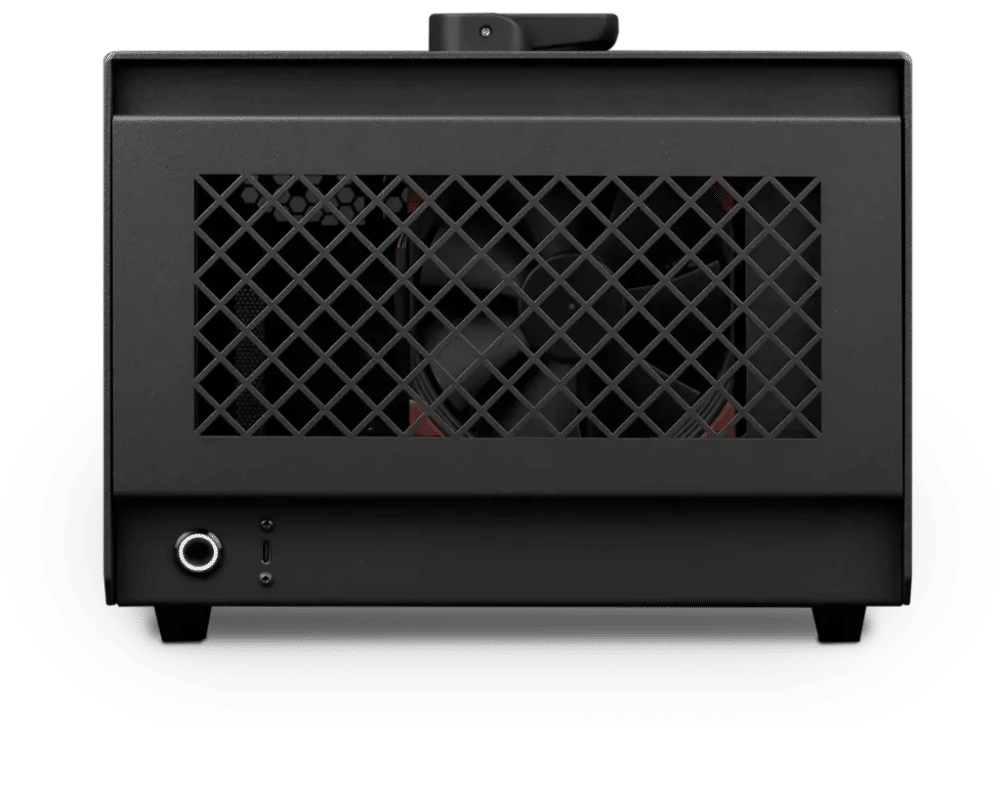
Notch – Heavy
Photon · NVIDIA RTX PRO 4500 32GB
For professionals and freelancers
- CPU: AMD Ryzen 9 9950X3D
- RAM: 128GB DDR5 6000 2x64GB
- PCIe Slot: Nvidia RTX Pro 4500 Blackwell 32GB
- NVMe Storage (Gen 5.0): Samsung 9100 Pro Gen 5 4TB
- Operating System: Microsoft Windows 11 Pro
£11,712.55 inc VAT
£9,760.46 ex VAT
Built to order · dispatched in 3 working days
Notch – Studio
Photon · NVIDIA RTX PRO 5000 Blackwell 48GB
For studios and small teams
- CPU: AMD Ryzen 9 9950X3D
- RAM: 128GB DDR5 6000 2x64GB
- PCIe Slot: Nvidia RTX Pro 5000 Blackwell 48GB
- NVMe Storage (Gen 5.0): Samsung 9100 Pro Gen 5 4TB
- Operating System: Microsoft Windows 11 Pro
£15,030.19 inc VAT
£12,525.16 ex VAT
Built to order · dispatched in 10 working days
Each recommended system is a starting point. Select Customise to add components or change the specification before you order.
Tell us what you need for Notch
Share your output resolution, the Notch features you use and the media servers you work with. We will review the right configuration and confirm availability before you order.
Frequently asked questions
Notch lists at least 4GB for 4K and 12GB for 8K (Notch system requirements). Every configuration here has 16GB or more, and the higher tiers add room for heavier scenes and media.
Notch does not document multi-GPU use, so we do not recommend a second card for it. If you need more outputs or heavier shows, talk to us about your setup.
Notch’s minimum spec includes NVIDIA and AMD cards, but Background Removal, Face Tracking and Body Tracking are NVIDIA-only (Notch system requirements). All configurations here use NVIDIA.
Standard has 24GB of GPU memory, twice Notch’s 12GB figure for 8K. Heavy moves to 32GB with the NVIDIA RTX PRO 4500 32GB in the Photon. Studio moves to the RTX PRO 5000 48GB, a professional card, for the most memory and for setups that may need NVIDIA’s RTX PRO Sync card (PNY RTX PRO Sync).
Yes. Press Customise and the configurator opens with this build already selected. You can change any part except the chassis, such as more storage or more memory, and the price updates as you go.
Talk to someone at Renderboxes
Not sure which build is right? Speak to our team and we will help you choose the right configuration for your work.


Send us an enquiry
Tell us what you are working on and we will recommend a configuration.
Contact us