


Workstations for Adobe After Effects
After Effects rewards fast processor clocks and plenty of memory more than extra GPUs. We size these machines around your compositions and resolution, with one strong NVIDIA card for 3D work.

What matters for Adobe After Effects
- Fast clock speeds, with enough cores for Multi-Frame Rendering
- 128GB of memory for 4K and above
- A fast NVMe drive for the disk cache
- A strong GPU if you use the Advanced 3D Renderer
After Effects still depends on processor clock speed. Multi-Frame Rendering makes extra cores more useful, but a CPU with around 8 cores will be faster than a higher core count or dual CPU setup, and in older versions performance can drop once you pass 32 cores. The GPU matters mainly for 3D and the Advanced 3D Renderer. The NVIDIA RTX PRO 4500 32GB suits most users, with the NVIDIA RTX PRO 5000 48GB adding GPU memory, and there is no benefit from more than one GPU. Memory matters more since the disk cache changes in After Effects 25.2: plan on 64GB for most users and 128GB for 4K and above, plus a fast NVMe cache. So every tier uses one GPU. Standard and Heavy pair a Ryzen 9 9950X3D with 128GB. Studio is the high-memory configuration, with a 24-core Threadripper 9960X and 256GB, staying below 32 cores.
Recommended configurations
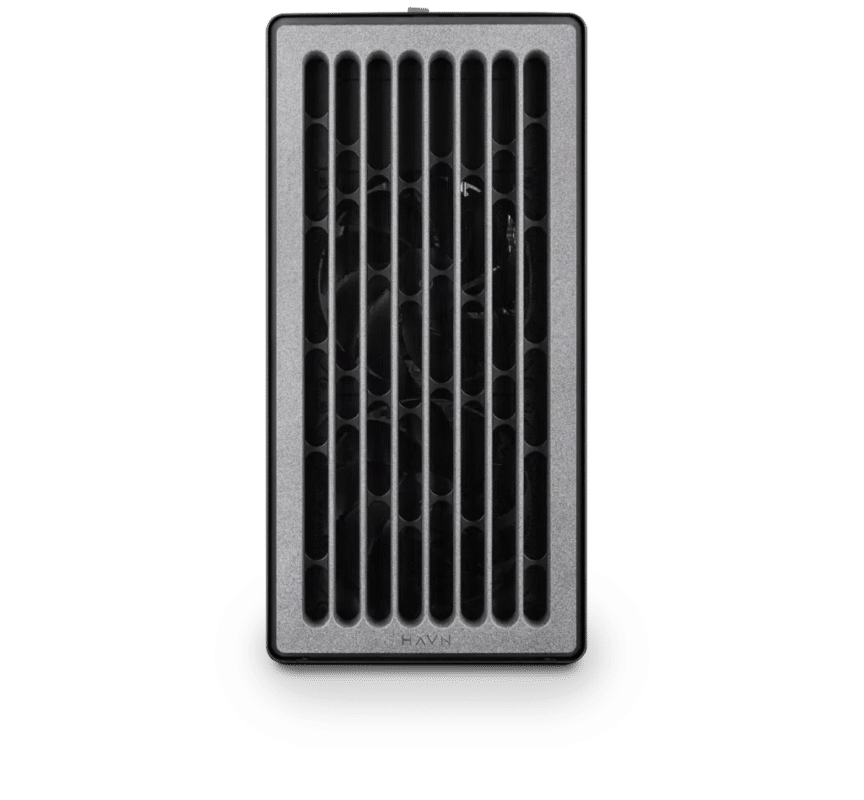
Adobe After Effects – Standard
Electron · NVIDIA RTX PRO 4500 32GB
For a single artist or engineer
- CPU: AMD Ryzen 9 9950X3D
- RAM: 128GB DDR5 6000 2x64GB
- PCIe slots (16x): Nvidia RTX Pro 4500 Blackwell 32GB
- NVMe Storage (Gen 5.0): Samsung 9100 Pro Gen 5 2TB
- Operating System: Microsoft Windows 11 Pro
£11,537.75 inc VAT
£9,614.79 ex VAT
Built to order · dispatched in 4 working days
Adobe After Effects – Heavy
Electron · NVIDIA RTX PRO 5000 48GB
For professionals and freelancers
- CPU: AMD Ryzen 9 9950X3D
- RAM: 128GB DDR5 6000 2x64GB
- PCIe slots (16x): Nvidia RTX Pro 5000 Blackwell 48GB
- NVMe Storage (Gen 5.0): Samsung 9100 Pro Gen 5 4TB
- Operating System: Microsoft Windows 11 Pro
£15,270.19 inc VAT
£12,725.16 ex VAT
Built to order · dispatched in 11 working days
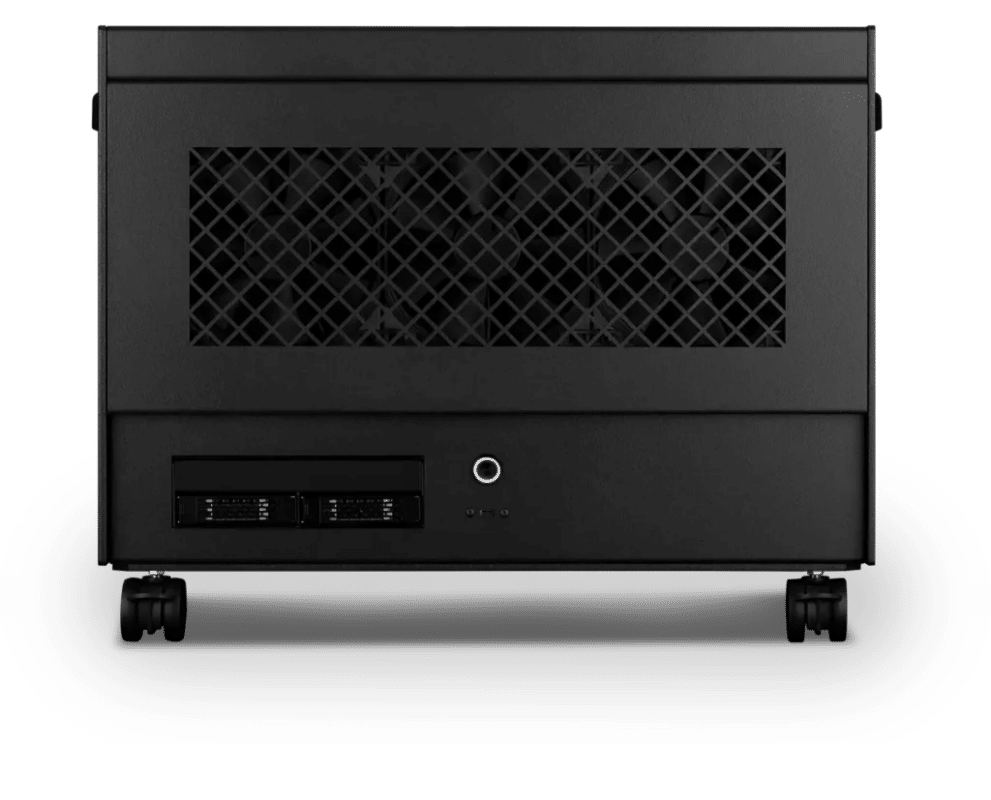
Adobe After Effects – Studio
Atom · NVIDIA RTX PRO 5000 48GB
For studios and small teams
- CPU: AMD Ryzen Threadripper 9960X 24 Core
- RAM: 4 × 64GB RDIMM ECC DDR5 6400
- PCIe slots (16x): Nvidia RTX Pro 5000 Blackwell 48GB
- NVMe M.2 Drives (Gen 5): Samsung 9100 Pro Gen 5 4TB
- Operating System: Microsoft Windows 11 Pro
£27,222.94 inc VAT
£22,685.80 ex VAT
Built to order · dispatched in 11 working days
Each recommended system is a starting point. Select Customise to add components or change the specification before you order.
Tell us what you need for Adobe After Effects
Share your composition sizes, output resolution and how much 3D work you do. We will review the right configuration and confirm availability before you order.
Frequently asked questions
Multiple GPUs bring no benefit in After Effects, so each configuration here has one card.
Clock speed still matters most. An older version of After Effects often lost performance once Multi-Frame Rendering passed 32 cores (2021). Studio uses a 24-core Threadripper 9960X to add memory capacity while staying below that point.
A sensible target is 64GB for most users and 128GB for 4K and above. Adobe recommends 32GB or more for 4K (Adobe). Every configuration here starts at 128GB, and Studio has 256GB.
Standard suits most motion graphics and compositing work. Heavy adds the NVIDIA RTX PRO 5000 48GB, with more GPU memory for 3D and the Advanced 3D Renderer. Studio is for long, high-resolution compositions where 256GB of memory keeps Multi-Frame Rendering fed.
An NVMe cache drive is strongly recommended: a 4K 60fps 32bpc disk cache needs 7,594 MB/s. You can add a second NVMe drive for cache when you customise any of these builds.
Talk to someone at Renderboxes
Not sure which build is right? Speak to our team and we will help you choose the right configuration for your work.


Send us an enquiry
Tell us what you are working on and we will recommend a configuration.
Contact us