Chat for everyone
Every employee, one private assistant.
Give the whole company private AI chat, each person with their own history.


One machine, the whole company, no per-seat fees. Serve private AI to every team from a server you own, with RBOS Studio ready on day one. Renderboxes can help you put powerful local AI compute to work.
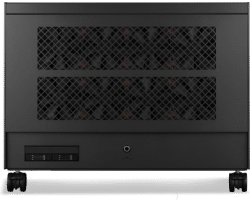
Every employee, one private assistant.
Give the whole company private AI chat, each person with their own history.
One private endpoint for your software.
Connect your own tools and applications to models served from your machine.
The right model for each job.
Run a fast everyday model, a flagship and specialist models side by side.
Access you control.
Admins decide which teams can use which models, tools and knowledge.
Automate the routine.
Agentic AI workflows that read, write and act on your files, inside your network.
Fixed cost, unlimited use.
Add people without adding subscriptions, on hardware you own.
Local AI capabilities, model support and performance vary by model, configuration, software and workload.

We can help you build AI workflows that protect your business.
PREDICTABLE COSTS FOR THE WHOLE TEAM
Replace per-seat AI subscriptions and usage-based token fees with a fixed cost for on-premises compute your whole team can share. Workflows can be set up to check your own knowledge before a paid cloud call, and any cloud use can be capped, with a kill switch that you control.

Skip the weeks of set-up. RBOS and RBOS Studio can come preloaded, configured and tested together, so your team starts on the work, not the software.
We can set up, test and support popular AI software on your machine before it ships, including:
vLLM · SGLang · Ollama · llama.cpp · Open WebUI · OpenAI-compatible API
Using something else? Tell us and we will help you make it work.
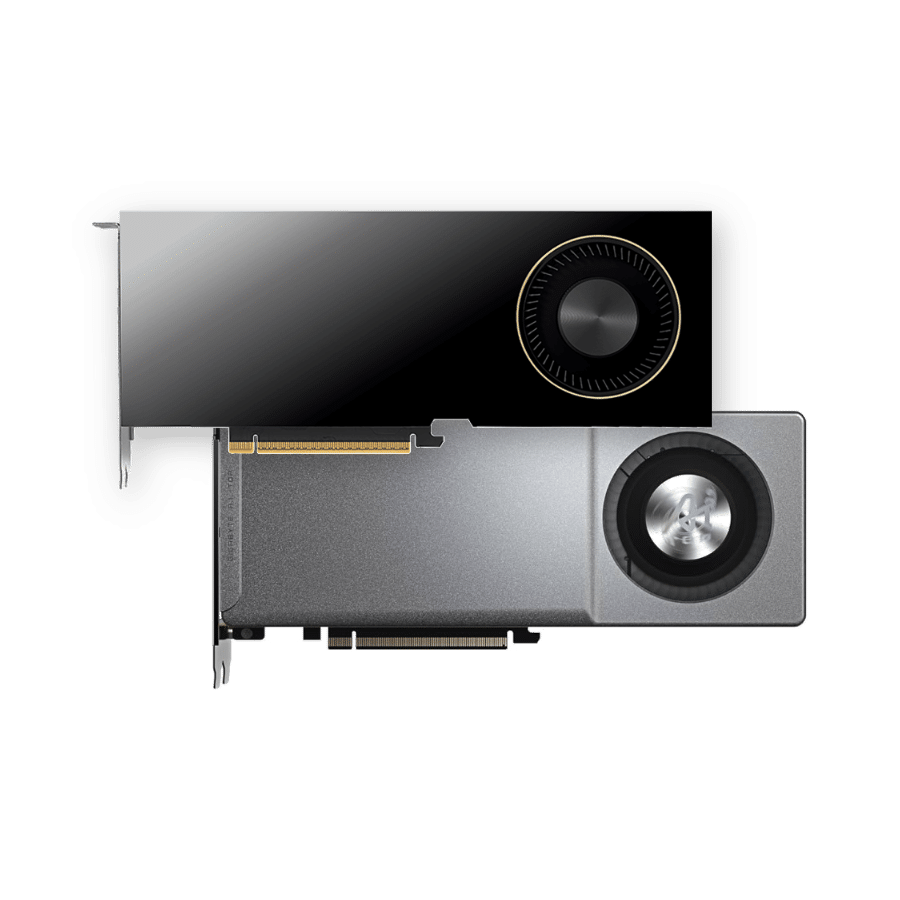
We build private AI systems on AMD Radeon AI PRO and NVIDIA RTX PRO Blackwell GPUs, and RBOS sets up either, or both in one machine.

Nano Pro · 4x AMD Radeon AI PRO R9700 32GB
128GB VRAM across 4 GPUs, for a small team.
£44,268.58 inc VAT
£36,890.49 ex VAT
Built to order · dispatched in 10 working days

Atom · 2x NVIDIA RTX PRO 6000 Max-Q 96GB
192GB VRAM across 2 GPUs, for a small team.
£68,450.43 inc VAT
£57,042.04 ex VAT
Built to order · dispatched in 11 working days

Molecule Air · 8x NVIDIA RTX PRO 6000 Max-Q 96GB
768GB VRAM across 8 GPUs, for the whole team.
£238,270.22 inc VAT
£198,558.61 ex VAT
Built to order · dispatched in 14 working days
Molecule Air · 8x AMD Radeon AI PRO R9700 32GB
256GB VRAM across 8 GPUs, for the whole team.
£91,103.82 inc VAT
£75,919.86 ex VAT
Built to order · dispatched in 12 working days
Each recommended system is a starting point. Select Customise to add components or change the specification before you order.


The Atom: 2× the GPUs and VRAM of a Photon4, for a team getting started with private AI.
Explore
The Nano Pro: 4× a Photon, desk-side, for heavier models and more people at once.
Explore
The Molecule Air: 8× a Photon, for whole-company AI, agents and fine-tuning.
Explore
Yes. Admins decide who can use which models, tools and knowledge, and on NVIDIA builds each GPU can be split into isolated slices for separate services.
No. RBOS Studio runs in a browser, and Runbooks guide you through set-up step by step. We can also set the machine up for your workflows before it ships.
Not unless you choose to. Everyday work runs on the machine. If you use a cloud model for harder tasks, personal and confidential details can be masked before anything is sent.
It can. You could keep the machine for private and everyday work and use a cloud model only for the hardest tasks, with spending capped. We can help you set that up.
That depends on your workflows and how heavily they are used. Tell us about your team and we will size the machine for it.
AMD gives you more GPUs for the money and suits several everyday models running at once. NVIDIA gives the most VRAM per card, for flagship models and the longest documents.
Yes. We keep developing new workflows, and if you need one we do not list, talk to us and we will help you make it work.
Yes. Select Customise and the configurator opens with this build already selected.
Tell us how many people and teams will use the server, what they want to do with it and where it will sit, and we will recommend the right build.
Not sure which build is right? Speak to our team and we will help you choose the right configuration for your work.


Tell us what you are working on and we will recommend a configuration.
Contact us
