


Workstations for SOLIDWORKS
SOLIDWORKS rewards turbo clock speed over core count, and it expects a certified professional graphics card. We size these machines around both.

What matters for SOLIDWORKS
- High turbo clock speed rather than more cores
- A professional graphics card on the SOLIDWORKS certified list
- 32GB to 128GB of memory depending on assembly size
- More cores only if you run Flow Simulation
- A second GPU only if you render in SOLIDWORKS Visualize
For SOLIDWORKS 2026, Javelin finds turbo boost speed more important than core count and recommends Intel Core Ultra 7 and 9 200 series processors (Javelin). Only Flow Simulation benefited significantly from more cores: 32 and 64-core Threadripper 9000 processors gave 15 to 25% faster solve times, at much higher cost. Dassault asks for 16GB of memory at minimum and 32GB recommended (SOLIDWORKS system requirements), while Javelin suggests 32GB to 128GB by workload, with ECC memory for long simulations. Certified graphics cards and drivers are required, and Javelin discourages GeForce cards. SOLIDWORKS Visualize is the only part that uses more than one GPU, where a second card roughly halves render time (Javelin). So the range starts with a high-clock Ryzen and an RTX PRO 2000, then moves to the Core Ultra 9 285K with RTX PRO 4000 and 4500 cards and up to 256GB. Team adds a 32-core Threadripper and two RTX PRO 4500 cards for Flow Simulation and Visualize. Core modelling gains nothing beyond Heavy.
Recommended configurations
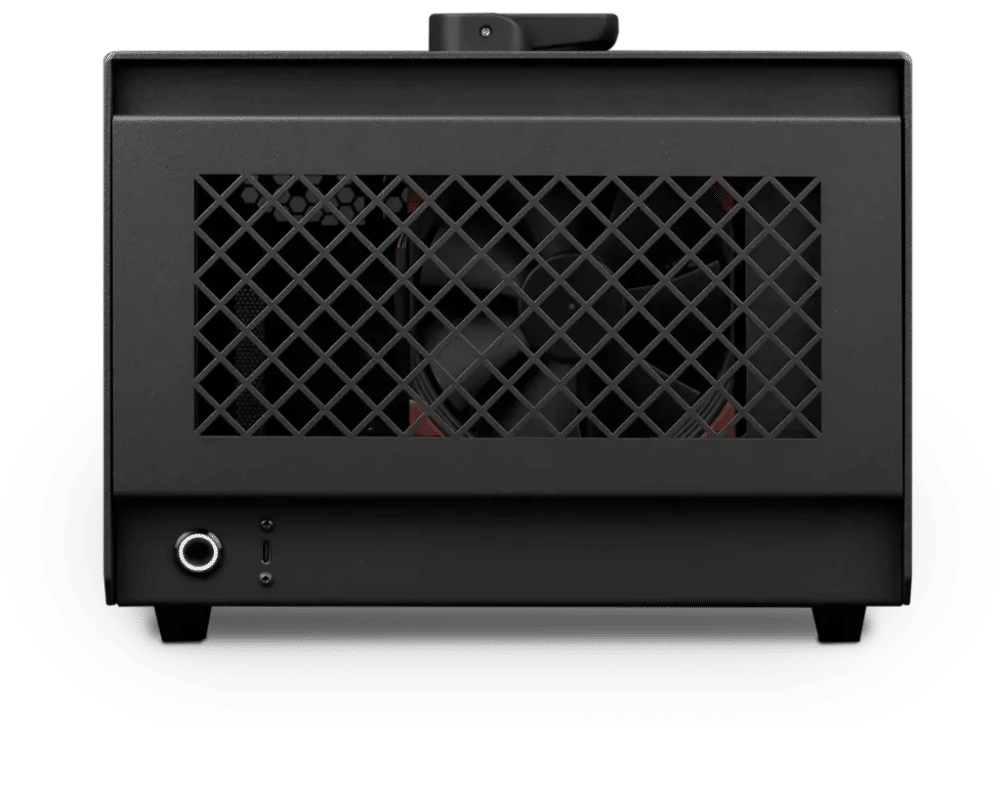
SOLIDWORKS – Standard
Photon · NVIDIA RTX PRO 2000 16GB
For a single artist or engineer
- CPU: AMD Ryzen 9 9950X3D
- RAM: 64GB UDIMM ECC DDR5 5600Mhz
- PCIe Slot: Nvidia RTX Pro 2000 Blackwell 16GB
- NVMe Storage (Gen 5.0): Samsung 9100 Pro Gen 5 2TB
- Operating System: Microsoft Windows 11 Pro
£5,653.62 inc VAT
£4,711.35 ex VAT
Built to order · dispatched in 3 working days
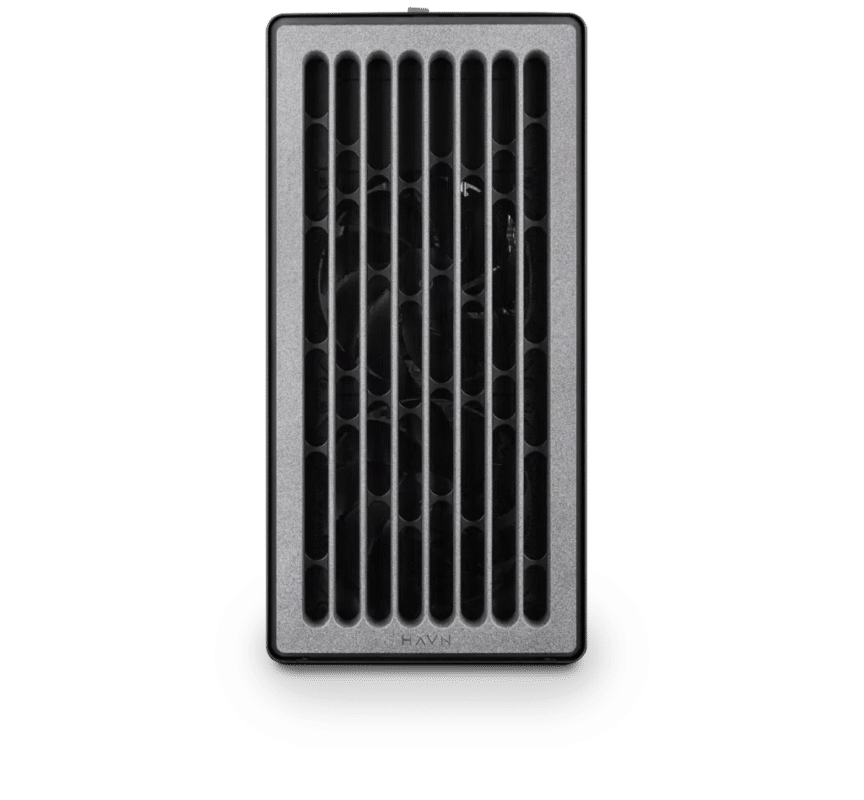
SOLIDWORKS – Heavy
Electron · NVIDIA RTX PRO 4000 24GB
For professionals and freelancers
- CPU: Intel Core Ultra 9 285K
- RAM: 128GB DDR5 6000 2x64GB
- PCIe slots (16x): Nvidia RTX Pro 4000 Blackwell 24GB
- NVMe Storage (Gen 5.0): Samsung 9100 Pro Gen 5 2TB
- Operating System: Microsoft Windows 11 Pro
£9,760.29 inc VAT
£8,133.58 ex VAT
Built to order · dispatched in 5 working days
SOLIDWORKS – Studio
Electron · NVIDIA RTX PRO 4500 32GB
For studios and small teams
- CPU: Intel Core Ultra 9 285K
- RAM: 256GB DDR5 6000 4x64GB
- PCIe slots (16x): Nvidia RTX Pro 4500 Blackwell 32GB
- NVMe Storage (Gen 5.0): Samsung 9100 Pro Gen 5 4TB
- Operating System: Microsoft Windows 11 Pro
£15,446.42 inc VAT
£12,872.02 ex VAT
Built to order · dispatched in 5 working days
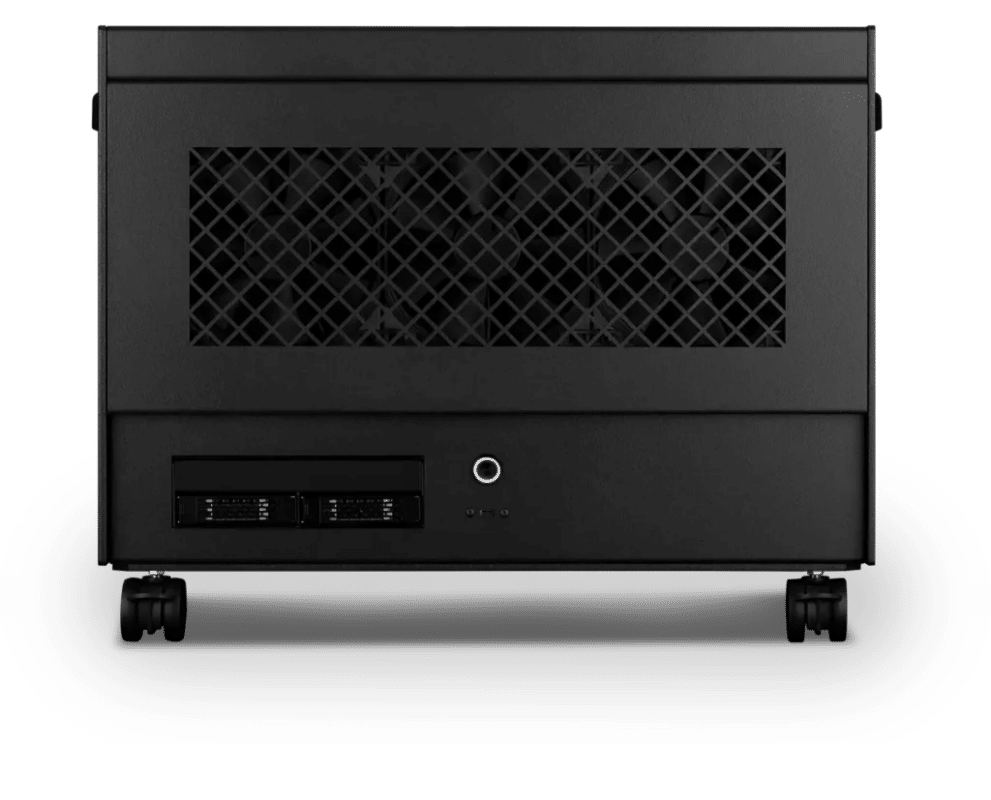
SOLIDWORKS – Team
Atom · 2× NVIDIA RTX PRO 4500 32GB
For large teams and enterprise
- CPU: AMD Ryzen Threadripper 9970X 32 Core
- RAM: 4 × 64GB RDIMM ECC DDR5 6400
- PCIe slots (16x): 2 × Nvidia RTX Pro 4500 Blackwell 32GB
- NVMe M.2 Drives (Gen 5): Samsung 9100 Pro Gen 5 4TB
- Operating System: Microsoft Windows 11 Pro
£29,327.79 inc VAT
£24,439.84 ex VAT
Built to order · dispatched in 4 working days
Each recommended system is a starting point. Select Customise to add components or change the specification before you order.
Tell us what you need for SOLIDWORKS
Share your SOLIDWORKS version, the size of your assemblies, whether you use Simulation, Flow Simulation or Visualize, and what slows you down. We will review the right configuration and confirm availability before you order.
Frequently asked questions
SOLIDWORKS requires certified cards and drivers (SOLIDWORKS system requirements). The certification database lists the RTX PRO 2000, 4000, 4500, 5000 and 6000 Blackwell cards, but certification is set per SOLIDWORKS version (SOLIDWORKS hardware certification). Tell us your version and we will check the live list before you order.
Choose by GPU memory and budget. Standard uses the NVIDIA RTX PRO 2000 16GB, Heavy the NVIDIA RTX PRO 4000 24GB and Studio the NVIDIA RTX PRO 4500 32GB, so each step adds memory for larger models at a higher cost. Check your card and driver in the SOLIDWORKS certification database (SOLIDWORKS hardware certification); Javelin also recommends professional cards over gaming cards (Javelin).
Only for Flow Simulation. Javelin found that only Flow Simulation benefited significantly from more cores, with 32 and 64-core Threadripper 9000 processors giving 15 to 25% faster solve times at much higher cost (Javelin). For modelling, turbo clock speed matters more.
Standard suits students and part modelling. Heavy suits most professional CAD work, with a high-clock Core Ultra 9 and 128GB. Studio adds 256GB and a 32GB card for large assemblies, Simulation and Visualize. Team is for Flow Simulation specialists and heavy Visualize users.
No. SOLIDWORKS 2026 is supported only on Windows 11 (Javelin; SOLIDWORKS system requirements). Our configurations ship with Windows 11 Pro.
Talk to someone at Renderboxes
Not sure which build is right? Speak to our team and we will help you choose the right configuration for your work.


Send us an enquiry
Tell us what you are working on and we will recommend a configuration.
Contact us