Processor
Processes every row of every frame; by default Nuke uses all of the processor's threads.
Foundry's developer guide describes the Viewer running one thread per core, each processing a row of the image.
Matters most




Nuke processes images row by row across every processor thread, while the GPU runs accelerated nodes and CopyCat training. We build, set up and test each system around your scripts, plates and plug-ins.
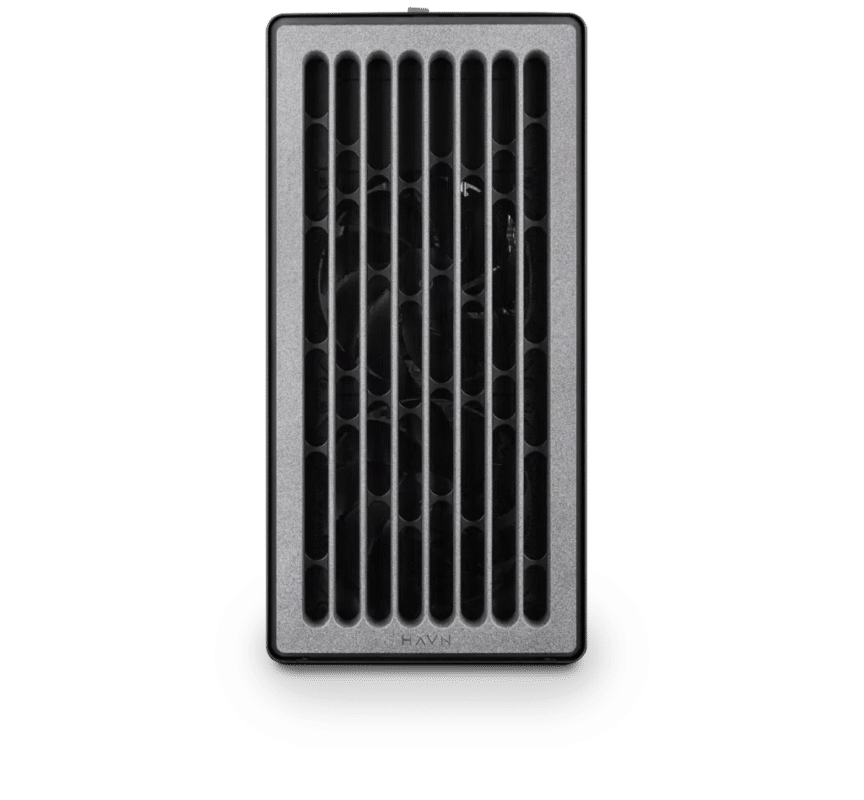
Electron · NVIDIA RTX PRO 4500 32GB
Most compositing on one machine: desktop processor, 32GB card and 128GB of memory.
£13,115 inc VAT
Built to order · build time 5–7 working days1
Electron · NVIDIA RTX PRO 5000 48GB
Heavier GPU nodes and CopyCat training. Half as much again GPU memory as Standard, same processor and 128GB.²
£16,435 inc VAT
Built to order · build time 5–7 working days1
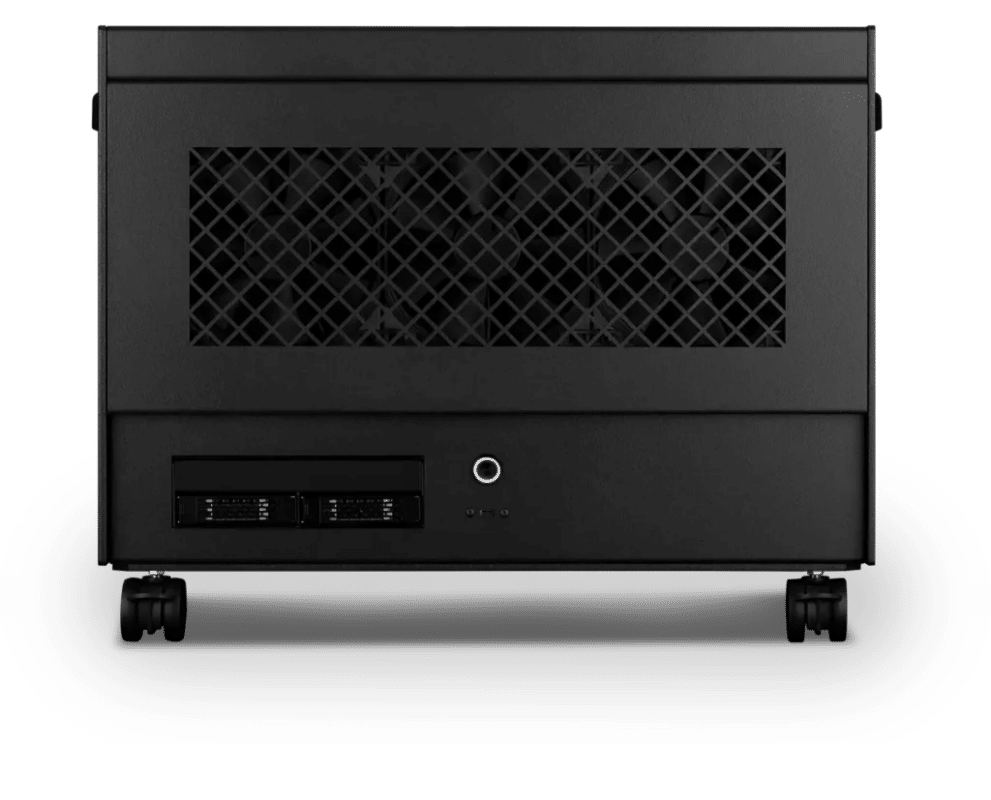
Atom · NVIDIA RTX PRO 5000 Blackwell 48GB
Long or high-resolution shots and local rendering. Workstation processor and 256GB, twice the memory of Standard.²
£28,875 inc VAT
Built to order · build time 7–10 working days1
Each recommended system is a starting point. Select Customise to add components or change the specification before you order.
1 Working days, when all parts are in stock. If a part is delayed, we confirm your dispatch date before your order goes ahead.

Nuke from Foundry is a node-based compositing tool at the heart of the Nuke family. You build a script from nodes: read in plates and CG render passes, key, roto, track, grade and merge them, then write out finished frames. NukeX adds advanced plug-ins for 3D camera tracking, clean-up and corrections, and Nuke Studio adds a multi-track editorial timeline, conform and review.
Nuke stores channel data as 32-bit floats and processes images a row at a time, with the Viewer running one thread per processor core. By default it uses all of the processor's threads. GPU-accelerated nodes such as ZDefocus and Kronos, and CopyCat machine learning training, run on the GPU.
Nuke is a trademark of The Foundry Visionmongers Ltd. Renderboxes is not affiliated with or endorsed by Foundry.
Every operation is a node in the script, from reading plates to writing finished frames.
Multichannel workflows, deep compositing, OpenEXR, OpenColorIO and ACES, with a Python API and C++ SDK.
CopyCat learns an effect such as garbage matting or a beauty repair from a few frames and applies it to the whole sequence.

Frames are pulled through the node tree a row at a time, spread across processor threads. GPU-accelerated nodes and CopyCat training load the graphics card.
Plates and CG render passes are read, often as multichannel OpenEXR. If a remote server slows things down, Nuke can cache files locally.
Keys, roto shapes and paint isolate the elements, with each frame processed row by row across the processor's threads.
In NukeX, 3D camera tracking places CG and set extensions in the plate.
Nodes such as ZDefocus, Convolve, Kronos and MotionBlur run on the GPU. ZDefocus and Convolve can use every identical GPU in the machine.
CopyCat trains a network from a few frames, sizing its batches to the free GPU memory by default. An Inference node then applies it to the shot.
Finished frames are written back out, typically as OpenEXR for the rest of the pipeline.
Processes every row of every frame; by default Nuke uses all of the processor's threads.
Foundry's developer guide describes the Viewer running one thread per core, each processing a row of the image.
Matters most
Holds images and caches while you work on a script.
Foundry publishes no minimum; its tested workstations are listed with 128GB, and it recommends more RAM for demanding workloads.¹ Standard and Heavy have 128GB and Studio 256GB.
Matters a lot
Runs GPU-accelerated nodes and CopyCat training.
Foundry requires an NVIDIA GPU with drivers for CUDA 12.8 or later. CopyCat training needs compute capability 3.5 or above, and sets its batch size from free GPU memory.
Matters a lot
Plates and render passes are read constantly during a comp.
Loading files from a remote server can slow processing, so Nuke can cache files on a local drive.
Matters
Foundry supports two identical GPUs: ZDefocus and Convolve use any number, Kronos and MotionBlur two, other GPU nodes one.
Each build has one card. The Atom in the Studio build takes a second identical card for CopyCat training or multi-GPU nodes.
Matters
Combining CG, plates and effects into final shots.
Nuke spreads each frame across all of the processor's threads.
Pulling mattes from green screen and difficult footage.
CopyCat can learn garbage mattes from a few frames and apply them to the rest.
Rig removal, wire removal and beauty work.
CopyCat can learn beauty repairs and deblurring from example frames.
Comping multichannel and deep render passes.
Deep compositing tools reduce the need to re-render CG elements.
Placing CG and set extensions with 3D camera tracks.
NukeX adds advanced plug-ins for 3D camera tracking.
Nuke Studio timelines for conforming shots and review.
Nuke Studio conforms from AAF, XML and EDLs on a multi-track timeline.
Foundry supports multi-GPU processing with two identical GPUs, and only some GPU-accelerated nodes benefit.³ 1. Foundry's published tested configurations and Renderboxes sizing, not a minimum requirement. Actual use depends on resolution, channels and script size. 2. Comparisons are of GPU memory or system memory between Renderboxes builds, not speed. 3. Foundry support article Q100485. Foundry tests multi-GPU setups with two identical GPUs only.
| GPUs used | Foundry's note | |
|---|---|---|
| ZDefocus and Convolve | Any number | Work with any number of GPUs |
| MotionBlur, Kronos, OFlow and VectorGenerator | Two | Can use two GPUs |
| VectorBlur, SmartVector, VectorDistort and CaraVR | One | No gain from a second GPU |
| CopyCat training | More than one | One network across GPUs, or one model per GPU |
| Inference and Cattery models | One | No multi-GPU gain |
| Nodes without GPU acceleration | None | No difference from extra GPUs |
Share your Nuke version, typical script size, plug-ins and output resolution. We will review the right configuration and confirm availability before you order.
CopyCat is Nuke's machine learning node. It learns a sequence-specific effect, such as garbage matting, beauty repairs or deblurring, from a few frames and trains a network to apply it to the whole sequence. Training needs an NVIDIA GPU with compute capability 3.5 or above, and by default the batch size is set from the available GPU memory.
Nuke is the node-based compositor at the heart of the family. NukeX adds advanced plug-ins for 3D camera tracking, clean-up and corrections. Nuke Studio adds a multi-track editorial timeline, conform from AAF, XML and EDLs, and review.
Yes. Foundry says CopyCat can use more than one GPU to train a single network, or run a separate training session on each GPU. The gain does not apply to Cattery models or Inference. Each build here has one card; the Studio build's Atom takes a second identical card.
It helps. Foundry notes that loading files from a remote server can slow processing, and Nuke can cache files locally, one at a time or in an automatically managed folder. A fast NVMe drive for that cache keeps playback quick.
Some nodes do. Foundry supports multi-GPU processing with two identical GPUs: ZDefocus and Convolve can use any number, MotionBlur, Kronos, OFlow and VectorGenerator use two, and other GPU nodes use one. CopyCat can also train across GPUs. Each configuration here has one card; the Studio build's Atom takes a second identical card.
Both matter. By default Nuke uses all of the processor's threads, and its Viewer processes the image a row at a time with one thread per core, so every core works on each frame. Tell us which plug-ins you use and we will match the processor to them.
Foundry does not publish a minimum. Its tested workstations are listed with 128GB, and it recommends more RAM for more demanding workloads. Standard and Heavy have 128GB; Studio has 256GB.
Standard suits most compositing on one machine. Heavy adds the NVIDIA RTX PRO 5000 48GB for heavier GPU nodes and CopyCat training. Studio adds a workstation processor and 256GB for long or high-resolution shots, with a 48GB card.
Foundry lists Rocky Linux 9, Windows 11 and macOS 15 and 26 (Foundry requirements). These configurations ship with Windows 11 Pro. Tell us if you need Linux.
Not sure which build is right? Speak to our team and we will help you choose the right configuration for your work.


Tell us what you are working on and we will recommend a configuration.
Contact us

Offline · Mon–Fri, 9am–5pm UK
Our engineers are online. Ask about a build, a quote or an order and we will answer here.