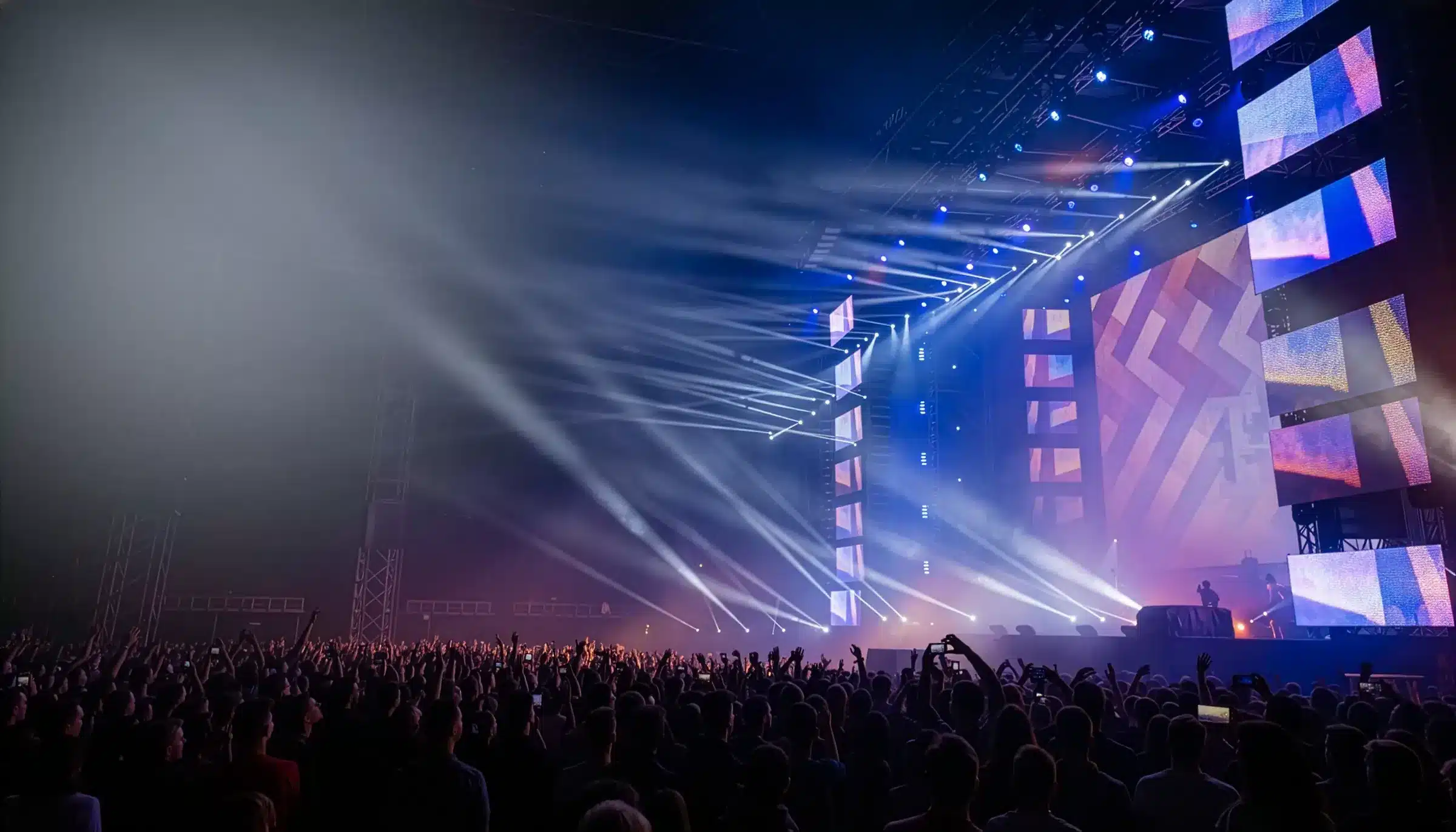
Towering LED screens and projection-mapped scenery, light beams sweeping over a crowd seen from behind

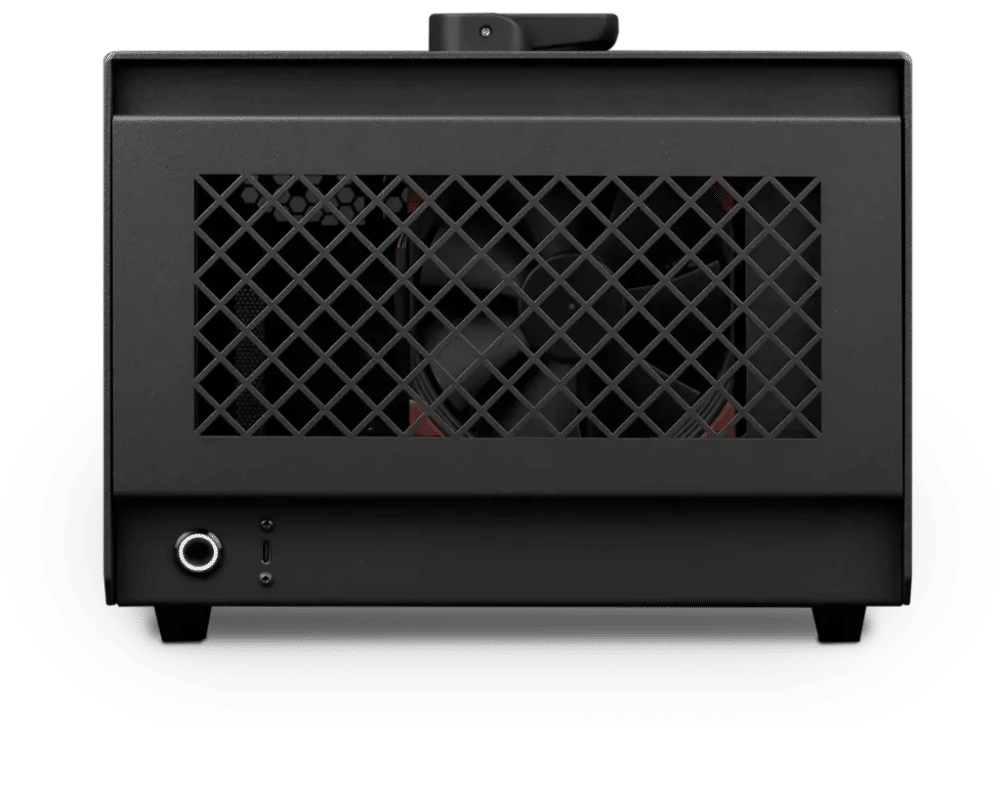
Disguise workstations for the X Series

Renderboxes is a Disguise-recommended hardware partner for the X Series. Every Photon below runs Disguise X1, X2 and X3 on a single GPU, with room for a capture card and genlock.

Chat with our team

Recommended configurations

Renderboxes Photon Workstation Disguise-recommended machine
Standard

Disguise – Standard

Photon · NVIDIA RTX PRO 4000 24GB

X1 shows, playback-led content and smaller canvases: a 24GB professional card, with room for a capture card and genlock.

  • Motherboard: Supermicro H13SAE-MF (3 × PCIe slots, IPMI)
  • CPU: AMD Ryzen 9 9950X3D
  • RAM: 128GB DDR5 5600MT/s (2x64GB)
  • PCIe 2 (x16): NVIDIA RTX PRO 4000 Blackwell 24GB
  • Slot 3 (bracket only): NVIDIA RTX PRO Sync
  • NVMe Storage (Gen 5.0): M.2 NVMe Gen 5 2TB
  • Operating System: Windows 11 IoT Enterprise for Disguise

£10,285 inc VAT

Built to order · build time 5–7 working days1

Renderboxes Photon Workstation
Heavy

Disguise – Heavy

Photon · NVIDIA RTX PRO 4500 32GB

Busier timelines and more layers across X2 and X3 outputs: a 32GB card. A third more GPU memory than Standard.²

  • Motherboard: Supermicro H13SAE-MF (3 × PCIe slots, IPMI)
  • CPU: AMD Ryzen 9 9950X3D
  • RAM: 128GB DDR5 5600MT/s (2x64GB)
  • PCIe 2 (x16): NVIDIA RTX PRO 4500 Blackwell 32GB
  • Slot 3 (bracket only): NVIDIA RTX PRO Sync
  • PCIe 4 (x8): DELTACAST DELTA-12G2c-hmi10-elp
  • NVMe Storage (Gen 5.0): M.2 NVMe Gen 5 4TB
  • Operating System: Windows 11 IoT Enterprise for Disguise

£16,795 inc VAT

Built to order · build time 5–7 working days1

Renderboxes Photon Workstation
Studio

Disguise – Studio

Photon · NVIDIA RTX PRO 5000 Blackwell 48GB

Heavy media and generative layers alongside playback: a 48GB card and a second NVMe drive. Twice the GPU memory of Standard.²

  • Motherboard: Supermicro H13SAE-MF (3 × PCIe slots, IPMI)
  • CPU: AMD Ryzen 9 9950X3D2
  • RAM: 128GB DDR5 5600MT/s (2x64GB)
  • PCIe 2 (x16): NVIDIA RTX PRO 5000 Blackwell 48GB
  • Slot 3 (bracket only): NVIDIA RTX PRO Sync
  • PCIe 4 (x8): DELTACAST DELTA-12G2c-hmi10-elp
  • NVMe Storage (Gen 5.0): M.2 NVMe Gen 5 4TB
  • NVMe Storage (Gen 4.0): M.2 NVMe Gen 4 4TB
  • Operating System: Windows 11 IoT Enterprise for Disguise

£21,195 inc VAT

Built to order · build time 5–7 working days1

Renderboxes Photon Workstation
Team

Disguise – Team

Photon · NVIDIA RTX PRO 6000 Blackwell Max-Q 96GB

The largest canvases and real-time content: a 96GB card, 256GB of system memory and a second NVMe drive. Twice the GPU memory of Studio.²

  • Motherboard: Supermicro H13SAE-MF (3 × PCIe slots, IPMI)
  • CPU: AMD Ryzen 9 9950X3D2
  • RAM: 256GB DDR5 5600MT/s (4x64GB)
  • PCIe 2 (x16): NVIDIA RTX PRO 6000 Blackwell Max-Q 96GB
  • Slot 3 (bracket only): NVIDIA RTX PRO Sync
  • PCIe 4 (x8): DELTACAST DELTA-12G2c-hmi10-elp
  • NVMe Storage (Gen 5.0): M.2 NVMe Gen 5 4TB
  • NVMe Storage (Gen 4.0): M.2 NVMe Gen 4 4TB
  • Operating System: Windows 11 IoT Enterprise for Disguise

£31,795 inc VAT

Built to order · build time 5–7 working days1

Each recommended system is a starting point. Select Customise to add components or change the specification before you order.

1 Working days, when all parts are in stock. If a part is delayed, we confirm your dispatch date before your order goes ahead.

Disguise logo

What is Disguise?

Disguise is a platform of software, hardware and cloud tools for real-time and pre-rendered video playback, used for live music, broadcast, theatre, installations, corporate events and virtual production. Its software, Designer, combines a real-time 3D stage visualiser, media playback and a timeline. You model the stage, drop video onto the timeline, play it back onto the stage and get sign-off long before the real stage is built.

The Disguise X Series is a dongle-based software licence that runs Designer on a custom node such as the Photon. X1, X2 and X3 give one, two or three video outputs at 4K DCI, each licence with a dedicated GUI output as well. Through RenderStream, Designer can also bring in live content from Unreal Engine, Unity, Notch and TouchDesigner, rendered on separate render nodes or locally, so pre-made video and real-time content play in the same show.

Disguise is a trademark of Disguise Technologies Limited. Renderboxes is a Disguise-recommended hardware partner for the X Series.

Why productions choose Disguise

  1. See the show before load-in

    The stage visualiser shows every screen from any angle, so content is checked and signed off before the stage is built.

  2. One system for every surface

    LED screens, projection mapping and lighting are brought into a single workflow with timeline-based show control.

  3. Real-time content in the same show

    RenderStream brings in Unreal Engine, Unity, Notch and TouchDesigner alongside playback.

Diagram: Model the stage, then Map content, then Sequence, then Play out, then Live inputs, then Outputs

How a Disguise show runs

From the stage model to genlocked outputs. The highlighted stages are where the GPU plays back and outputs every frame.

  1. Model the stage

    Build or import a 3D model of the set, with every screen, LED surface and projector placed where it really is.

  2. Map content

    Video and stills are mapped onto those surfaces. On site, OmniCal calibrates projectors to the real set using cameras.

  3. Sequence

    Layers and cues are arranged on Designer's timeline, which controls the show.

  4. Play out

    Designer plays the media back onto every output, every frame, from a media drive that Disguise asks to sustain 3GB/s.

  5. Bring in live sources

    Cameras arrive through a capture card or as NDI sources; real-time engines arrive through RenderStream.

  6. Output in sync

    With an NVIDIA sync card and a professional GPU, the outputs lock to the wider video system's genlock reference.

What each part of the machine does for Disguise

GPU and GPU memory

Drives every output from a single card, and holds the media, mapped surfaces and generative layers being played.

Disguise requires NVIDIA RTX or Quadro professional GPUs where genlock is needed, and for NVIDIA Mosaic.¹ More GPU memory leaves headroom for higher resolutions, more layers and real-time content.

Matters most

Media drive

Feeds every layer of high-bitrate video on the timeline.

Disguise asks for a media drive or partition that sustains 3GB/s read and write.¹

Matters a lot

System memory

Holds the show, the media cache and the project alongside the GPU.

Disguise asks for at least 24GB, or twice the GPU memory, whichever is greater.¹

Matters

Processor

Runs Designer and its show control.

Disguise asks for at least 8 cores and 16 threads at 2.5GHz base or more.¹

Matters

Number of GPUs

Disguise does not currently support dual-GPU setups.¹

One X Series licence runs on one machine. For a second machine, Disguise supports one-to-one redundancy, with a second X Series licence as the Understudy.¹

Matters least

What productions use it for

Concert touring

LED and projection content for tours and festivals.

The show is sequenced and signed off before the stage is built.

Theatre

Projection mapping and LED on stage sets.

Timeline-based show control runs the same show every night.

Broadcast and XR

Live TV broadcasts and extended reality.

Outputs lock to studio genlock with an NVIDIA sync card.

Virtual production

LED stages with real-time content through RenderStream.

Playback and engine content are run from one system.

Corporate events and launches

Keynotes, brand product launches and stage screens.

Content is previewed in 3D and signed off before the event.

Installations

Location-based immersive experiences and permanent installations.

One system runs playback, DMX and audio for the show.

X Series licences and Photon options

Licences are bought directly from Disguise. Every build supports all three. The Photon takes its GPU, one capture card and one sync card, and is then full. 1. Disguise's published X Series specification and documentation, not Renderboxes tests. 2. Comparisons are of GPU memory between Renderboxes builds, not speed.

What it adds On the Photon
Disguise X1 One 4K DCI video output, plus a GUI output Every build
Disguise X2 Two 4K DCI video outputs, plus a GUI output Every build
Disguise X3 Three 4K DCI video outputs, plus a GUI output Every build
DELTACAST DELTA-12G2c-hmi10-elp Live video capture Add with Customise
NVIDIA RTX PRO Sync Genlock and frame lock Add with Customise
Dual-port 25GbE network card RenderStream from render nodes Talk to us: no slot remains once capture and sync are fitted

Tell us what you need for Disguise

Tell us about your show: outputs, resolutions, media formats, capture and genlock, and which X Series licence you use. We will review the right configuration and confirm availability before you order.

This field is for validation purposes and should be left unchanged.

Frequently asked questions

Yes. Disguise supports this with an external video signal splitter, or by grouping four GPU outputs into one 3840 x 2160 NVIDIA Mosaic group, which fits within a single licensed output. Mosaic needs Designer r34.1 or later.¹

Genlock locks the Photon's outputs to the wider video system's timing reference. Disguise requires an NVIDIA RTX or Quadro professional GPU and an NVIDIA sync card where genlock is needed, and genlock across outputs only works when all outputs use the same video timings.¹

Yes. Notch layers run directly on X Series licences with a Notch playback licence. Through RenderStream, real-time engines run on validated render nodes or locally, and Disguise recommends a dual-port 25GbE network card for RenderStream.¹ Disguise supports Unreal Engine, Unity and Notch directly; TouchDesigner support is maintained by its developer.

Disguise supports one-to-one redundancy with a second X Series licence in the Understudy role. That licence must offer at least as many video outputs as the main one, so an X2 show needs an X2 or X3 backup.¹

No. Disguise's specification says dual-GPU setups are not currently supported. For more outputs, choose an X2 or X3 licence. Disguise does not let several X Series machines share one show to add outputs; a second machine with its own licence can act as a one-to-one backup in the Understudy role.

Yes. Designer runs on the Photon with a Disguise X1, X2 or X3 licence on a CodeMeter dongle. Licences are bought directly from Disguise. Our Disguise partner page has more detail.

We offer two. Windows 11 IoT Enterprise, configured in conjunction with Disguise, for a Photon used only for Disguise Designer. Or our standard Windows 11 Pro installation, if the Photon also runs other applications. The Disguise builds come with Windows 11 IoT Enterprise; select Customise to change to Windows 11 Pro.

Disguise recommends a 1GbE port for media, a dual-port 25GbE Mellanox ConnectX-5 or ConnectX-6 card for RenderStream, and a media drive that sustains 3GB/s read and write. Tell us if you use RenderStream so we can discuss the network card.

Choose by the GPU memory your content needs. Standard and Heavy, with the NVIDIA RTX PRO 4000 24GB and RTX PRO 4500 32GB, are the starting points. Studio and Team move to 48GB and 96GB cards for heavier content, with the AMD Ryzen 9 9950X3D2 and a second NVMe drive. Every build supports X1, X2 and X3. If you are unsure, tell us about your show and we will recommend one.

X1, X2 and X3 differ in output capacity: one, two or three 4K DCI outputs, each with a GUI output as well. Every build here supports all three. Licences are bought directly from Disguise.

Yes. Select Customise on any build to add a capture card, an NVIDIA RTX PRO Sync card for genlock and frame lock, or both. For a Photon used only for Disguise Designer, choose the DELTACAST DELTA-12G2c-hmi10-elp: Designer has DELTACAST support built in, so there are no drivers to install. If the Photon also runs other applications, choose the Blackmagic DeckLink 8K Pro Mini. The Photon takes one capture card and one sync card alongside its GPU.

Talk to someone at Renderboxes

Not sure which build is right? Speak to our team and we will help you choose the right configuration for your work.

Phone icon

Request a callback

Book a time that suits you and one of our team will call you.

BOOK A CALL
Mail icon

Send us an enquiry

Tell us what you are working on and we will recommend a configuration.

Contact us
Fast response team icon

Customer care phone

Call us for instant support

0800-955-RNDR (7637)

Mon-Fri, 9 AM - 5 PM