A jet engine turbine fan in close-up with coloured airflow streamlines flowing through the blades

Ansys workstations for Mechanical and Fluent

With Ansys, your licences decide how many cores and GPUs a solve can use, and memory bandwidth affects how well it uses them. We size each machine to what you are licensed for, then to the size of your models, on CPU or on the Fluent GPU solver.

Chat with our team

Ansys builds for CPU and GPU solvers

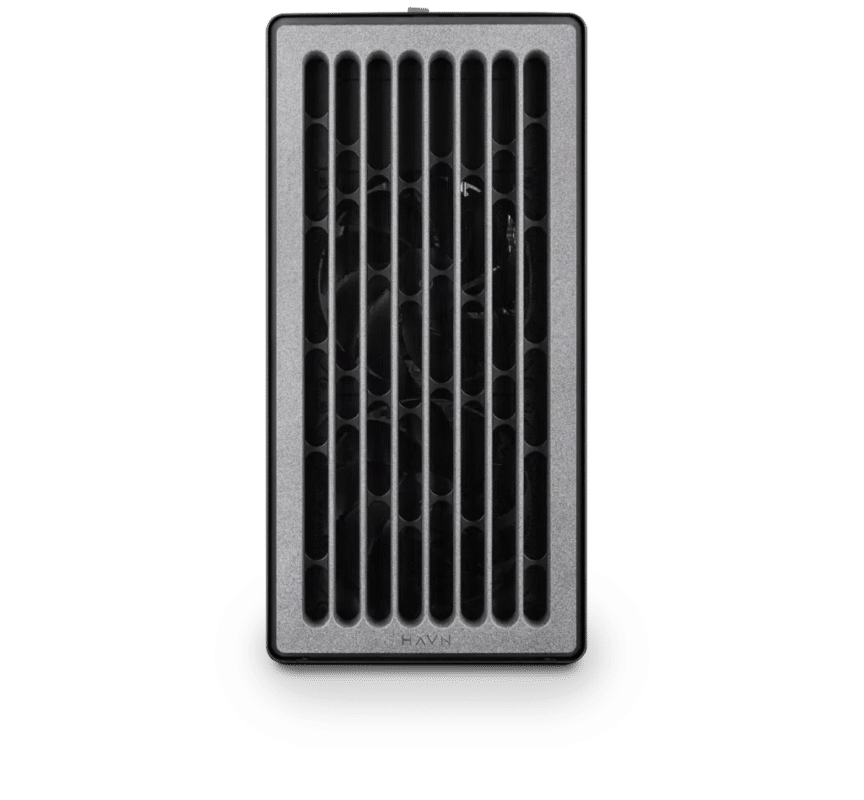
Front on view of Renderboxes Electron Early 2026 Workstation
Standard

Ansys CPU – Standard

Electron · NVIDIA RTX PRO 2000 16GB

For a single artist or engineer

  • CPU: AMD Ryzen 9 9950X3D
  • RAM: 128GB DDR5 5600MT/s (2x64GB)
  • PCIe 1 (x16): NVIDIA RTX PRO 2000 Blackwell 16GB
  • NVMe Storage (Gen 5.0): M.2 NVMe Gen 5 2TB
  • Operating System: Microsoft Windows 11 Pro

£8,065 inc VAT

Built to order · build time 5–7 working days1

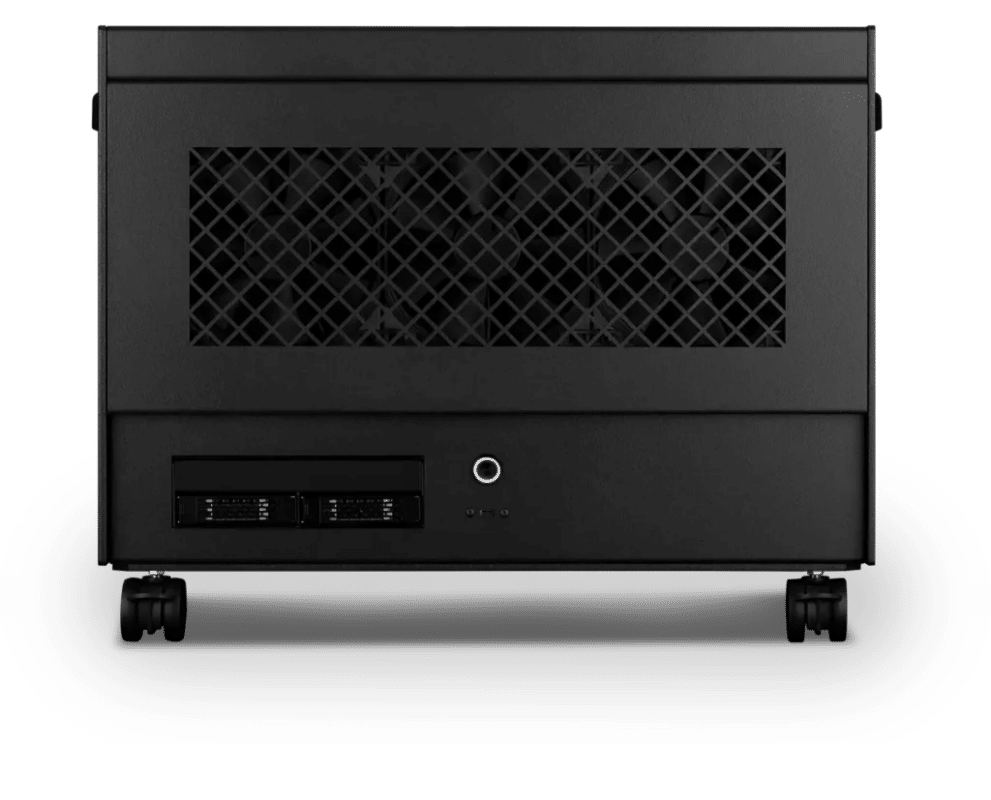
Front on view of Renderboxes Atom Workstation
Heavy

Ansys CPU – Heavy

Atom · NVIDIA RTX PRO 4000 24GB

For professionals and freelancers

  • Motherboard: Gigabyte TRX50 AI TOP (4 × PCIe slots, 10GbE)
  • CPU: AMD Ryzen Threadripper 9960X 24 Core
  • RAM: 4 × 64GB RDIMM ECC DDR5 6400
  • PCIe slots (16x): NVIDIA RTX PRO 4000 Blackwell 24GB
  • NVMe M.2 Drives (Gen 5): M.2 NVMe Gen 5 4TB
  • Operating System: Microsoft Windows 11 Pro

£22,135 inc VAT

Built to order · build time 7–10 working days1

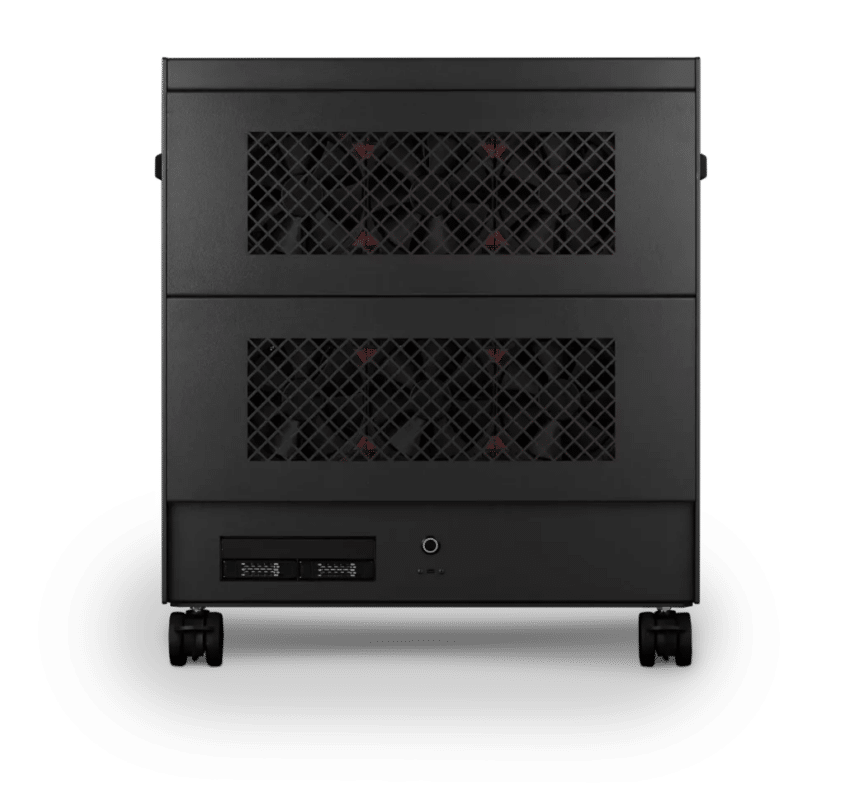
Front on view of Renderboxes Nano Pro 4 GPUs in one workstation
Studio

Ansys Fluent GPU – Studio

Nano Pro · 4× NVIDIA RTX PRO 6000 Max-Q 96GB

For studios and small teams

  • Motherboard: ASUS Pro WS WRX90E-SAGE SE (7 × PCIe slots, IPMI, 10GbE)
  • CPU: AMD Ryzen Threadripper PRO 9975WX 32 Core
  • RAM: 8 × 64GB RDIMM ECC DDR5 6400
  • GPU options: NVIDIA RTX PRO 4500 Blackwell 32GB
  • NVMe M.2 Drives (Gen 5): M.2 NVMe Gen 5 4TB
  • Operating System: Microsoft Windows 11 Pro

£44,815 inc VAT

Built to order · build time about 10–13 working days1

Front view of the Molecule Air Workstation 8 GPUs, built for teams
Team

Ansys Fluent GPU – Team

Molecule Air · 8× NVIDIA RTX PRO 6000 Max-Q 96GB

For large teams and enterprise

  • CPU: AMD EPYC 9575F 64 Core
  • RAM: 24 × 64GB RDIMM ECC DDR5 6400
  • GPU options: NVIDIA RTX PRO 6000 Blackwell Max-Q 96GB
  • NVMe Storage: M.2 NVMe Gen 4 1TB
  • Operating System: Microsoft Windows 11 Pro

£119,735 inc VAT

Built to order · build time 14–21 working days1

Each recommended system is a starting point. Select Customise to add components or change the specification before you order.

1 Working days, when all parts are in stock. If a part is delayed, we confirm your dispatch date before your order goes ahead.

Ansys logo

What is Ansys?

Ansys makes engineering simulation software, now part of Synopsys. Two products cover most workstation use: Ansys Mechanical, a finite element solver for structural, thermal, vibration and fatigue analysis, and Ansys Fluent for computational fluid dynamics (CFD), from aerodynamics to cooling and combustion.

Both work the same way at heart. The geometry is divided into a mesh of elements or cells, the physics is written as equations for each one, and a solver works through them until the answer settles. Mechanical models are measured in degrees of freedom; Fluent models in cells.

Mechanical solves on CPU cores, with a GPU helping some solvers. Fluent solves on CPU cores or, with its native GPU solver, on one or more graphics cards. Which route suits you depends on your licences, your physics and the size of your models.

ANSYS, Fluent and all Ansys product names are trademarks or registered trademarks of ANSYS, Inc. or its subsidiaries. Renderboxes is not affiliated with or endorsed by Ansys or Synopsys.

Why engineers choose Ansys

  1. Validated solvers

    Fluent is backed by extensive validation programmes, with physics models validated against experimental data.

  2. Scales with hardware

    Fluent's GPU solver distributes a model across several cards, in one computer or several, and HPC licences add CPU cores.

  3. Trusted across industries

    Used in automotive, aerospace and energy, from aerodynamics to battery cooling.

Diagram: Geometry, then Mesh, then Set up physics, then Solve, then Post-process

How an Ansys simulation runs

From CAD to results. Meshing and pre-processing run on the processor; the solve runs on CPU cores or, in Fluent's GPU solver, on the graphics cards.

  1. Prepare the geometry

    Import CAD and remove detail the analysis does not need.

  2. Mesh

    Divide the geometry into elements or cells. Finer meshes give more accurate answers and need more memory.

  3. Set up the physics

    Choose materials, loads, boundary conditions and models such as turbulence.

  4. Solve

    The solver works through every cell repeatedly. On CPU, licensed cores and memory bandwidth set the pace. On Fluent's GPU solver, the model must fit in the combined memory of the cards.

  5. Review results

    Plot stresses, velocities and temperatures, and compare design options.

What each part of the machine does for Ansys

Processor cores and memory bandwidth

On CPU, the solve spreads across every licensed core, and each core needs a steady feed of data from memory.

Ansys notes that each additional core needs more memory bandwidth, and that bandwidth has a significant effect on how well a solve scales. More memory channels, every one populated, give more bandwidth.¹

Matters most

System memory

Holds the mesh and solver data. Ansys calls in-core the ideal memory mode for Mechanical's sparse solver.

Out of core, the solver works from disk with a significant loss of performance. With the Fluent GPU solver, Ansys asks for system memory at least equal to total GPU memory.¹

Matters a lot

GPU memory

For the Fluent GPU solver, the combined memory of the cards sets the largest model you can run.

Ansys publishes figures from 1.0GB to 5.6GB per million cells, depending on mesh, precision and solver.¹

Matters a lot

Number of GPUs

The Fluent GPU solver splits a model across several cards, in one computer or several.

Ansys recommends matched cards, as a multi-GPU job is limited by the slowest card and the smallest memory.

Matters for teams

Fast storage

Holds meshes, results files and, when memory runs short, the solver's scratch files.

Ansys recommends solid state drives where a solve has to do a lot of disk work. Fast NVMe drives keep saves, loads and out-of-core solves moving.

Matters

Chart: Single precision, segregated 36GB; Double precision, segregated 57GB; Single precision, coupled 66GB; Double precision, coupled 108GB

GPU memory for a 30-million-cell Fluent model

On the Fluent GPU solver the model must fit in the combined memory of the cards. How much it needs depends on the mesh type, the solver and the precision you choose.

For a 30-million-cell hexahedral mesh, Ansys's figures range from about 36GB in single precision with the segregated solver to about 108GB in double precision with the coupled solver, more than one 96GB card holds.¹

1. Calculated from Ansys's published GPU memory per million hexahedral cells, with two-equation turbulence and energy, not Renderboxes tests. Actual use depends on mesh, physics and settings.

What engineers use it for

Structural analysis

Stress, deflection, vibration and fatigue in Mechanical.

Check strength and life before a prototype is built.

Aerodynamics and internal flow

External aerodynamics, ducts, pumps and valves in Fluent.

Understand pressure drop, lift and drag across design options.

Thermal management

Battery cooling and heat transfer in Fluent, and thermal analysis in Mechanical.

Find hot spots and size cooling before testing.

How Ansys licensing unlocks hardware

Check what you hold before choosing a machine, so you do not pay for cores or GPUs your licence cannot use.³ 1. Ansys's published guidance, not Renderboxes tests. Actual use depends on mesh type, physics, precision and solver settings. 2. Comparisons are of GPU memory or the number of GPUs between Renderboxes builds, not speed. 3. Ansys 2026 R1 licensing guide and Fluent GPU solver buying guide, November 2026; check your licence agreement and version.

What it unlocks Notes
No HPC licence 4 CPU cores Most Ansys applications
Two HPC Packs 36 CPU cores in total Ansys licensing guide example
Fluent GPU solver, included 40 GPU streaming multiprocessors Each additional one uses an HPC licence
CFD HPC Ultimate Unlimited GPU multiprocessors GPU solver from 2025 R1 SP2

Tell us what you need for Ansys

Tell us which Ansys products and version you use, how many HPC Packs or which HPC licence you hold, and the size of your models in degrees of freedom or cells. We will review the right configuration and confirm availability before you order.

This field is for validation purposes and should be left unchanged.

Frequently asked questions

Fluent's GPU solver is licensed by streaming multiprocessors, the processing blocks inside a graphics card. Fluent includes 40, each additional one uses an Ansys HPC licence, and CFD HPC Ultimate gives unlimited multiprocessors. Check the multiprocessor count of the card against your licence before you buy; we can confirm it for any card we offer.

Single precision uses the least memory. Double precision and the coupled solver need noticeably more GPU memory, and the Fluent GPU solver emulates double precision rather than using FP64 cores, so it runs more slowly than single. Tell us which you use and we will size the memory.

Ansys does not recommend it. A multi-GPU job is limited by the slowest card and the smallest memory, so every multi-GPU build here uses matched cards.

Ansys asks for at least as much system memory as the total memory of the graphics cards, and notes that polyhedral meshes may need more. A machine with four 96GB cards therefore needs at least 384GB of system memory.

Most Ansys applications use four cores without HPC licences, and each HPC Pack unlocks more: two HPC Packs enable 36 cores (Ansys HPC licensing). The Fluent GPU solver includes 40 streaming multiprocessors, with more needing HPC licences or unlimited under CFD HPC Ultimate. Tell us what you hold before you choose, so you do not pay for cores you cannot use.

Only for some solvers. Ansys marks the RTX PRO 6000 and RTX PRO 5000 as not recommended for the sparse direct solver, but suitable for the iterative (PCG) and mixed solvers, with at least 16GB of on-card memory recommended (Ansys GPU accelerator requirements). For sparse direct work, spend on CPU, memory bandwidth and memory instead.

Ansys's Fluent GPU solver buying guide lists the NVIDIA RTX PRO Blackwell cards in its specification table and says Blackwell cards should be compatible with CUDA 12.8, though they are not on its tested and recommended list. Double precision is emulated rather than run on FP64 cores, so it is slower than single precision. AMD cards can only be used under Linux (Ansys Fluent GPU buying guide).

On CPU, match the tier to your licences: Standard for four licensed cores, Heavy for one or two HPC Packs, Studio for larger licence counts and models, and Team only with large or unlimited HPC licensing. For the Fluent GPU solver, choose by model size: each tier shows our estimate of the hex-cell count it holds in single precision.

Yes. Ansys runs on Windows and Linux. For 2025 R2, supported Linux versions include Rocky Linux 8.10 and 9.4 and Ubuntu 22.04 and 24.04 (Ansys Linux prerequisites). These configurations ship with Windows 11 Pro; tell us if you need Linux.

Talk to someone at Renderboxes

Not sure which build is right? Speak to our team and we will help you choose the right configuration for your work.

Phone icon

Request a callback

Book a time that suits you and one of our team will call you.

BOOK A CALL
Mail icon

Send us an enquiry

Tell us what you are working on and we will recommend a configuration.

Contact us
Fast response team icon

Customer care phone

Call us for instant support

0800-955-RNDR (7637)

Mon-Fri, 9 AM - 5 PM