


Workstations for Silhouette
Silhouette’s machine learning nodes need a GPU with at least 8GB of memory. We size these machines with plenty of headroom above that, on a fast single-GPU platform.

What matters for Silhouette
- 8GB or more of GPU memory for ML nodes
- An NVIDIA GPU if you run ML nodes on Linux
- At least 16GB of memory; we fit 128GB
- Fast SSD storage
Boris FX recommends 16GB of memory or more, 4GB of GPU memory rising to 8GB or more for ML nodes, and a high-speed disk array or SSD (Boris FX). On Windows, ML nodes need an NVIDIA Pascal or later card or an AMD Radeon PRO; on Linux they need NVIDIA. Boris FX lists multi-processor support but does not document multiple GPUs, and we found no independent benchmarks, so both tiers use one NVIDIA card in an Electron with a Ryzen 9 9950X3D and 128GB. Standard uses the NVIDIA RTX PRO 4500 32GB, four times Boris FX’s figure for ML nodes. Heavy moves to the NVIDIA RTX PRO 5000 48GB for more headroom at high resolution; we have not measured how much faster it is in Silhouette. Both use Samsung 9100 Pro Gen 5 NVMe storage, in line with Boris FX’s high-speed disk guidance. If you need more than this, tell us about your shots before choosing.
Recommended configurations
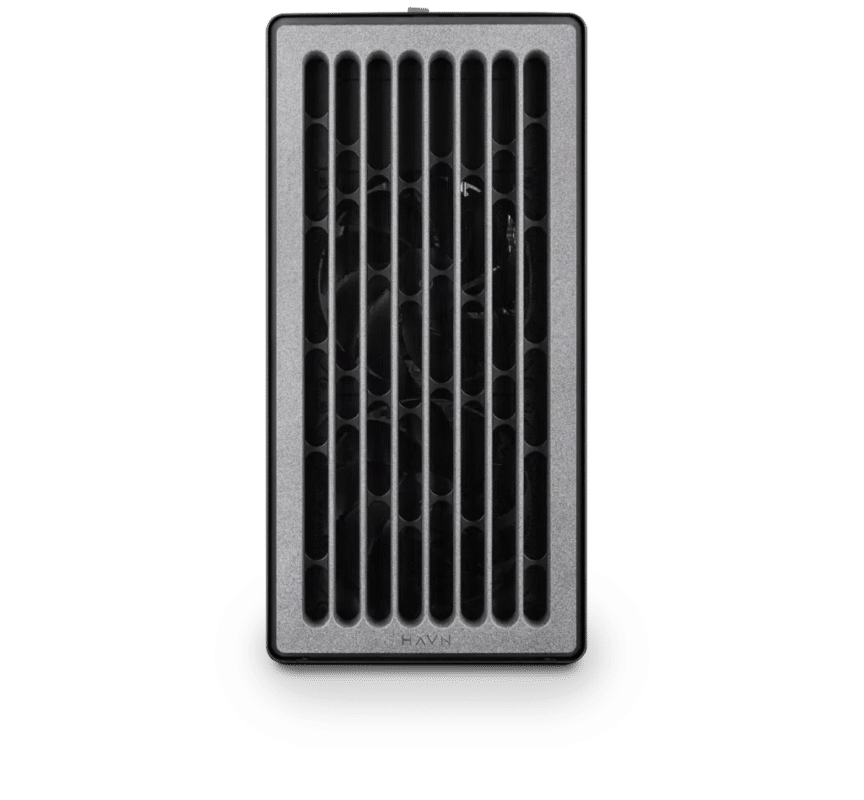
Silhouette – Standard
Electron · NVIDIA RTX PRO 4500 32GB
For a single artist or engineer
- CPU: AMD Ryzen 9 9950X3D
- RAM: 128GB DDR5 6000 2x64GB
- PCIe slots (16x): Nvidia RTX Pro 4500 Blackwell 32GB
- NVMe Storage (Gen 5.0): Samsung 9100 Pro Gen 5 2TB
- Operating System: Microsoft Windows 11 Pro
£11,537.75 inc VAT
£9,614.79 ex VAT
Built to order · dispatched in 4 working days
Silhouette – Heavy
Electron · NVIDIA RTX PRO 5000 48GB
For professionals and freelancers
- CPU: AMD Ryzen 9 9950X3D
- RAM: 128GB DDR5 6000 2x64GB
- PCIe slots (16x): Nvidia RTX Pro 5000 Blackwell 48GB
- NVMe Storage (Gen 5.0): Samsung 9100 Pro Gen 5 4TB
- Operating System: Microsoft Windows 11 Pro
£15,270.19 inc VAT
£12,725.16 ex VAT
Built to order · dispatched in 11 working days
Each recommended system is a starting point. Select Customise to add components or change the specification before you order.
Tell us what you need for Silhouette
Share your Silhouette version, shot resolution and how much you rely on ML nodes. We will review the right configuration and confirm availability before you order.
Frequently asked questions
Boris FX lists 4GB of GPU memory as standard and 8GB or more for ML nodes (Boris FX). Both configurations here have at least 16GB.
Yes, with an NVIDIA GPU. Boris FX says Linux ML nodes need NVIDIA, while Windows also supports AMD Radeon PRO (Boris FX). These configurations ship with Windows 11 Pro; tell us if you need Linux.
Boris FX lists multi-processor support but does not document multiple GPUs (Boris FX), so each configuration here has one card.
Standard suits most roto, paint and ML work. Heavy adds the NVIDIA RTX PRO 5000 48GB for extra GPU memory at high resolution. We have not measured the speed difference in Silhouette, so tell us about your shots if you are unsure.
Yes. Press Customise and the configurator opens with this build already selected. You can change any part except the chassis, such as more storage or more memory, and the price updates as you go.
Talk to someone at Renderboxes
Not sure which build is right? Speak to our team and we will help you choose the right configuration for your work.


Send us an enquiry
Tell us what you are working on and we will recommend a configuration.
Contact us