Processor
Runs import, previews, browsing and every task not handed to the GPU.
Adobe and Capture One require SSE4.2 support, and Capture One recommends four or more cores, with a higher-core processor for 4K displays.
Matters most



Lightroom Classic, Capture One and Photoshop use the GPU for display, editing, AI masking, Denoise and export, and system memory for large files. We build single-GPU Electron workstations with a high-clock AMD processor and the memory to keep large files and two applications open together.
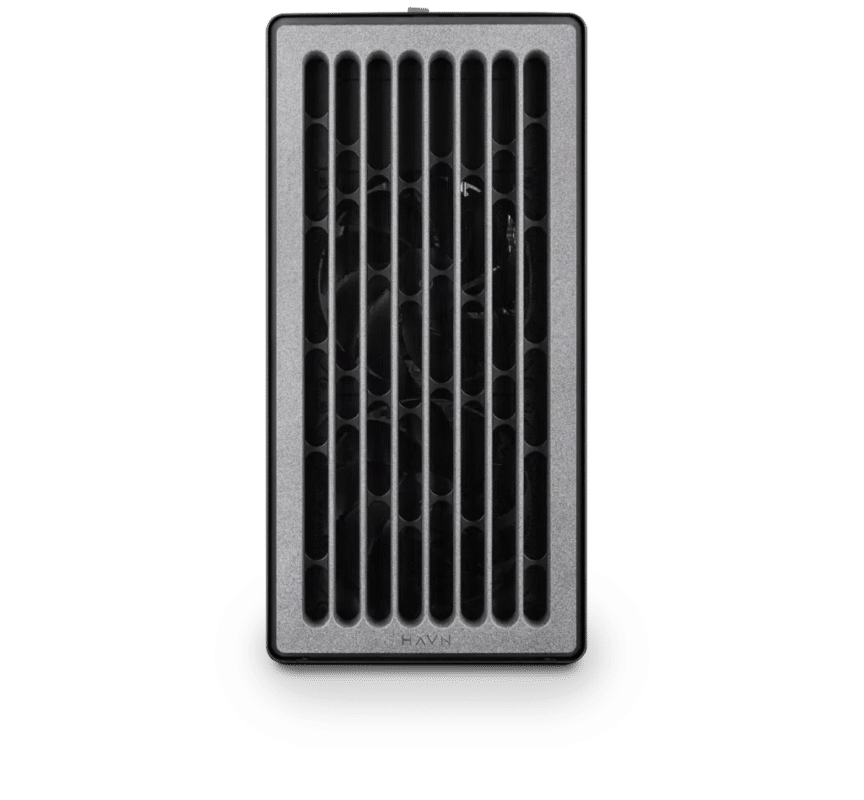
Electron · NVIDIA RTX PRO 4500 32GB
Lightroom Classic or Capture One on their own: a high-clock AMD processor, 64GB and a 32GB card, well above the 8GB Adobe asks for AI features.¹
£9,035 inc VAT
Built to order · build time 5–7 working days1
Electron · NVIDIA RTX PRO 5000 48GB
Lightroom Classic and Photoshop open together, large composites and high-resolution files: twice the system memory of Standard.²
£14,785 inc VAT
Built to order · build time 5–7 working days1
Each recommended system is a starting point. Select Customise to add components or change the specification before you order.
1 Working days, when all parts are in stock. If a part is delayed, we confirm your dispatch date before your order goes ahead.

Lightroom Classic and Capture One are raw processors. They import camera files, keep them organised in a catalogue, and let you adjust exposure, colour and detail without changing the original. Capture One also supports tethered shooting, with images appearing on screen as you shoot. Photoshop handles what comes next: retouching, compositing and pixel-level work in layered files.
Each uses the hardware differently. In Lightroom Classic the GPU speeds up displaying and adjusting images, Select Subject, Select Sky and Enhance Details, and AI features such as Denoise need 8GB of dedicated GPU memory for full acceleration. Capture One gains editing and export performance from more GPU memory and cores. Photoshop uses the GPU for Camera Raw, Neural Filters and many filters, but does not use more than one card.
Adobe, Photoshop and Lightroom are trademarks of Adobe. Capture One is a trademark of Capture One A/S. Renderboxes is not affiliated with or endorsed by Adobe or Capture One.
Every adjustment is stored as instructions, so the original file is never changed and any edit can be undone.
Shoot straight into the computer and check focus, colour and composition on a large screen as you work.
Select Subject, Select Sky and Denoise run with GPU acceleration in Lightroom Classic.

A typical session from shoot to delivery. The processor carries import, previews and retouching; the GPU carries AI tools and image processing.
Files copy from the card or arrive from the camera, and the catalogue records each one.
Thumbnails and previews are rendered so you can browse and cull quickly.
Adjust exposure, colour and detail, and add masks with Select Subject or Select Sky. The GPU speeds up display, adjustments and these masks.
Denoise rebuilds clean detail from high-ISO files. Adobe asks for 8GB of dedicated GPU memory for full acceleration.
Skin, clean-up and composites in layered files, which grow large quickly and need memory.
Render finished files for clients, web or print. Lightroom Classic can use the GPU for export, with 8GB of dedicated GPU memory recommended.
Runs import, previews, browsing and every task not handed to the GPU.
Adobe and Capture One require SSE4.2 support, and Capture One recommends four or more cores, with a higher-core processor for 4K displays.
Matters most
Runs display, AI masking, Denoise and export in Lightroom Classic, and editing and export in Capture One.
Adobe asks for 8GB of dedicated GPU memory for full acceleration and AI features in Lightroom Classic, and Capture One recommends 8GB or more on Windows, saying more VRAM boosts editing and export.¹
Matters a lot
Holds large layered Photoshop files and lets Lightroom Classic and Photoshop stay open together.
Adobe recommends 16GB or more for Lightroom Classic and Photoshop, and Capture One advises doubling its base specification, such as 32GB, for 4K displays.¹
Matters a lot
The catalogue, previews and cache are read constantly as you browse.
Adobe recommends a fast SSD for Lightroom Classic and a separate internal drive for Photoshop scratch disks. Catalogues cannot be stored on a network drive.
Matters
One GPU does the work.
Adobe says Lightroom Classic does not use more than one graphics processor and Photoshop does not use multiple graphics cards, so every build here has a single card.
Matters least
Cull and edit thousands of images per job.
Fast previews and batch edits keep turnaround short.
Tethered shooting into Capture One with live adjustments.
The client sees the shot on a large screen as it is taken.
Beauty, fashion and advertising work in large layered Photoshop files.
Large layered files need memory, and many Photoshop filters use the GPU.
High-ISO and long-exposure files cleaned with AI Denoise.
The GPU runs noise reduction across a whole set.
Large-format and copy-stand digitisation at high resolution.
Very large files need memory and fast storage.
Large prints from high-resolution files and composites.
Export and soft-proofing at full size need memory and a fast processor.
All three use one GPU. What they use it for differs.³ 1. Published guidance from Adobe and Capture One. Actual needs depend on camera resolution, file size and the tools you use. 2. Comparisons are of system memory between Renderboxes builds, not speed. 3. Based on Adobe and Capture One documentation in November 2026.
| Uses the GPU for | More than one GPU | |
|---|---|---|
| Lightroom Classic | Display and Develop, Select Subject and Sky, Enhance Details, Denoise, export | Not used |
| Capture One | Editing and export performance | Not documented for current versions |
| Photoshop | Camera Raw, Neural Filters, Lens Blur, Smart Sharpen and other filters | Not used |
Share which of Photoshop, Lightroom Classic and Capture One you use, your camera and file sizes, and the tasks that slow you down. We will review the right configuration and confirm availability before you order.
Lightroom Classic and Photoshop need an internet connection and registration for activation, subscription validation and online services. Capture One needs one for Capture One Live and its other cloud services. Editing itself happens on your machine.
Both photography builds use the AMD Ryzen 9 9950X, a high-clock desktop processor, paired with an NVIDIA RTX PRO GPU and either 64GB or 128GB of memory.
Adobe lists Camera Raw, Neural Filters, Lens Blur, Blur Gallery, Smart Sharpen, Select Focus and Image Size with Preserve Details among the features the GPU accelerates. Some, such as Oil Paint, Perspective Warp and Scrubby Zoom, do not work at all without a supported GPU.
Keep the Lightroom Classic catalogue, previews and cache on the internal NVMe drive, as Adobe does not support catalogues on a network. Originals can live on a second internal drive or a NAS, and Photoshop's scratch disk is best on its own internal drive.
Not Lightroom Classic: Adobe says it does not use more than one GPU (Adobe GPU FAQ). Capture One said in 2014 that it spread work across all available GPUs (Capture One blog, 2014), but we have not confirmed this for current versions, so both configurations use one GPU.
Adobe recommends 16GB or more for Lightroom Classic and for Photoshop, and Capture One recommends 16GB or more, doubled for 4K displays (Adobe, Capture One). We fit 64GB in Standard and 128GB in Heavy so large files and both Adobe applications can stay open together.
Yes. Photoshop uses the GPU for Camera Raw, Neural Filters, Lens Blur and other filters, and some features, such as Oil Paint and Perspective Warp, do not work without one. Adobe recommends 4GB of GPU memory for 4K displays and greater (Adobe).
Standard suits Lightroom Classic or Capture One on their own, with 64GB and an NVIDIA RTX PRO 4500 32GB, well above the 8GB of GPU memory Adobe asks for AI features. Choose Heavy if you run Lightroom Classic and Photoshop together or work with very large files: it has 128GB and the NVIDIA RTX PRO 5000 48GB.
Not sure which build is right? Speak to our team and we will help you choose the right configuration for your work.


Tell us what you are working on and we will recommend a configuration.
Contact us

Offline · Mon–Fri, 9am–5pm UK
Our engineers are online. Ask about a build, a quote or an order and we will answer here.