


Disguise X Series
on Renderboxes
Disguise-recommended hardware partner for Disguise X1, X2 and X3
Renderboxes is a Disguise-recommended hardware partner for the Disguise X Series. The Photon runs Disguise Designer with an X1, X2 or X3 licence: one Designer workflow, with one, two or three 4K DCI outputs depending on the licence.
The Photon is a compact, transportable workstation. Every Disguise build uses a single NVIDIA RTX PRO GPU, as Disguise specifies, with room for a DELTACAST capture card and an NVIDIA RTX PRO Sync card alongside it.
Disguise X Series licences are purchased directly from Disguise. About the X Series on disguise.one ↗
- 1With an X3 licence. X1 has one output and X2 two, and each licence adds a GUI output.
- 2With an X3 licence. X1: 12 Gbps; X2: 24 Gbps.
- 3Disguise provides 24/7 support for Designer and X Series licences directly. It is not a Renderboxes service; Renderboxes supports the Photon hardware under its own warranty.
X1, X2 or X3
The licence sets the outputs and the input bandwidth. The Designer workflow is the same on all three, and every Disguise build Photon supports all three.
| X1 | X2 | X3 | |
|---|---|---|---|
| 4K DCI video outputs | 1 | 2 | 3 |
| GUI output, 4K DCI maximum | 1 | 1 | 1 |
| Video input bandwidth | Up to 12 Gbps | Up to 24 Gbps | Up to 36 Gbps |
| Designer | Disguise Designer | Disguise Designer | Disguise Designer |

Built for real-time visual production
Live video capture with DELTACAST
Disguise validates DELTACAST capture cards for the X Series and fits DELTACAST capture in its own media servers. Every Disguise build Photon can take the DELTACAST DELTA-12G2c-hmi10-elp, which brings SDI and HDMI sources straight into Designer:
- Two 12G-SDI and two 3G-SDI channels, each configurable as input or output, plus an HDMI 2.0b input
- Up to 4K at 60p in 8 or 10-bit, with HDR metadata
- A genlock (blackburst or tri-level) or LTC reference input
- Up to 32 embedded audio channels per 3G-SDI link
For outputs synchronised with a wider video system, add an NVIDIA RTX PRO Sync card for genlock and frame lock. The Photon takes one of each alongside its GPU; both are under Customise on any Disguise build.
Example: an X1 system with your Renderboxes Photon
This example shows a typical X1 set-up: what plugs into the Photon, what it drives and what it works with. X2 and X3 follow the same layout, with two or three 4K DCI outputs and more video input bandwidth.

Windows, configured with Disguise
Working in conjunction with Disguise, we configure Windows 11 IoT Enterprise on the Photon for Disguise Designer and X Series licences. The configuration is based on the settings Disguise uses on its own machines, adapted for a workstation, so anyone moving from a Disguise machine to a Photon finds a consistent, familiar desktop. You install Designer and activate your X Series licence from Disguise; the Windows configuration Designer relies on is already in place.
- Ready from first boot. The high-performance power plan is active, and sleep, hibernation and Fast Startup are off, so connected devices initialise cleanly at every start. USB power saving is disabled, so the X Series licence dongle and control surfaces stay connected.
- No interruptions over the output. System sounds, accessibility prompts and Windows set-up screens that could appear over a fullscreen output are switched off, notifications are held back while a show runs, and the taskbar stays on the control monitor.
- GPU set for playback. The NVIDIA driver profile is set to maximum performance, the profile notification that can take focus from Designer’s fullscreen output is disabled, and Disguise’s timing setting is applied when an NVIDIA RTX PRO Sync card is fitted.
- Drivers validated and locked. NVIDIA and DELTACAST drivers are installed at validated versions, with firmware checked against each driver. Windows security updates still install, but Windows Update cannot replace the qualified drivers.
- Protected as a workstation. The firewall, Microsoft Defender, user account control and security updates stay on, with exclusions for the media and project drives, as Disguise advises for workstations.
Two Windows options are available on the Photon: Windows 11 IoT Enterprise for Disguise4, configured as above, for a Photon dedicated to Designer; and Windows 11 Pro with the standard Renderboxes configuration, for a Photon that also runs other applications. Both are under Operating System when you customise a build.
- 4Windows 11 IoT Enterprise is licensed for dedicated-purpose devices. This option is for a Photon used for Disguise Designer.
Common Disguise configurations
Every Photon we build for a Disguise workflow is specified for the show. Common configurations:
- Touring visuals with 1:1 redundancy: two Photons, each with an X Series licence, set up as Director and Understudy, in transport cases.
- Corporate events with live camera feeds: a Photon with a DELTACAST capture card, bringing cameras and presenter feeds directly into Designer.
- Immersive installations with genlock: a Photon with an NVIDIA RTX PRO Sync card for synchronised outputs.
- Theatre and multi-output shows: X2 or X3 on one Photon for two or three 4K DCI outputs, driving projection or LED from Designer.
Have a specific workflow in mind? Book a call ↗ and we will specify a Photon around it.
A new partnership
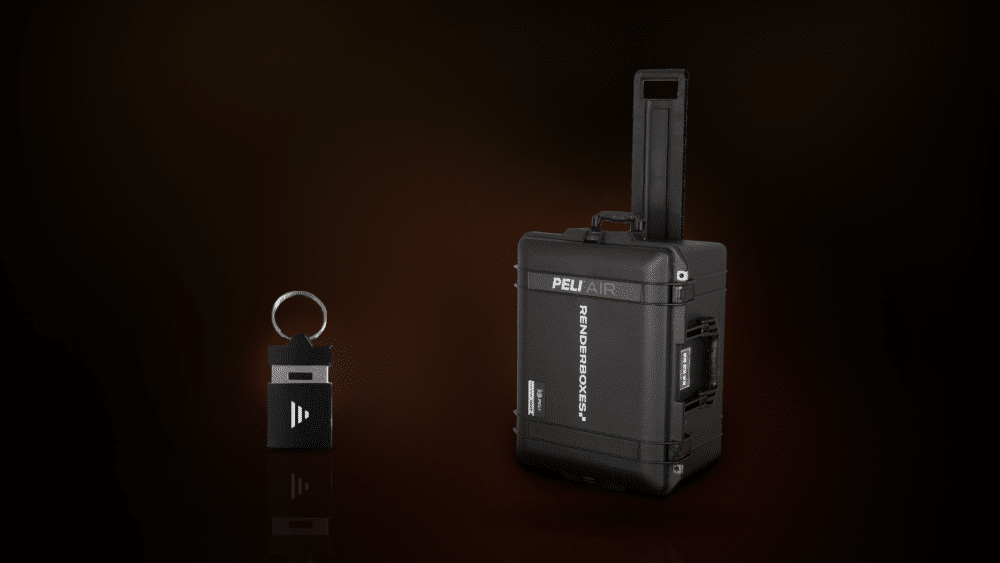
Disguise builds
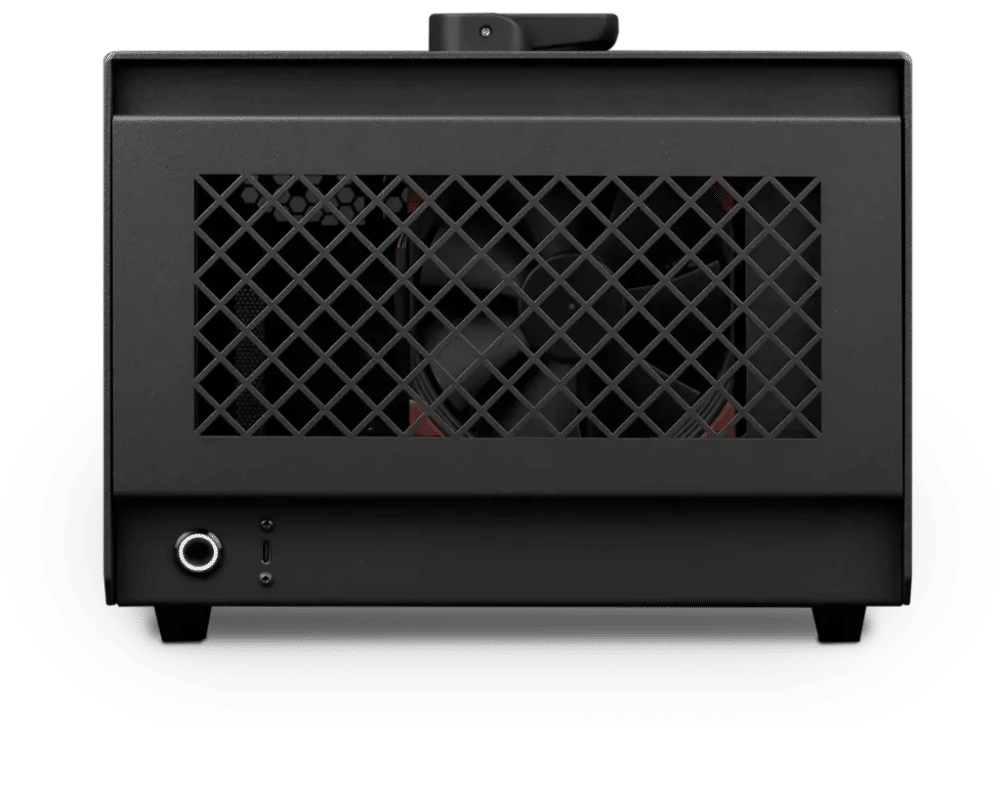
Disguise – Standard
Photon · NVIDIA RTX PRO 4000 24GB
Supports Disguise X1, X2 and X3
- Motherboard: Supermicro H13SAE-MF (3 × PCIe slots, IPMI)
- CPU: AMD Ryzen 9 9950X3D
- RAM: 128GB DDR5 5600MT/s (2x64GB)
- PCIe 2 (x16): NVIDIA RTX PRO 4000 Blackwell 24GB
- Slot 3 (bracket only): NVIDIA RTX PRO Sync
- NVMe Storage (Gen 5.0): M.2 NVMe Gen 5 2TB
- Operating System: Windows 11 IoT Enterprise for Disguise
£10,835 inc VAT
Built to order · usually dispatched in 5–7 working days1
Disguise – Heavy
Photon · NVIDIA RTX PRO 4500 32GB
Supports Disguise X1, X2 and X3
- Motherboard: Supermicro H13SAE-MF (3 × PCIe slots, IPMI)
- CPU: AMD Ryzen 9 9950X3D
- RAM: 128GB DDR5 5600MT/s (2x64GB)
- PCIe 2 (x16): NVIDIA RTX PRO 4500 Blackwell 32GB
- Slot 3 (bracket only): NVIDIA RTX PRO Sync
- PCIe 4 (x8): DELTACAST DELTA-12G2c-hmi10-elp
- NVMe Storage (Gen 5.0): M.2 NVMe Gen 5 4TB
- Operating System: Windows 11 IoT Enterprise for Disguise
£17,195 inc VAT
Built to order · usually dispatched in 5–7 working days1
Disguise – Studio
Photon · NVIDIA RTX PRO 5000 Blackwell 48GB
Supports Disguise X1, X2 and X3
- Motherboard: Supermicro H13SAE-MF (3 × PCIe slots, IPMI)
- CPU: AMD Ryzen 9 9950X3D2
- RAM: 128GB DDR5 5600MT/s (2x64GB)
- PCIe 2 (x16): NVIDIA RTX PRO 5000 Blackwell 48GB
- Slot 3 (bracket only): NVIDIA RTX PRO Sync
- PCIe 4 (x8): DELTACAST DELTA-12G2c-hmi10-elp
- NVMe Storage (Gen 5.0): M.2 NVMe Gen 5 4TB
- NVMe Storage (Gen 4.0): M.2 NVMe Gen 4 4TB
- Operating System: Windows 11 IoT Enterprise for Disguise
£21,345 inc VAT
Built to order · usually dispatched in 5–7 working days1
Disguise – Team
Photon · NVIDIA RTX PRO 6000 Blackwell Max-Q 96GB
Supports Disguise X1, X2 and X3
- Motherboard: Supermicro H13SAE-MF (3 × PCIe slots, IPMI)
- CPU: AMD Ryzen 9 9950X3D2
- RAM: 256GB DDR5 5600MT/s (4x64GB)
- PCIe 2 (x16): NVIDIA RTX PRO 6000 Blackwell Max-Q 96GB
- Slot 3 (bracket only): NVIDIA RTX PRO Sync
- PCIe 4 (x8): DELTACAST DELTA-12G2c-hmi10-elp
- NVMe Storage (Gen 5.0): M.2 NVMe Gen 5 4TB
- NVMe Storage (Gen 4.0): M.2 NVMe Gen 4 4TB
- Operating System: Windows 11 IoT Enterprise for Disguise
£32,475 inc VAT
Built to order · usually dispatched in 5–7 working days1
Each recommended system is a starting point. Select Customise to add components or change the specification before you order.
1 Working days, when all parts are in stock. If a part is delayed, we confirm your dispatch date before your order goes ahead.
Common questions
X1, X2 and X3 run the same Designer workflow and differ in output capacity: one, two or three 4K DCI video outputs, each with a GUI output, and up to 12, 24 or 36 Gbps of video input. Every Disguise build Photon supports all three.
Directly from Disguise, through MyDisguise. The licence is delivered to a CodeMeter dongle, which plugs into the Photon.
Yes. X Series machines can act as Director and Understudy alongside other X Series machines, for 1:1 redundancy.
As an Editor. X Series machines do not act as Director or Understudy alongside Disguise media servers, and do not take the Actor role.
For a Photon used only for Disguise Designer, we fit the DELTACAST DELTA-12G2c-hmi10-elp, with two 12G-SDI and two 3G-SDI channels and an HDMI 2.0b input. Designer has DELTACAST support built in, so there are no drivers to install. If the Photon also runs other applications, choose the Blackmagic DeckLink 8K Pro Mini. Add either under Customise on any Disguise build.
If your outputs must be synchronised with the rest of a video system, yes. Genlock and frame lock need an NVIDIA RTX PRO GPU and an NVIDIA RTX PRO Sync card, both available on the Photon.
Every X Series licence can receive RenderStream; uncompressed RenderStream needs a Mellanox network card with a Rivermax licence from Disguise, so tell us if you use it. Notch layers run in Designer; removing the Notch watermark needs a Notch playback licence from Notch.
A shared commitment to the Disguise ecosystem
The Photon keeps teams inside the Disguise software ecosystem while they choose hardware that fits the project. Show files move between X Series machines and Disguise media servers, so a project can scale between show sizes without being rebuilt.
