GPU memory
The scene and its textures are held on the card.
Large architectural scenes with dense planting and high-resolution textures fill a card quickly; a card with more memory holds more of them.
Matters most



Chaos Vantage explores scenes from V-Ray, Corona and Enscape with real-time ray tracing on a DXR-compatible graphics card. The card and its memory come first, so we size these machines around one powerful GPU.
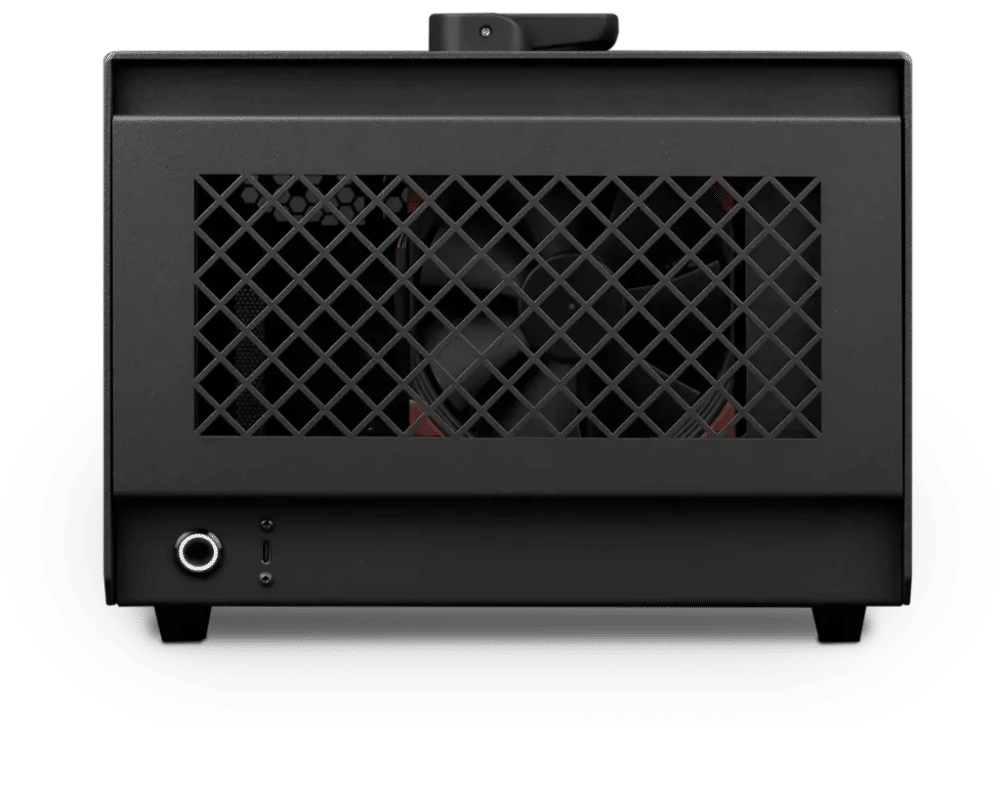
Photon · NVIDIA RTX PRO 4000 24GB
One visualiser reviewing typical architectural scenes on a 24GB card in the compact Photon.
£7,195 inc VAT
Built to order · build time 5–7 working days1
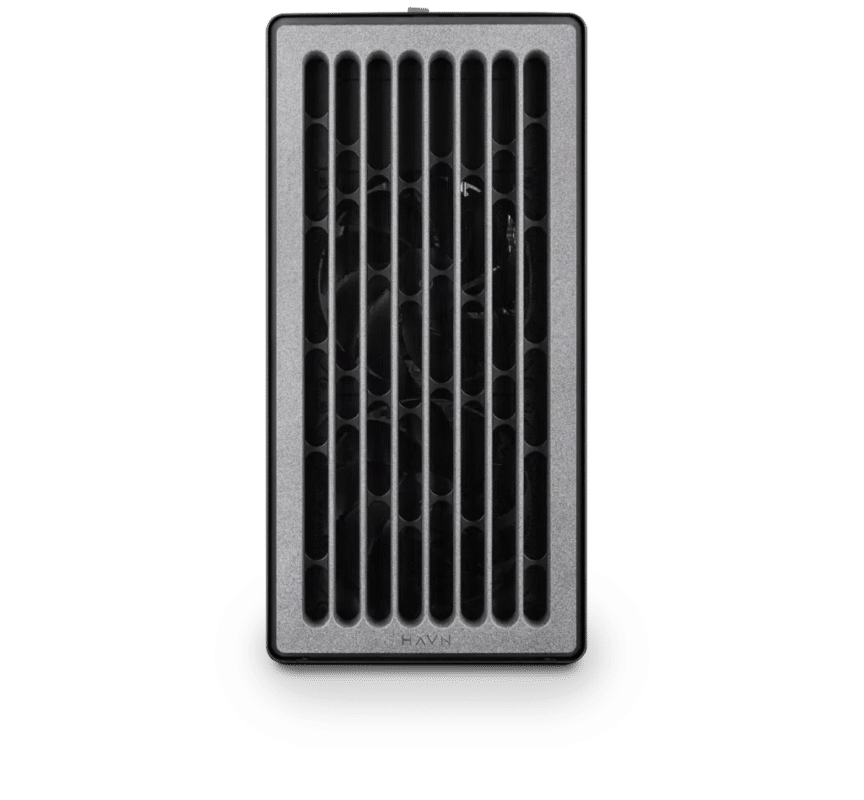
Electron · NVIDIA RTX PRO 5000 48GB
Most professional work: a 48GB card and 128GB of system memory. Twice the GPU memory of Standard.²
£14,875 inc VAT
Built to order · build time 5–7 working days1
Electron · NVIDIA RTX PRO 6000 Workstation Edition 96GB
Very large V-Ray scenes and high-resolution output: a 96GB card and 256GB. Twice the GPU memory of Heavy.²
£25,475 inc VAT
Built to order · build time about 40–42 working days1
Each recommended system is a starting point. Select Customise to add components or change the specification before you order.
1 Working days, when all parts are in stock. If a part is delayed, we confirm your dispatch date before your order goes ahead.

Chaos Vantage is a real-time ray-tracing application for archviz scene exploration and previz. It works with .vrscene files from V-Ray, Corona and Enscape, and integrates with 3ds Max, Maya, Cinema 4D, SketchUp, Rhino, Revit and tools that support USD.
Live Link, supported on Windows, passes changes from a V-Ray compatible host application to Vantage, and HQ stills and sequences can be rendered during the session. Chaos positions Vantage for reviews and approvals as well as photorealistic stills and animations.
Vantage needs a DXR-compatible discrete GPU on Windows 10 or newer. The image is ray traced on the graphics card, so the card and its memory decide how smooth the view is and how large a scene fits.
Chaos Vantage is a trademark of Chaos Software EOOD. Renderboxes is not affiliated with or endorsed by Chaos.
Explore scenes with real-time ray tracing on the graphics card.
Changes in a V-Ray compatible host application are passed to Vantage as you work.
Explore V-Ray scenes in fully ray-traced real time without conversion overhead.

From a V-Ray scene to a walkthrough or animation. Once the scene is loaded, the view is ray traced on the graphics card.
Vantage opens a .vrscene file or connects to the host application through Live Link. The processor reads the scene and prepares it.
Geometry, textures and lights are loaded into GPU memory.
The view is ray traced on the GPU as you move, using the card's DXR ray-tracing support.
Set up cameras and sequences, then render HQ stills and HQ sequences from the same session.
The scene and its textures are held on the card.
Large architectural scenes with dense planting and high-resolution textures fill a card quickly; a card with more memory holds more of them.
Matters most
The view is ray traced on the card, so the card's ray-tracing hardware sets how smooth it is.
Vantage 2.8 added Shader Execution Reordering on current NVIDIA Blackwell and Ada cards.³
Matters a lot
Chaos asks for system memory at least equal to GPU memory and recommends twice as much.³
The 48GB build has 128GB and the 96GB build has 256GB of system memory.
Matters
Chaos states: Chaos Vantage can use a maximum of two GPU devices, according to Chaos's system requirements.³
Our builds use one card; talk to us about a second.
Matters
The processor loads scenes and runs the host application; Chaos requires one with AVX2.³
Rendering runs on the GPU. Fast NVMe storage shortens scene loading.
Matters least
Walk clients through a building or interior live.
Questions are answered on the spot, from any viewpoint.
Check materials, lighting and sightlines as the design develops.
Live Link passes each change to Vantage as it is made.
Fly-throughs and camera sequences rendered on the GPU.
HQ sequences render from the same session.
Quick stills for presentations.
HQ still images render from the same session.
Set up cameras and lighting before final frames.
Chaos positions Vantage for previz before final frames.
Real-time presentations on a large screen or projector.
Chaos describes over-the-shoulder review sessions with Vantage.
Vantage opens .vrscene files from V-Ray, Corona and Enscape, and Chaos lists integrations with these applications.³ 1. Published guidance from the software maker or Renderboxes sizing guidance, not Renderboxes tests. 2. Comparisons are of GPU memory, the number of GPUs or processor cores between Renderboxes builds, not speed. 3. System requirements as published by Chaos for Vantage in November 2026, and Shader Execution Reordering support as reported for Vantage 2.8; check the current documentation.
| Connection | Notes | |
|---|---|---|
| 3ds Max | Integration | Listed by Chaos.³ |
| Maya | Integration | Listed by Chaos.³ |
| Cinema 4D | Integration | Listed by Chaos.³ |
| SketchUp | Integration | Listed by Chaos.³ |
| Rhino | Integration | Listed by Chaos.³ |
| Revit | Integration | Listed by Chaos.³ |
| Blender | Live Link | Windows only. |
| Houdini | Hydra delegate in Solaris | Renders with Vantage in the USD context. |
Share your Vantage and V-Ray versions, the size of your scenes and the work that slows you down. We will review the right configuration and confirm availability before you order.
Vantage works with .vrscene files from V-Ray, Corona and Enscape, and with USD and MaterialX. Check Chaos's current licensing for your set-up.
Chaos asks for system memory at least equal to your GPU memory and recommends twice as much.³ The Heavy and Studio builds follow that recommendation.
Yes. Vantage renders photorealistic stills and animations on the GPU, and Live Link sessions offer HQ still and HQ sequence renders.
Vantage needs the card in WDDM mode, the normal Windows display mode; cards set to TCC compute mode are not detected.³ Check this setting if a card is missing.
Vantage needs a DXR-compatible discrete GPU, from NVIDIA or AMD among others; NVIDIA support runs from the Turing to the Blackwell generation. Vantage 2.8 added Shader Execution Reordering on current NVIDIA Blackwell and Ada cards. All three configurations here use NVIDIA Blackwell cards.
Chaos states: Chaos Vantage can use a maximum of two GPU devices, according to Chaos's system requirements. Each configuration here uses one card; if you need a second, talk to us before ordering.
Chaos lists Windows 10 version 2004 or newer, and Live Link is supported only on Windows. Our configurations ship with Windows 11 Pro.
Standard suits students and smaller scenes, with a 24GB card. Heavy suits most professional work, with the NVIDIA RTX PRO 5000 48GB and 128GB of memory. Studio gives 96GB of GPU memory and 256GB for very large V-Ray scenes.
Yes. Press Customise and the configurator opens with this build already selected. You can change any part except the chassis, such as more storage or more memory, and the price updates as you go.
Not sure which build is right? Speak to our team and we will help you choose the right configuration for your work.


Tell us what you are working on and we will recommend a configuration.
Contact us

Offline · Mon–Fri, 9am–5pm UK
Our engineers are online. Ask about a build, a quote or an order and we will answer here.