


Workstations for Omniverse
Omniverse’s RTX renderer splits each frame across matched GPUs, so we build around NVIDIA’s recommended RTX PRO 6000 Blackwell and scale from one card to eight.
What matters for Omniverse
- NVIDIA’s recommended RTX PRO 6000 Blackwell GPU
- Identical GPUs for multi-GPU rendering
- 128 to 256GB of memory and a 16-core or larger CPU
- 1TB or more of NVMe storage
NVIDIA’s recommended Omniverse workstation has a 16-core or larger CPU, 128 to 256GB of memory, an RTX PRO 6000 Blackwell and 1TB or more of NVMe storage. Its server reference uses eight RTX PRO 6000 Blackwell Server Edition cards and 1 to 2TB of memory (NVIDIA Omniverse requirements). The RTX renderer splits each frame into tiles across the GPUs and balances the load automatically. It turns this on by default only when all GPUs are the same model, and limits memory use to 48GB per GPU, with the card that has least memory limiting the others (NVIDIA RTX renderer multi-GPU). So the larger tiers use identical cards, and 96GB cards do not double the scene each GPU can hold.
Standard is an Electron with the NVIDIA RTX PRO 4500 32GB, above NVIDIA’s RTX 3070 minimum. Heavy puts NVIDIA’s recommended card in a Photon. Studio fits four RTX PRO 6000 Max-Q cards in a Nano Pro, and Team fits eight in a Molecule Air, close to NVIDIA’s server reference.
Recommended configurations
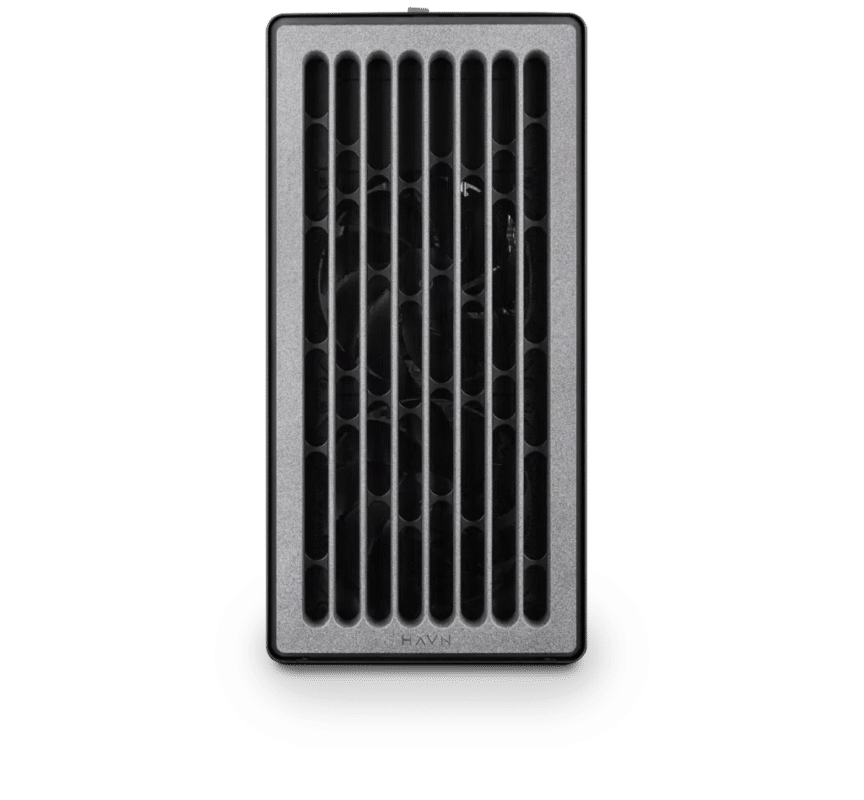
Omniverse – Standard
Electron · NVIDIA RTX PRO 4500 32GB
For a single artist or engineer
- CPU: AMD Ryzen 9 9950X3D
- RAM: 128GB DDR5 6000 2x64GB
- PCIe slots (16x): Nvidia RTX Pro 4500 Blackwell 32GB
- NVMe Storage (Gen 5.0): Samsung 9100 Pro Gen 5 2TB
- Operating System: Microsoft Windows 11 Pro
£11,537.75 inc VAT
£9,614.79 ex VAT
Built to order · dispatched in 4 working days
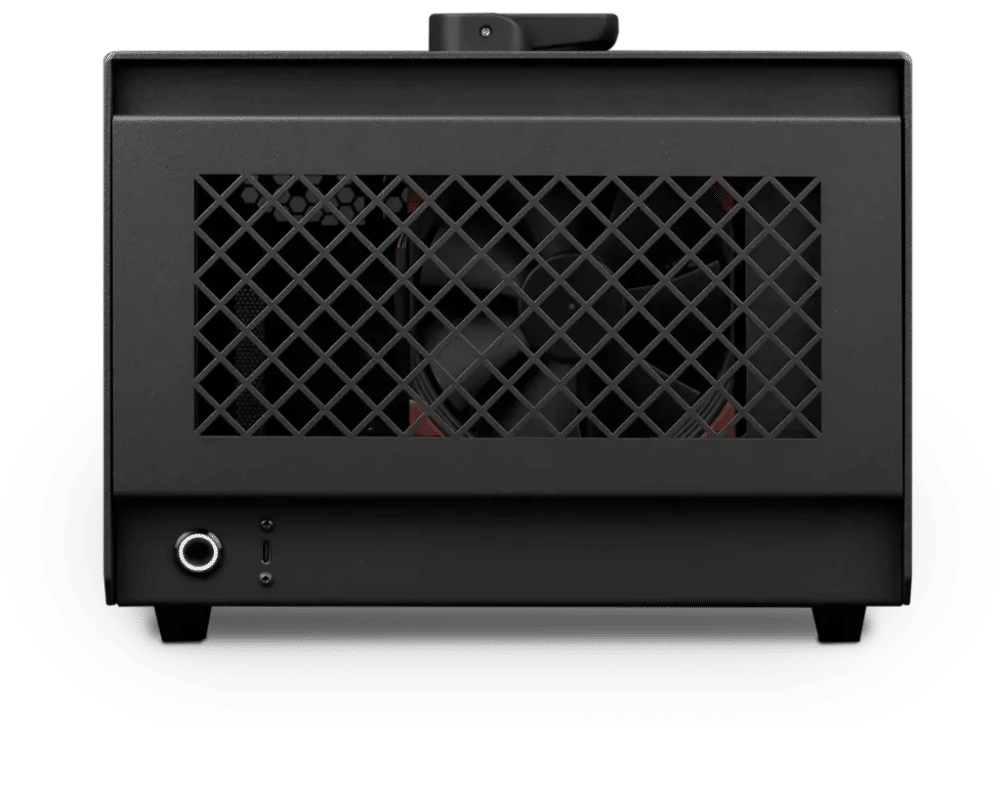
Omniverse – Heavy
Photon · NVIDIA RTX PRO 6000 Blackwell Max-Q 96GB
For professionals and freelancers
- CPU: AMD Ryzen 9 9950X3D
- RAM: 128GB DDR5 6000 2x64GB
- PCIe Slot: Nvidia RTX Pro 6000 Blackwell Max-Q 96GB
- NVMe Storage (Gen 5.0): Samsung 9100 Pro Gen 5 4TB
- Operating System: Microsoft Windows 11 Pro
£22,577.13 inc VAT
£18,814.28 ex VAT
Built to order · dispatched in 10 working days
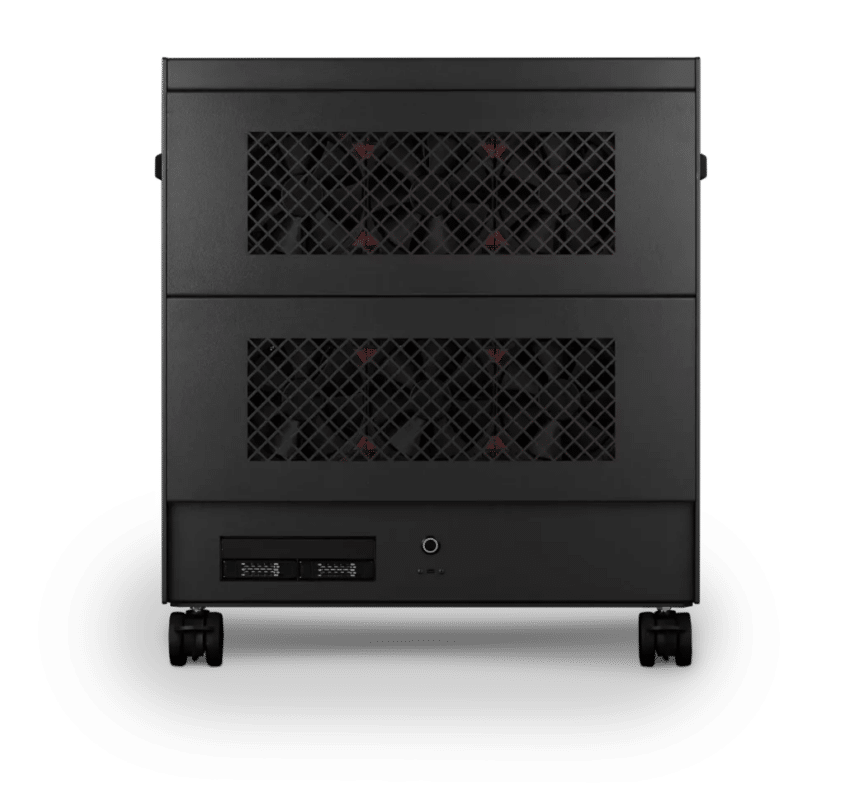
Omniverse – Studio
Nano Pro · 4x NVIDIA RTX PRO 6000 Max-Q 96GB
For studios and small teams
- CPU: AMD Ryzen Threadripper PRO 9975WX 32 Core
- RAM: 8 × 64GB RDIMM ECC DDR5 6400
- PCIe Options: 4 × Nvidia RTX Pro 6000 Blackwell Max-Q 96GB
- NVMe M.2 Drives (Gen 5): Samsung 9100 Pro Gen 5 8TB
- Operating System: Microsoft Windows 11 Pro
£103,327.44 inc VAT
£86,106.23 ex VAT
Built to order · dispatched in 12 working days

Omniverse – Team
Molecule Air · 8x NVIDIA RTX PRO 6000 Max-Q 96GB
For large teams and enterprise
- CPU: AMD EPYC 9575F 64 Core
- RAM: 24 × 64GB RDIMM ECC DDR5 6400
- PCIe slots: 8 × Nvidia RTX Pro 6000 Blackwell Max-Q 96GB
- Operating System: Microsoft Windows 11 Pro
£228,628.42 inc VAT
£190,523.77 ex VAT
Built to order · dispatched in 14 working days
Each recommended system is a starting point. Select Customise to add components or change the specification before you order.
Tell us what you need for Omniverse
Share the Omniverse apps you use, your scene sizes and how many people will work on the machine. We will review the right configuration and confirm availability before you order.
Frequently asked questions
Multi-GPU rendering is on by default only when all GPUs are the same model, and the GPU with the least memory limits the others (NVIDIA RTX renderer multi-GPU). Every multi-GPU configuration here uses identical cards.
Not in multi-GPU rendering. NVIDIA’s multi-GPU documentation says per-GPU memory usage is limited to 48GB (NVIDIA RTX renderer multi-GPU). Extra GPUs split the frame between them rather than adding capacity per card.
NVIDIA lists a known issue where Kit may crash with multiple GPUs, at least one of them Blackwell, on Windows 11 24H2 with R570 or R575 drivers. It is fixed in drivers 576.80 and 573.42 (NVIDIA Omniverse requirements), so use one of those or later.
Close, but not identical. NVIDIA’s reference uses eight RTX PRO 6000 Blackwell Server Edition cards and 1 to 2TB of memory (NVIDIA Omniverse requirements). The Molecule Air uses eight RTX PRO 6000 Max-Q cards, dual EPYC processors and 1.5TB of memory.
Standard suits lighter scenes and getting started, above NVIDIA’s minimum. Heavy matches NVIDIA’s recommended workstation GPU in one card. Studio and Team split each frame across four or eight matched GPUs, for one heavy user or a machine shared by a team.
Talk to someone at Renderboxes
Not sure which build is right? Speak to our team and we will help you choose the right configuration for your work.


Send us an enquiry
Tell us what you are working on and we will recommend a configuration.
Contact us