


Workstations for MATLAB
In MATLAB, core count sets how many parallel workers you can run, and each worker needs its own memory. We size these machines around both, then add NVIDIA GPUs.

What matters for MATLAB
- One physical CPU core per parallel worker
- 4GB of memory per worker, or 8GB with Simulink
- An NVIDIA GPU for GPU computing
- An SSD for the install and your data
With Parallel Computing Toolbox, MathWorks recommends a maximum of one worker per physical CPU core and at least 4GB of memory per worker, or 8GB with Simulink (MathWorks Parallel Computing Toolbox requirements). Core count therefore sets your parallel pool size, and memory has to grow with it. Base MATLAB asks for four or more cores with AVX2, 16GB of memory recommended, and an SSD (MathWorks system requirements). For GPU computing, MathWorks names NVIDIA CUDA cards, and R2026b supports compute capability 7.5 to 12.x (MathWorks GPU computing requirements). MathWorks also documents running functions on multiple GPUs and multi-GPU deep learning. Double-precision work is limited on every card we offer, which deliver a small fraction of their single-precision rate in FP64 (third-party specifications). The range steps up in workers: 16 workers at 4GB, then 16 at 8GB with Simulink, then 64 workers with 512GB and two GPUs, and finally 96 workers with 1TB, eight memory channels and four GPUs for deep learning.
Recommended configurations
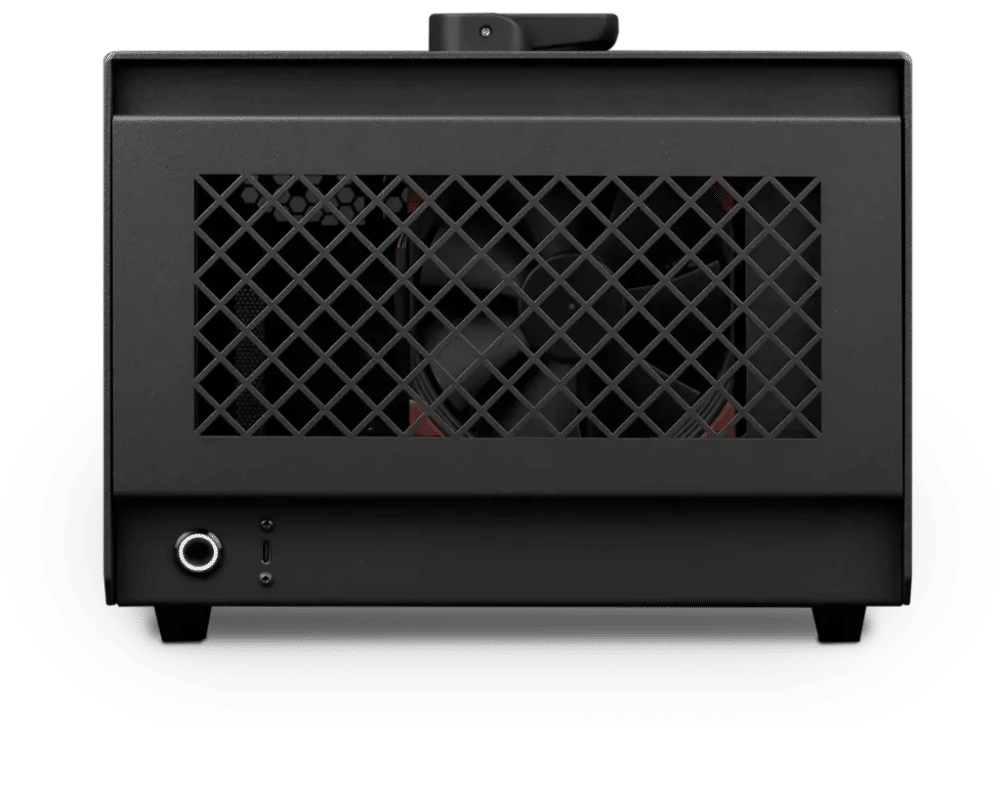
MATLAB – Standard
Photon · NVIDIA RTX PRO 2000 16GB
For a single artist or engineer
- CPU: AMD Ryzen 9 9950X3D
- RAM: 128GB DDR5 6000 2x64GB
- PCIe Slot: Nvidia RTX Pro 2000 Blackwell 16GB
- NVMe Storage (Gen 5.0): Samsung 9100 Pro Gen 5 2TB
- Operating System: Microsoft Windows 11 Pro
£8,368.33 inc VAT
£6,973.61 ex VAT
Built to order · dispatched in 3 working days
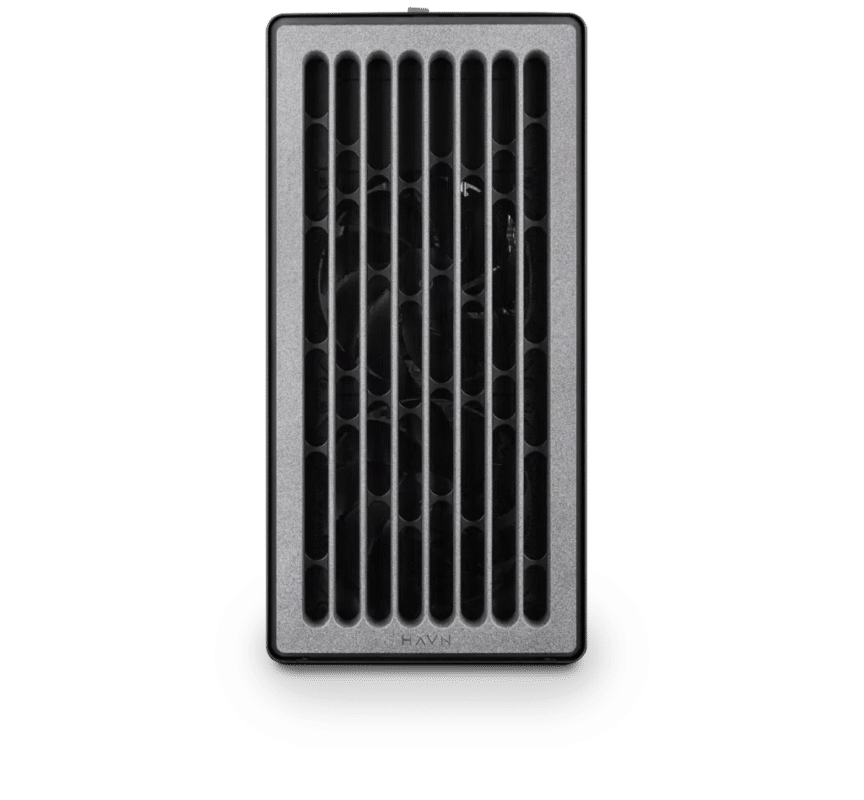
MATLAB – Heavy
Electron · NVIDIA RTX PRO 4500 32GB
For professionals and freelancers
- CPU: AMD Ryzen 9 9950X3D
- RAM: 256GB DDR5 6000 4x64GB
- PCIe slots (16x): Nvidia RTX Pro 4500 Blackwell 32GB
- NVMe Storage (Gen 5.0): Samsung 9100 Pro Gen 5 4TB
- Operating System: Microsoft Windows 11 Pro
£15,529.75 inc VAT
£12,941.46 ex VAT
Built to order · dispatched in 4 working days
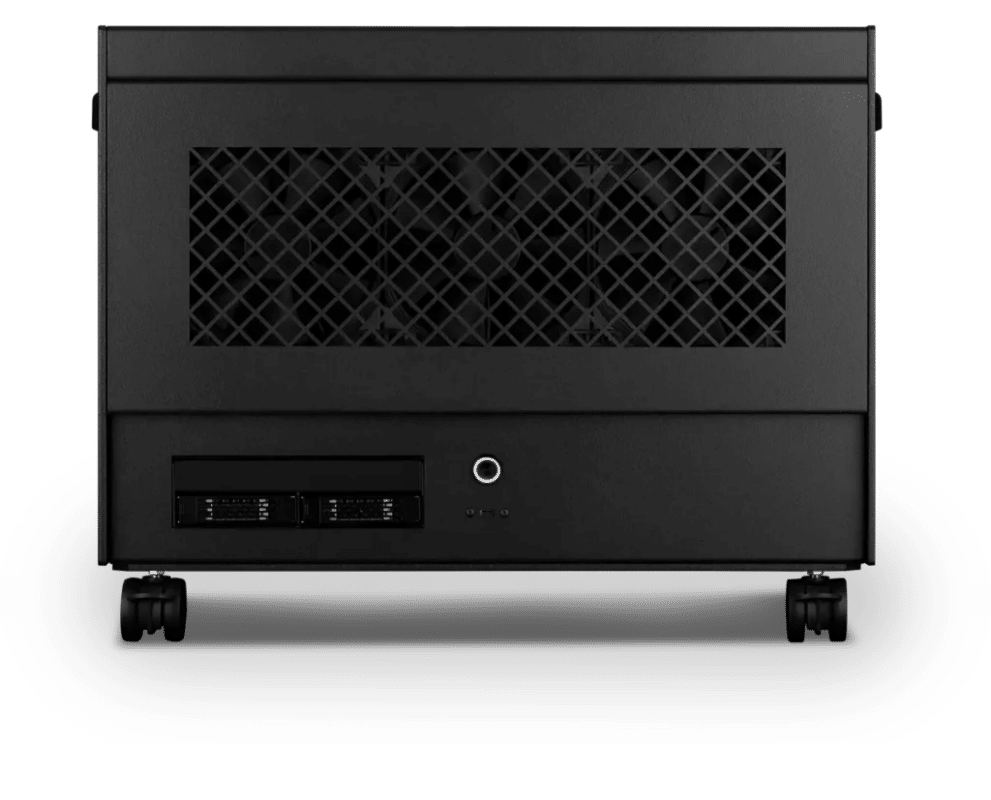
MATLAB – Studio
Atom · 2× NVIDIA RTX PRO 5000 48GB
For studios and small teams
- CPU: AMD Ryzen Threadripper 9980X 64 Core
- RAM: 4 × 128GB RDIMM ECC DDR5 6400
- PCIe slots (16x): 2 × Nvidia RTX Pro 5000 Blackwell 48GB
- NVMe M.2 Drives (Gen 5): Samsung 9100 Pro Gen 5 4TB
- Operating System: Microsoft Windows 11 Pro
£54,766.35 inc VAT
£45,638.64 ex VAT
Built to order · dispatched in 11 working days
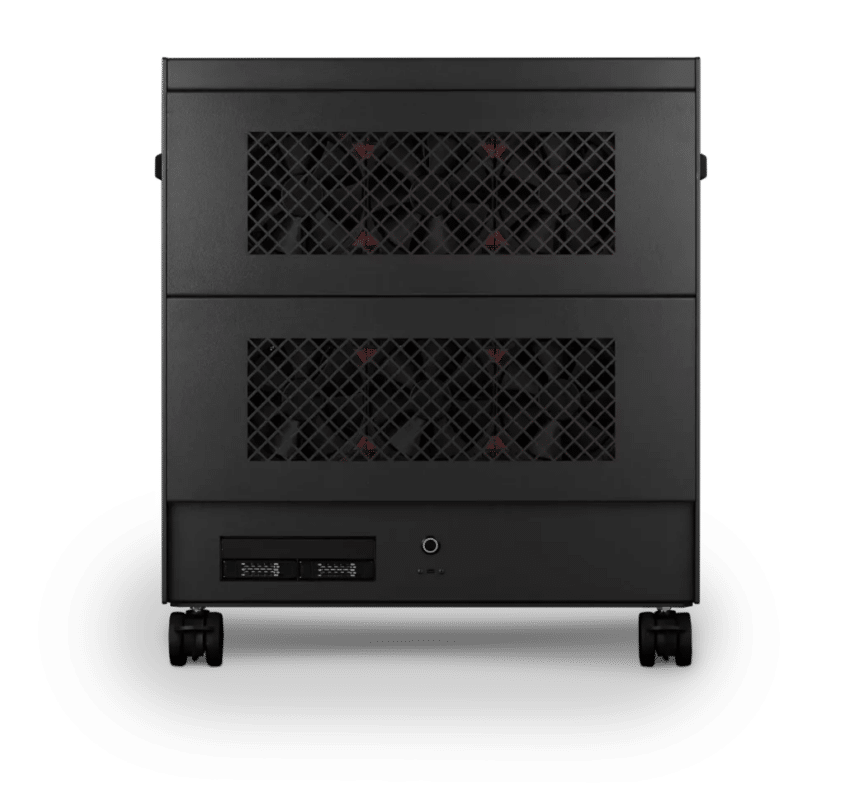
MATLAB – Team
Nano Pro · 4× NVIDIA RTX PRO 6000 Max-Q 96GB
For large teams and enterprise
- CPU: AMD Ryzen Threadripper PRO 9995WX 96 Core
- RAM: 8 × 128GB RDIMM ECC DDR5 6400
- PCIe Options: 4 × Nvidia RTX Pro 6000 Blackwell Max-Q 96GB
- NVMe M.2 Drives (Gen 5): Samsung 9100 Pro Gen 5 8TB
- Operating System: Microsoft Windows 11 Pro
£148,064.14 inc VAT
£123,386.81 ex VAT
Built to order · dispatched in 12 working days
Each recommended system is a starting point. Select Customise to add components or change the specification before you order.
Tell us what you need for MATLAB
Share your MATLAB release, the toolboxes you use, how many parallel workers you run and whether you use GPU arrays or deep learning. We will review the right configuration and confirm availability before you order.
Frequently asked questions
MathWorks recommends a maximum of one worker per physical CPU core, with at least 4GB of memory per worker, or 8GB with Simulink (MathWorks Parallel Computing Toolbox requirements). Each configuration here is sized so every core can run a worker within those memory figures.
MathWorks names NVIDIA CUDA cards for GPU computing (MathWorks Parallel Computing Toolbox requirements), so every configuration here uses NVIDIA.
No. The cards we offer are built for single-precision work, and third-party specifications put their FP64 rate at a small fraction of FP32 (HMC-Tech). If your GPU work is mainly double precision, talk to us before choosing.
Standard suits students and smaller parallel jobs, with 16 workers. Heavy suits Simulink users and GPU array work. Studio is for labs running 64 workers or multi-GPU deep learning. Team is for the largest parallel pools and four-GPU deep learning.
For R2025b on Windows, MathWorks lists Windows 11 23H2 or later, Windows 10 22H2 and Windows Server 2022 and 2025 (MathWorks system requirements). Our configurations ship with Windows 11 Pro.
Talk to someone at Renderboxes
Not sure which build is right? Speak to our team and we will help you choose the right configuration for your work.


Send us an enquiry
Tell us what you are working on and we will recommend a configuration.
Contact us