GPU
Decodes DXV and drives the outputs.
Resolume's recommended Windows spec names an NVIDIA card.¹ Resolume says the only limit on videos and effects is your computer's power.
Matters most


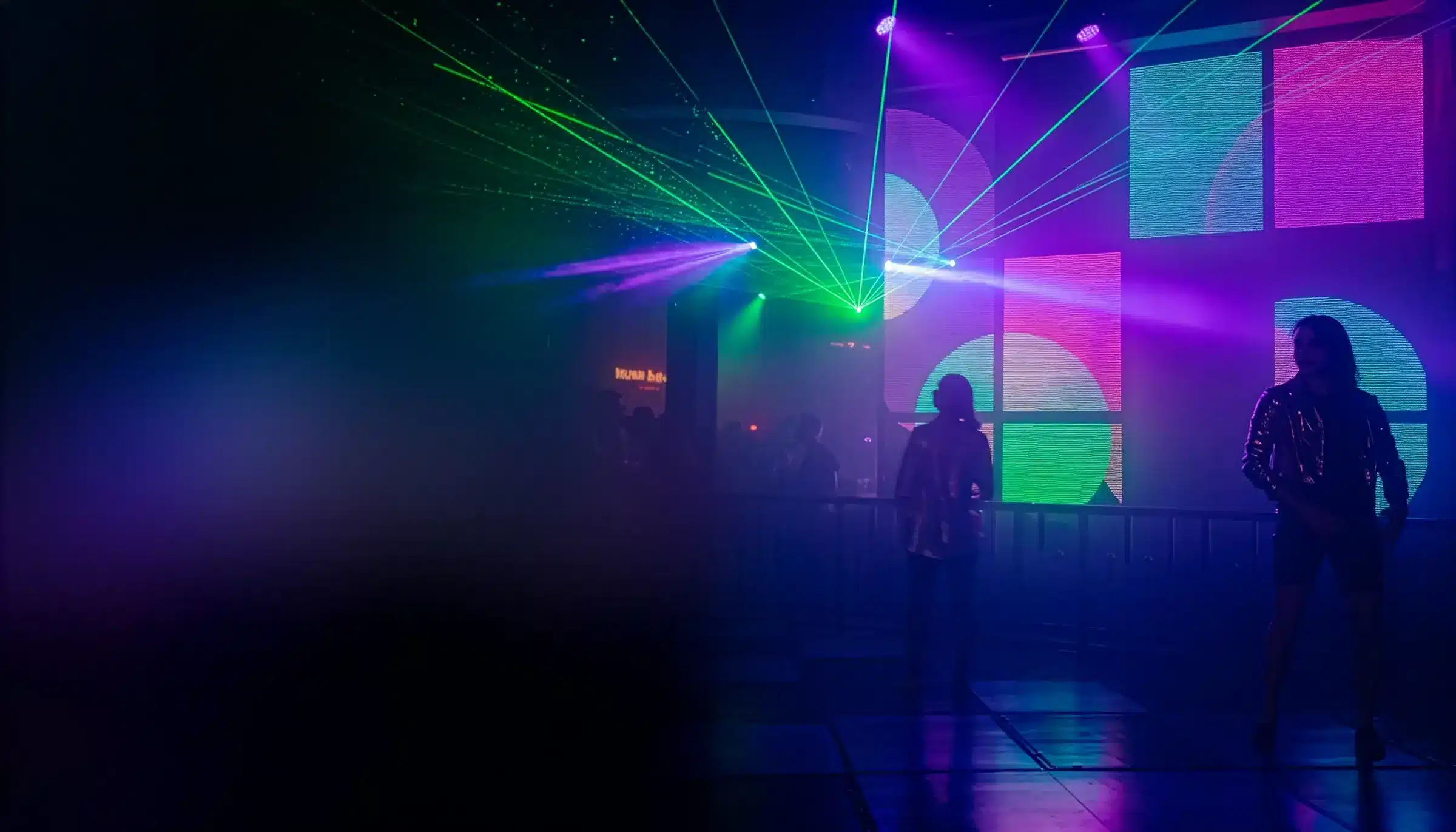

Resolume Avenue and Arena decode DXV video on the GPU and mix it live, so one strong graphics card and fast storage come first. We offer two single-GPU machines well above Resolume's recommended spec.
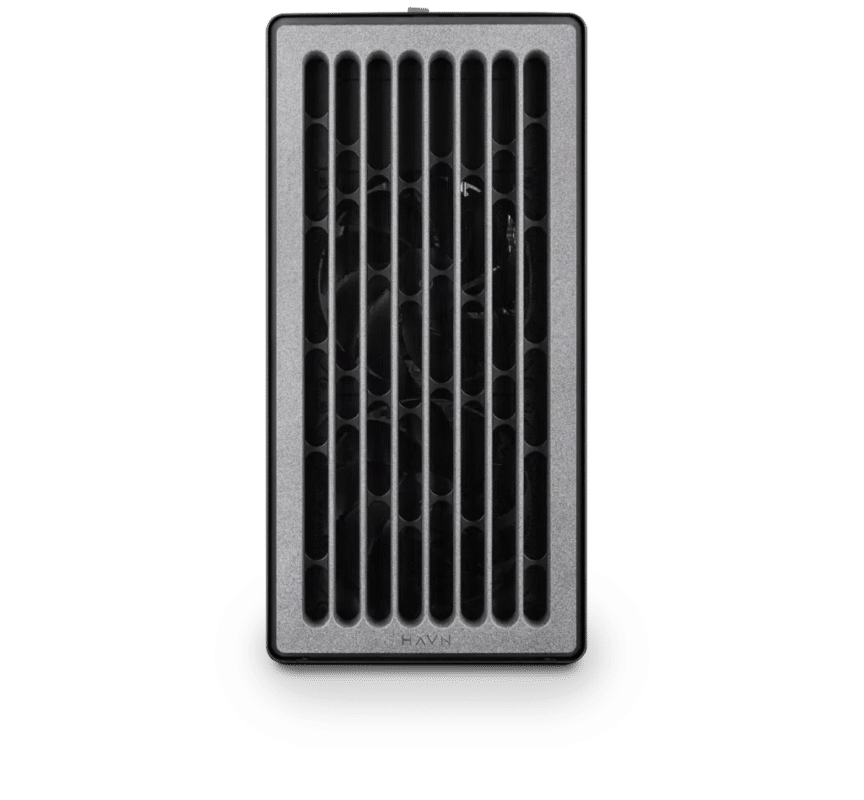
Electron · NVIDIA RTX PRO 4500 32GB
Studio work, clubs and fixed installs: a 32GB professional card and fast M.2 storage, well above Resolume's recommended spec.¹
£10,995 inc VAT
Built to order · build time 5–7 working days1
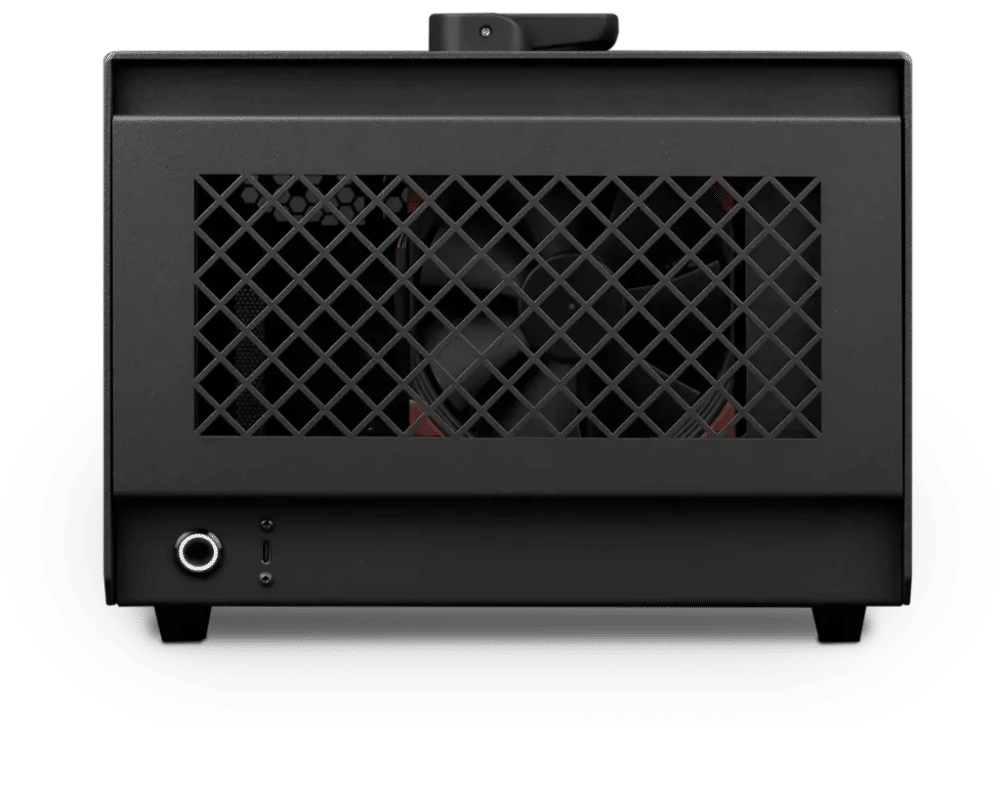
Photon · NVIDIA RTX PRO 5000 48GB
Touring rigs and shows with live camera input: a 48GB card in the Photon, with room for a capture card. 1.5 times the GPU memory of Standard.²
£15,565 inc VAT
Built to order · build time 5–7 working days1
Each recommended system is a starting point. Select Customise to add components or change the specification before you order.
1 Working days, when all parts are in stock. If a part is delayed, we confirm your dispatch date before your order goes ahead.

Resolume is live video software for VJs, visual artists and show operators. Avenue lets you play clips, generators, cameras and streams across layers, add effects and mix them in time with the music, with BPM sync and audio analysis. It is built to be played like an instrument, from MIDI and OSC controllers or, in Arena, from a lighting desk over DMX.
Arena includes everything in Avenue and adds the tools for larger shows: projection mapping onto structures and buildings, edge blending across two or more projectors, and sending colour to DMX lighting fixtures. Resolume's own DXV codec is decoded on the graphics card, which means much higher resolutions and frame rates with much lower CPU and memory use. Wire, a node-based patching environment, lets you build your own sources, blend modes and effects.
Resolume, Avenue, Arena and Wire are trademarks of Resolume B.V. Renderboxes is not affiliated with or endorsed by Resolume.
Clips, layers and effects are played live, forwards, backwards or scratched, in time with the beat.
Resolume's own codec decodes on the graphics card, with much lower CPU and memory use.
Projection mapping, edge blending and DMX are in the same software as the mix.

From encoding clips to the wall. The highlighted stage is where the GPU decodes every DXV frame.
Clips are converted to DXV before the show, with Resolume's free Alley app or the DXV plug-ins for Adobe applications.
Clips are read from the SSD as they play. Resolume recommends an M.2 SSD.
DXV frames are decompressed directly on the graphics card, which keeps CPU and memory use low.
Layers are blended and effects applied, in time with the music.
The output goes to screens; Arena adds projection mapping and edge blending across projectors.
Frames go to the displays, and live cameras can come back in through a capture card.
Decodes DXV and drives the outputs.
Resolume's recommended Windows spec names an NVIDIA card.¹ Resolume says the only limit on videos and effects is your computer's power.
Matters most
Streams every clip that is playing, every frame.
Resolume recommends an M.2 SSD.¹ DXV High Quality files are double the size of Normal Quality, so heavy sets read a lot of data at once.
Matters a lot
Holds decoded frames, effects and output buffers for every layer.
Resolume publishes no figure. Wide canvases and many layers use more.
Matters
Runs the interface and the rest of the show; DXV keeps video decoding off it.
Resolume recommends a 6-core processor at 3.7GHz¹ and does not document gains from more cores.
Matters
Holds the composition and clip thumbnails.
Resolume recommends 16GB.¹ Standard has 128GB.
Matters least
Visuals mixed live to the DJ.
BPM sync keeps clips and effects on the beat.
Show visuals for single screens or multi-screen rigs.
The same software scales from club shows to main stages.
Structures, stages and buildings mapped in Arena.
Mapping and the mix are in one application.
Wide screens and 360 rooms with edge blending in Arena.
Two or more projectors appear as one seamless image.
Control Arena from a lighting desk, or send colour to fixtures over DMX.
Video and light stay in step from one fader.
Cameras brought in through a capture card and mixed with clips.
Resolume supports Blackmagic, Datapath and AJA devices natively, with low latency.
Which Resolume product does what. Arena includes everything in Avenue. 1. Resolume's published recommended spec, not Renderboxes tests. 2. Comparisons are of GPU memory between Renderboxes builds, not speed.
| What it is | Use it for | |
|---|---|---|
| Avenue | Live video mixing | Clips, effects, BPM sync and output to screens |
| Arena | Avenue plus show tools | Projection mapping, edge blending and DMX |
| Wire | Node-based patching environment | Building your own sources, blend modes and effects |
| Alley | Free conversion app | Encoding clips to DXV |
| DXV codec | Resolume's GPU-accelerated codec | Hardware-accelerated playback in Resolume |
Share whether you use Avenue or Arena, your output resolutions and any live inputs. We will review the right configuration and confirm availability before you order.
DXV is decoded directly on the graphics card, so you can play higher resolutions and frame rates with much lower CPU and memory use. It is only hardware accelerated inside Resolume. Resolume advises Normal Quality for most clips; High Quality doubles the file size and is worth it only where gradients show banding.
Avenue covers live mixing, effects and output to screens. Choose Arena if you need projection mapping onto structures, edge blending across projectors, or DMX with lighting. Resolume publishes one hardware spec for both.
Yes. Resolume runs on Windows and macOS. Its recommended Windows spec names an NVIDIA card, and both builds here use NVIDIA professional cards above it.
Encode every clip to DXV so the graphics card decodes it, and keep clips on a fast M.2 SSD, as Resolume recommends. Encode at Normal Quality unless gradients band, because High Quality doubles the data read from the drive.
Resolume does not document gains from extra GPUs or more cores (Resolume tech specs), so we recommend one strong GPU rather than a larger machine.
Resolume supports Blackmagic, Datapath and AJA devices natively (Resolume live inputs). Blackmagic says Resolume works with all DeckLink products, including SMPTE timecode sync in Arena (Blackmagic DeckLink software).
No. Resolume’s minimum spec accepts NVIDIA or AMD, and its recommended spec names an NVIDIA RTX 4070 (Resolume tech specs). Both configurations here use NVIDIA cards above that.
Standard is well above Resolume’s recommended spec for studio work and fixed installs. Heavy moves to the Photon with the NVIDIA RTX PRO 5000 48GB, raising GPU memory from 32GB to 48GB, for touring rigs and shows with live input.
Yes. Press Customise and the configurator opens with this build already selected. You can change any part except the chassis, such as more storage or more memory, and the price updates as you go.
Not sure which build is right? Speak to our team and we will help you choose the right configuration for your work.


Tell us what you are working on and we will recommend a configuration.
Contact us

Offline · Mon–Fri, 9am–5pm UK
Our engineers are online. Ask about a build, a quote or an order and we will answer here.