


Workstations for Agisoft Metashape
In Metashape, memory decides how large a project you can process, and the GPU speeds up alignment and dense clouds. We size these machines around project size first.

What matters for Agisoft Metashape
- Memory for your project size and image resolution
- A balance of clock speed and cores, not extreme core counts
- One or two GPUs for alignment and dense cloud steps
Agisoft says project size is limited by memory, and memory needs rise roughly in line with image megapixels. Agisoft’s Advanced guidance is 6 to 32 cores at 3GHz or more, 32GB to 128GB of memory and one or two GPUs (Agisoft). Align Photos and Build Dense Cloud are GPU-accelerated and can account for half or more of processing time, but there is very little difference between GPU models, and a second card saves about 5% to 10%. Some steps depend on clock speed and others on cores, and extremely high core count processors are not well suited. This processor guidance is based on older Metashape versions, so treat it as a guide. The range therefore steps up mainly in memory. Standard pairs a Ryzen 9 9950X3D with 128GB and an NVIDIA RTX PRO 4500 32GB. Heavy doubles memory to 256GB with an NVIDIA RTX PRO 5000 48GB. Studio moves to a 32-core Threadripper 9970X with 512GB and two NVIDIA RTX PRO 5000 48GB cards, within Agisoft’s one or two GPU guidance.
Recommended configurations
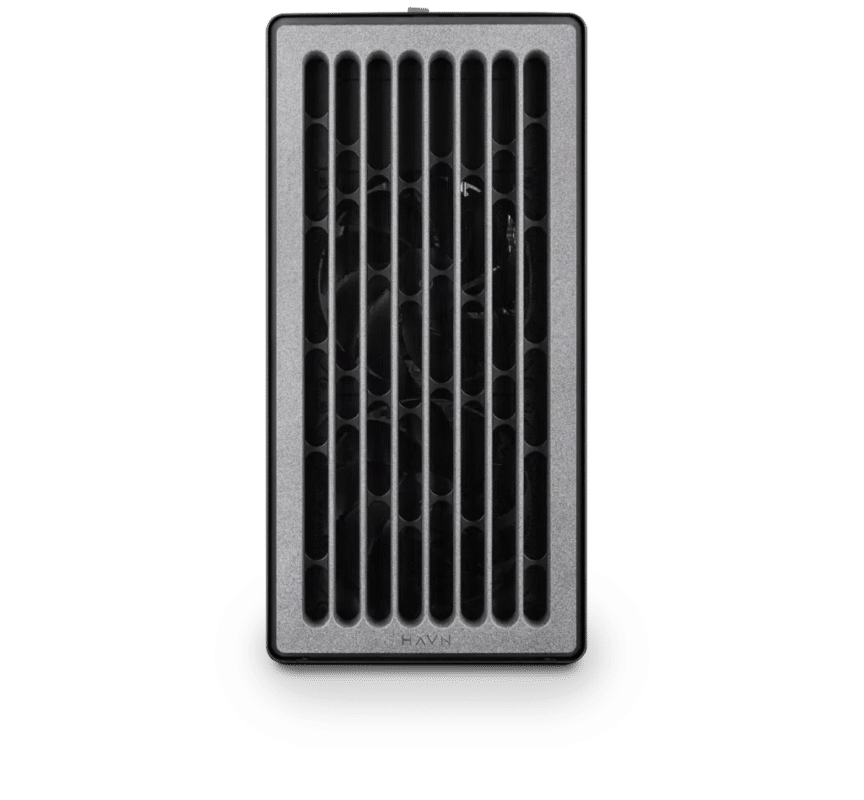
Agisoft Metashape – Standard
Electron · NVIDIA RTX PRO 4500 32GB
For a single artist or engineer
- CPU: AMD Ryzen 9 9950X3D
- RAM: 128GB DDR5 6000 2x64GB
- PCIe slots (16x): Nvidia RTX Pro 4500 Blackwell 32GB
- NVMe Storage (Gen 5.0): Samsung 9100 Pro Gen 5 2TB
- Operating System: Microsoft Windows 11 Pro
£11,537.75 inc VAT
£9,614.79 ex VAT
Built to order · dispatched in 4 working days
Agisoft Metashape – Heavy
Electron · NVIDIA RTX PRO 5000 48GB
For professionals and freelancers
- CPU: AMD Ryzen 9 9950X3D
- RAM: 256GB DDR5 6000 4x64GB
- PCIe slots (16x): Nvidia RTX Pro 5000 Blackwell 48GB
- NVMe Storage (Gen 5.0): Samsung 9100 Pro Gen 5 4TB
- Operating System: Microsoft Windows 11 Pro
£18,847.39 inc VAT
£15,706.16 ex VAT
Built to order · dispatched in 11 working days
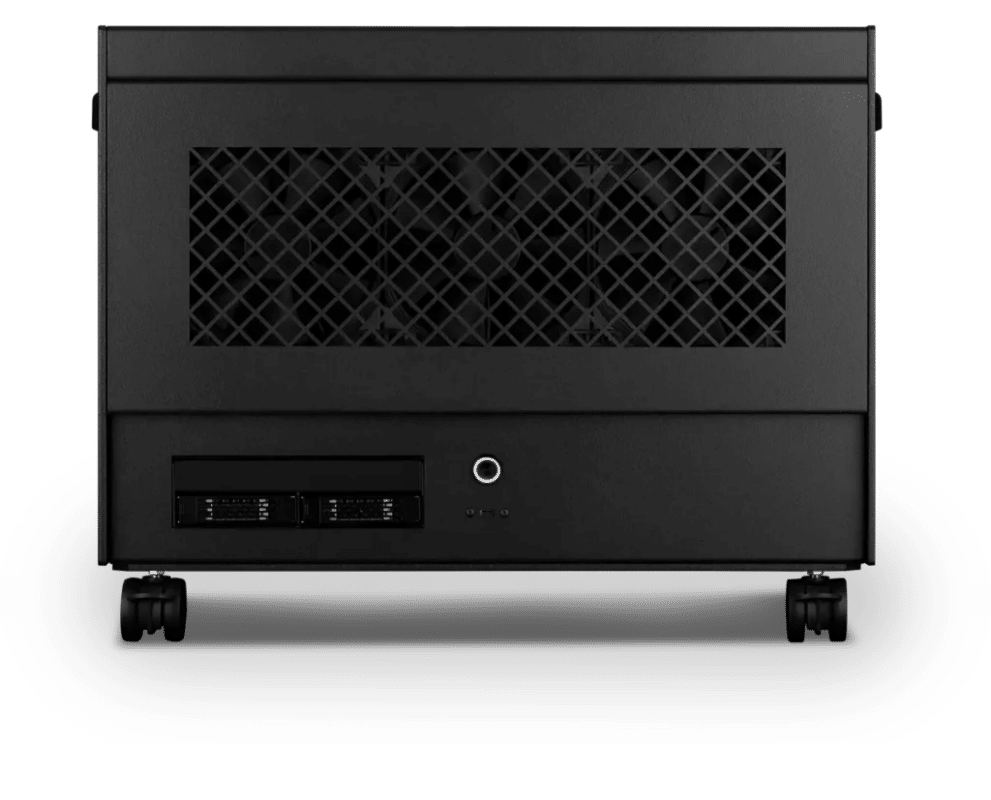
Agisoft Metashape – Studio
Atom · 2× NVIDIA RTX PRO 5000 48GB
For studios and small teams
- CPU: AMD Ryzen Threadripper 9970X 32 Core
- RAM: 4 × 128GB RDIMM ECC DDR5 6400
- PCIe slots (16x): 2 × Nvidia RTX Pro 5000 Blackwell 48GB
- NVMe M.2 Drives (Gen 5): Samsung 9100 Pro Gen 5 4TB
- Operating System: Microsoft Windows 11 Pro
£52,174.35 inc VAT
£43,478.64 ex VAT
Built to order · dispatched in 11 working days
Each recommended system is a starting point. Select Customise to add components or change the specification before you order.
Tell us what you need for Agisoft Metashape
Share your typical image count, camera resolution and the processing steps that take longest. We will review the right configuration and confirm availability before you order.
Frequently asked questions
Agisoft says project size is limited by memory (Agisoft), and memory needs rise roughly in line with image megapixels. If your projects are hitting memory limits, choose by memory first.
A little. A second card adds about 5% to 10%, and most users are fine with one or possibly two. Agisoft’s own guidance also stops at two GPUs for its Advanced tier (Agisoft).
Usually not. There is very little difference between GPU models in Metashape, and RTX PRO cards do not justify their price here.
Standard suits most drone and object capture projects that fit in 128GB. Heavy doubles memory to 256GB for larger image sets. Studio is for the largest projects, with 512GB, 32 cores and a second GPU.
Agisoft’s Extreme tier, for projects needing more than 128GB, describes dual-socket server hardware (Agisoft). Tell us about your projects and we will advise on the right setup.
Talk to someone at Renderboxes
Not sure which build is right? Speak to our team and we will help you choose the right configuration for your work.


Send us an enquiry
Tell us what you are working on and we will recommend a configuration.
Contact us