
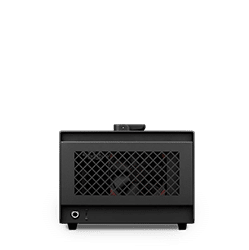
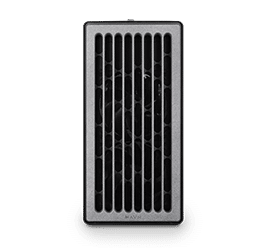
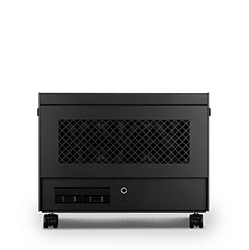
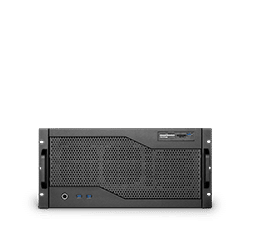




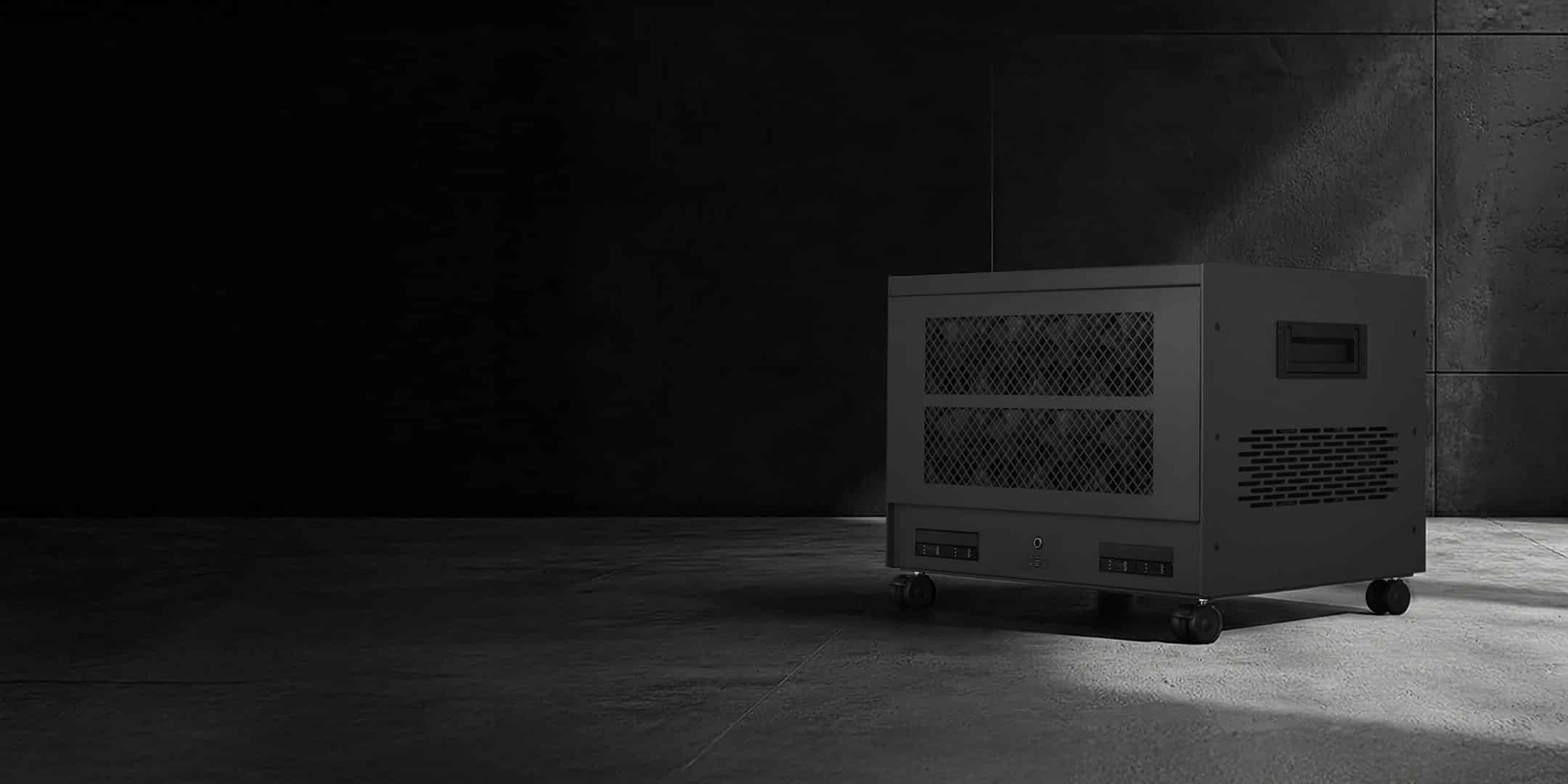

The operating system for on-premises AI workstations.
A hardened Ubuntu 24.04 LTS base built for multi-GPU Renderboxes systems. SysControl is bundled as standard. RBOS Studio is an optional install.
Three layers on one system.
RBOS comprises three cooperating layers on the same system: an operating system, a deep hardware monitor and an optional Ai control plane. Factory shipped with the operating system on its own, optionally add the control plane above it.

The operating system
Hardened Ubuntu server LTS. GPU enablement for AMD and NVIDIA, provisioning, updates, desktop configuration and an on-box health dashboard.

Bundled as standard
Whole-system health, fan and thermal control. Per-GPU junction temperature, power draw and VRAM, with full PCIe monitoring with alerting. No install step.

Optional install
A browser-based control plane for local AI. Orchestrates containerised tools, allocates GPUs per application, governs multi-user access. Playbooks to simplify new workflows and get your team up and running.
Two GPU vendors in one system.
MIXED-VENDOR GPU
AMD cards give the most VRAM per pound, so large language models stay resident. NVIDIA cards keep CUDA available for creative and research software. RBOS detects every card on the bus and assigns work to the vendor that suits it.
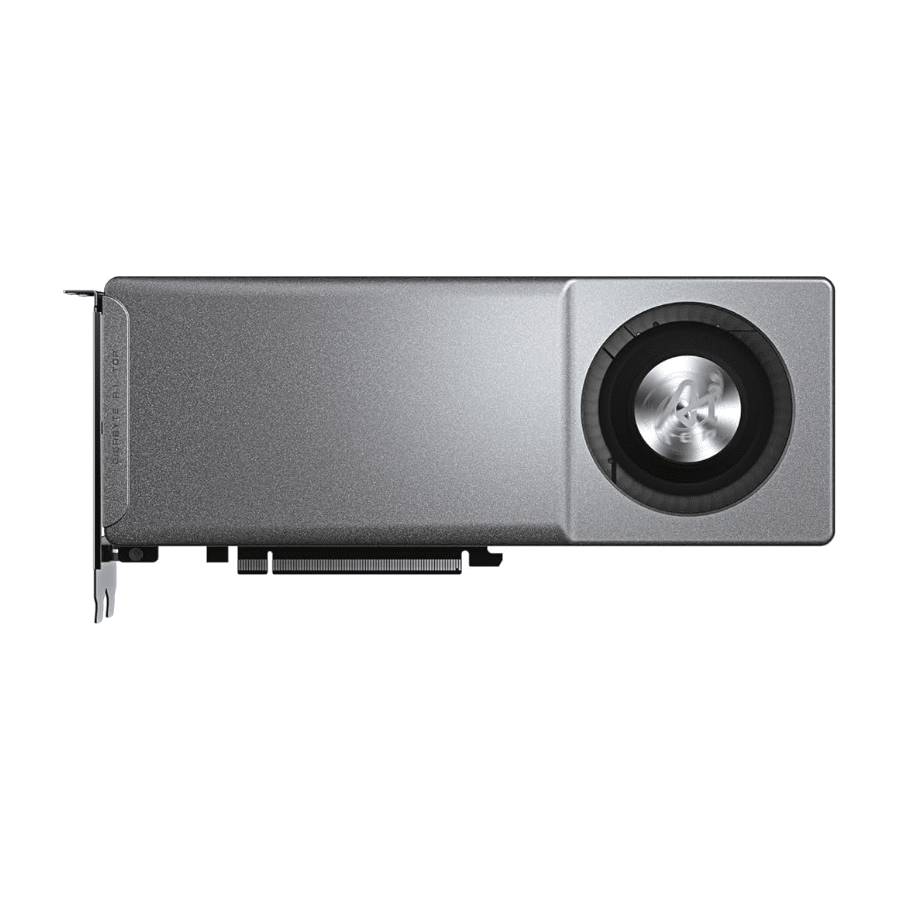
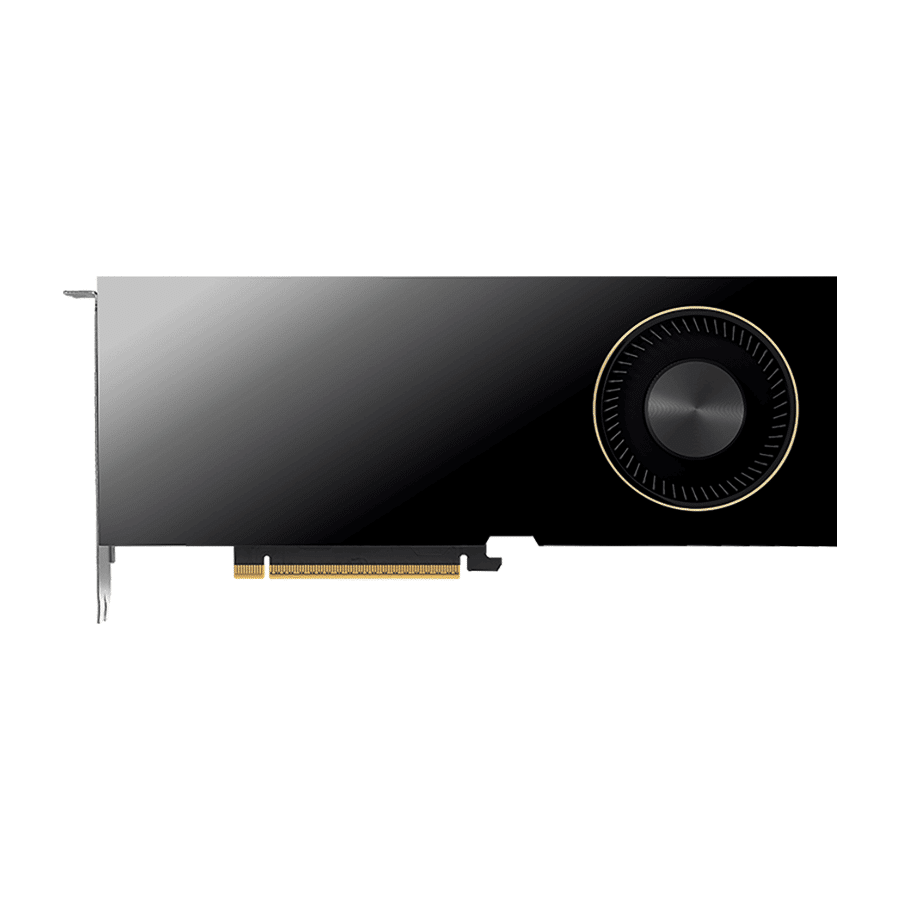
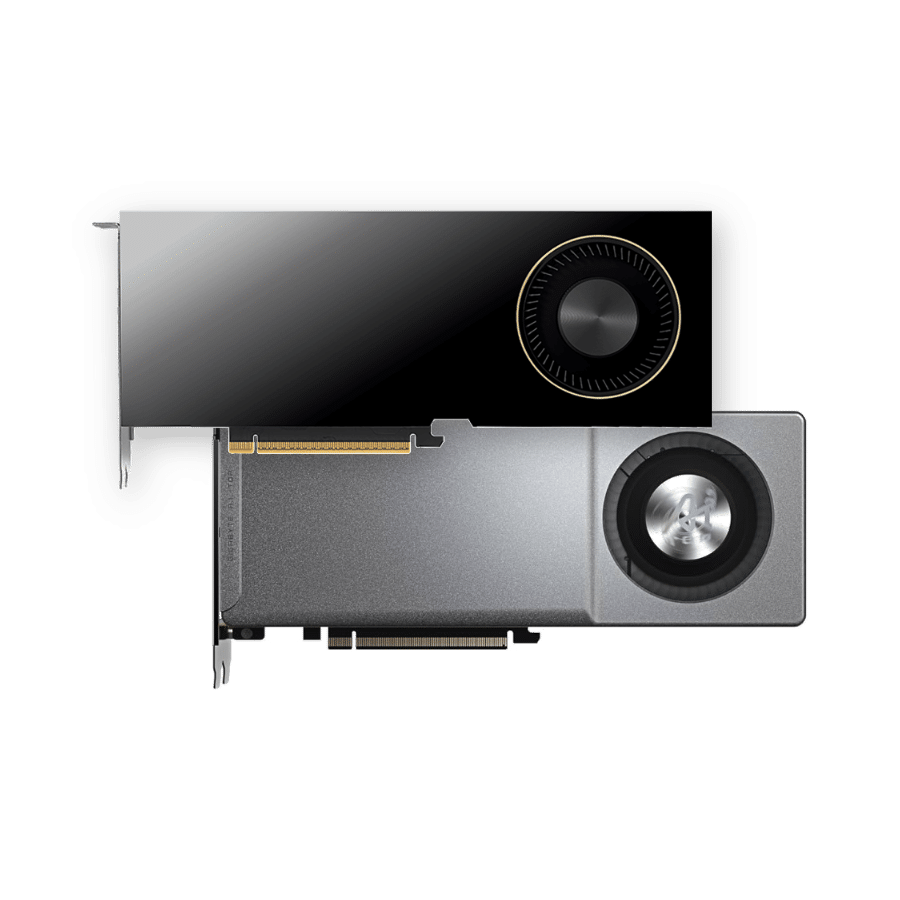
Per-card detection and assignment.
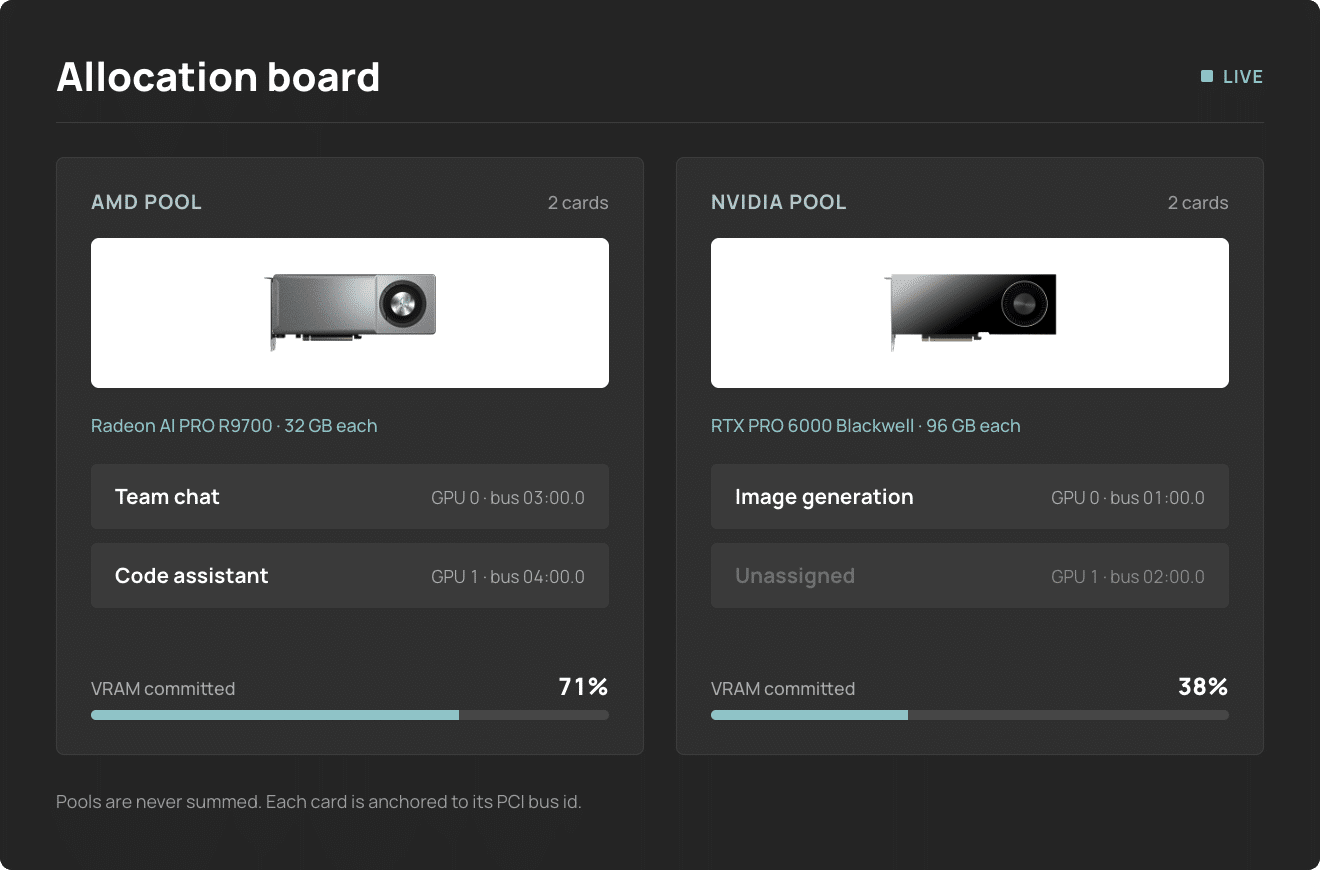
ALLOCATION BOARD
RBOS enumerates each GPU independently — vendor, VRAM and live utilisation — and anchors it to its PCI bus id, as the device ordering reported by different tools is inconsistent and an index is not a stable identifier. The two vendors are held in separate pools and never aggregated, as their memory is not interchangeable. Workloads are assigned per card from the allocation board. Providing a truly hybrid workflow
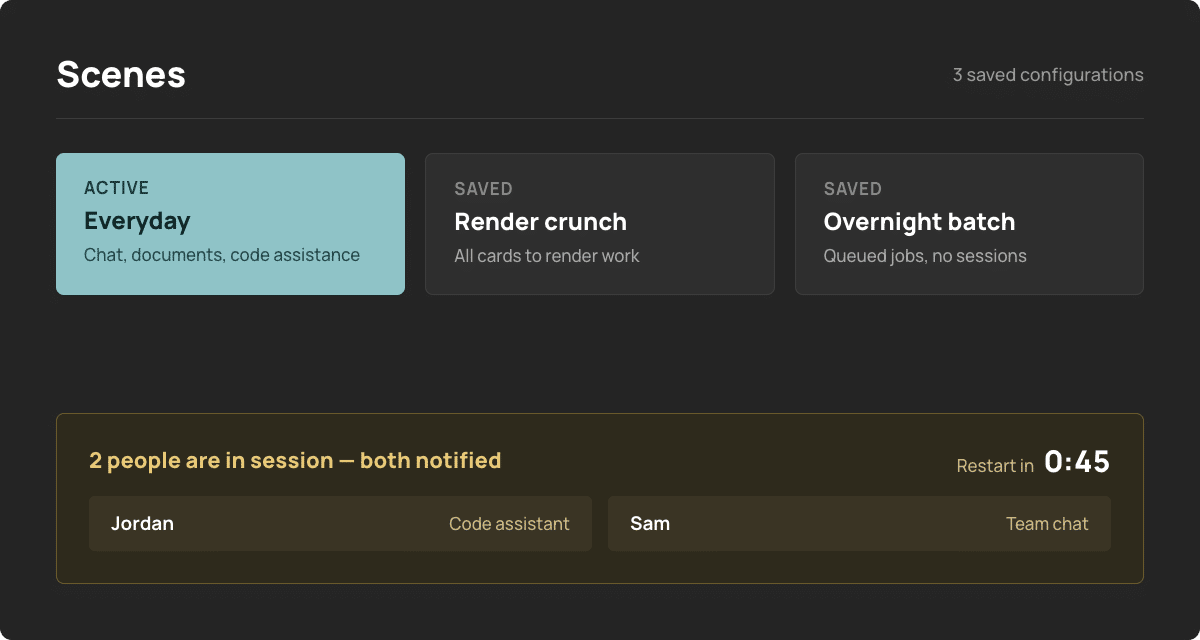
Scenes: reconfigure allocation on demand.
SCENES
An allocation can be saved as a scene — a standard working configuration, a render-crunch configuration — and the whole system switched between them in a single action. Applications that do not require a GPU run on CPU and can be reassigned to a card on demand, with the preference persisted. Where users are in session at the point of reconfiguration they are identified, notified in-app, and given a countdown before any service restarts.
Playbooks: pre-configured deployments.
A local chat assistant for the whole team, with per-user accounts and history. No command-line configuration required.
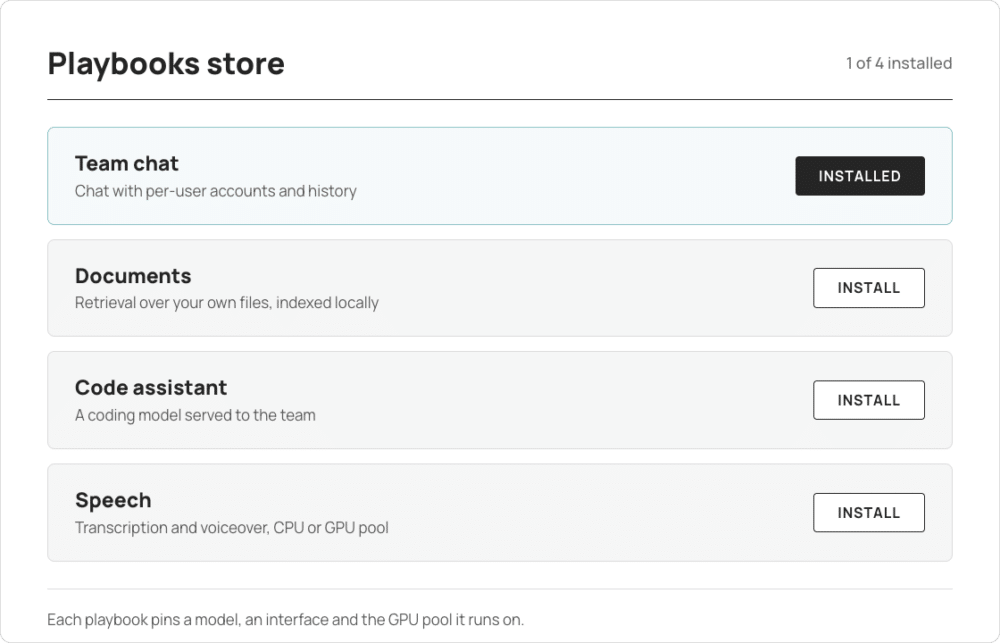
Retrieval over your own documents. Embedding and indexing are configured as part of the playbook, not left as an exercise.
A coding model served locally to the team. Throughput is measured on your machine, not quoted from a datasheet.
Transcription and voiceover. Runs on CPU by default, flips to a GPU on demand, and remembers which you chose.
Where teams deploy it.
Model compatibility at a glance.
MODELS
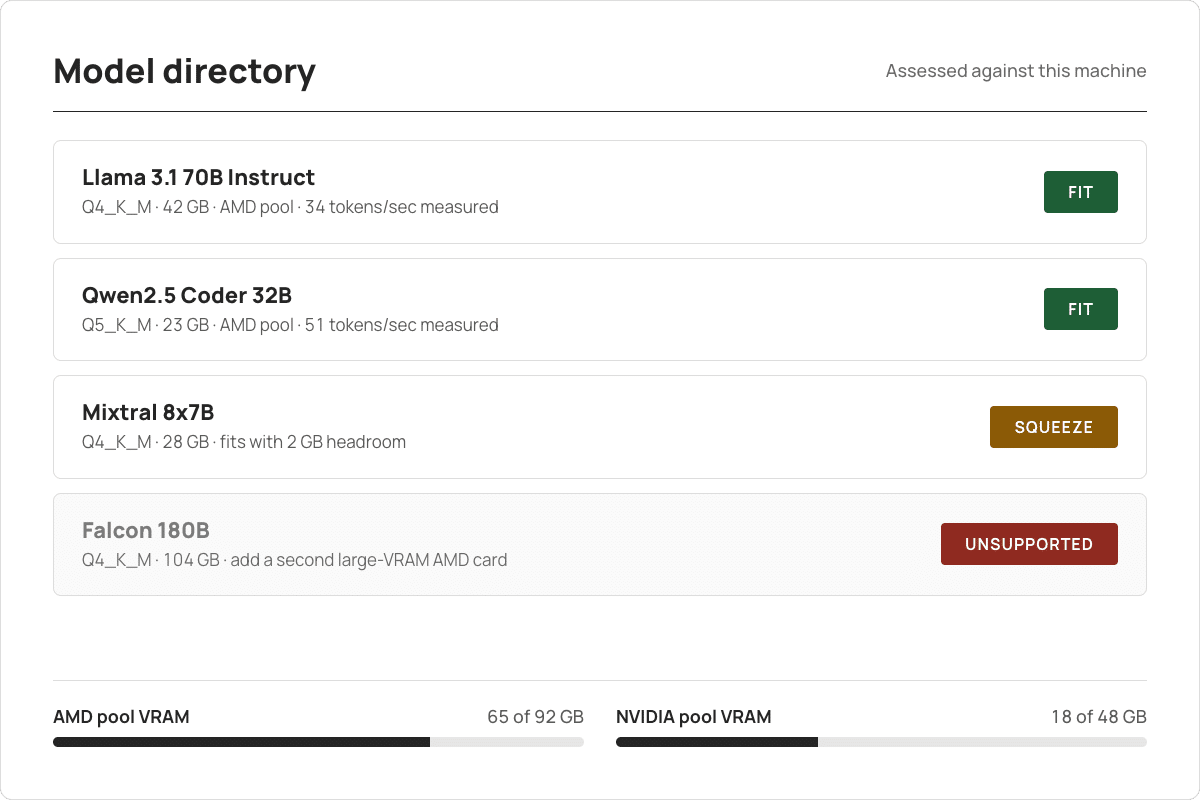
Browse curated model families or search live for GGUF builds. Every result is evaluated against the installed configuration and marked as a fit, a squeeze or unsupported — an unsupported result always states the remedy. Throughput figures are calibrated from a benchmark run on the system itself, not quoted from a datasheet.
Resident sets and VRAM budgets.
THE DIRECTORY
A curated set of models can be pinned in memory so users are not waiting on a load. A live meter reports remaining headroom in each vendor pool, and a model that exceeds available VRAM is rejected before loading rather than after the system has been destabilised.
The Compute Dock.
THE DOCK
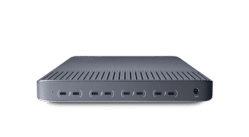
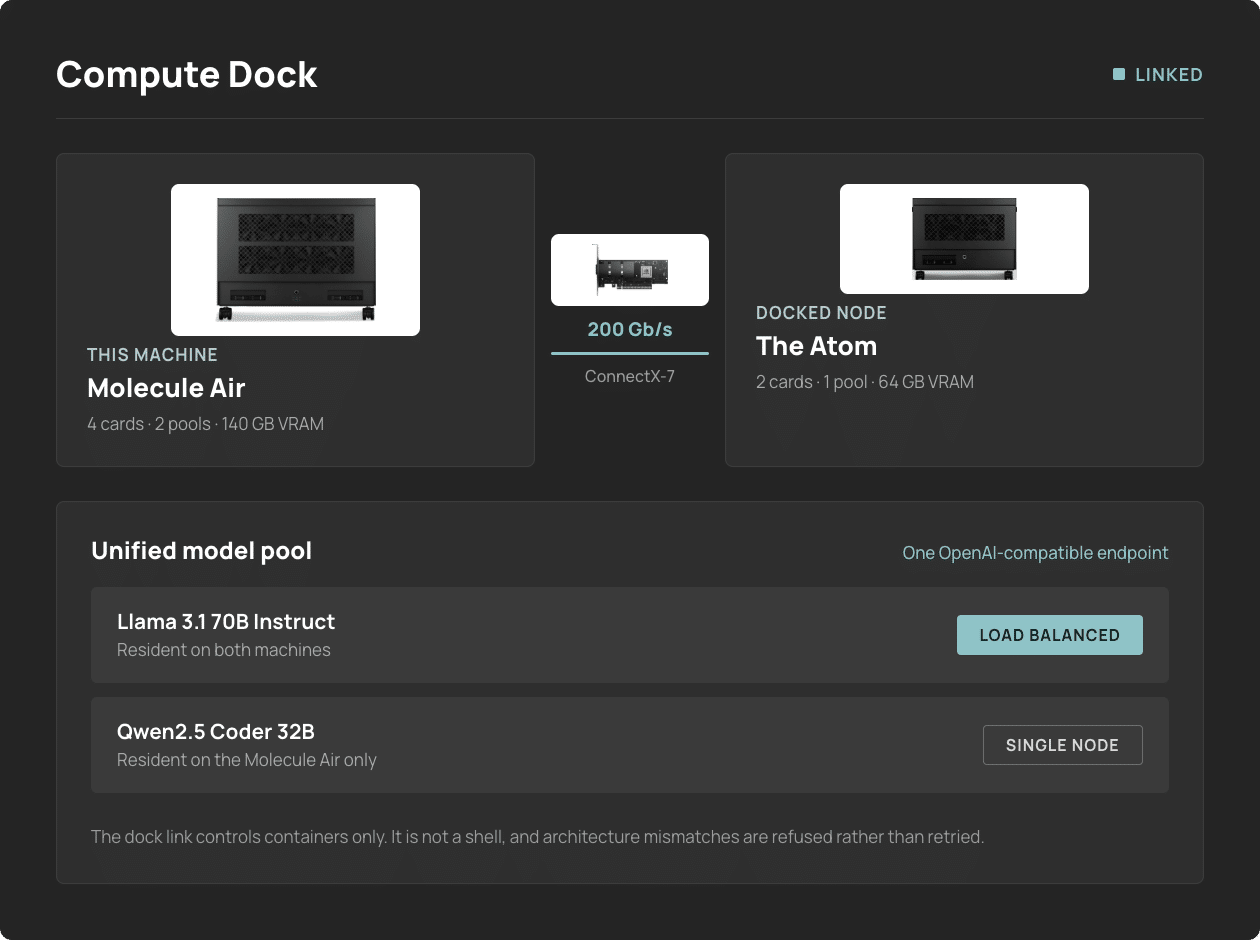
Dock a second machine over a 200 Gb/s fabric link and it joins as a node. Run applications on it from the same interface, and a unified model pool presents one OpenAI-compatible endpoint across both — load-balancing where a model exists on more than one machine, failing over where it does not.
One machine, or a fabric of them.
TOPOLOGY
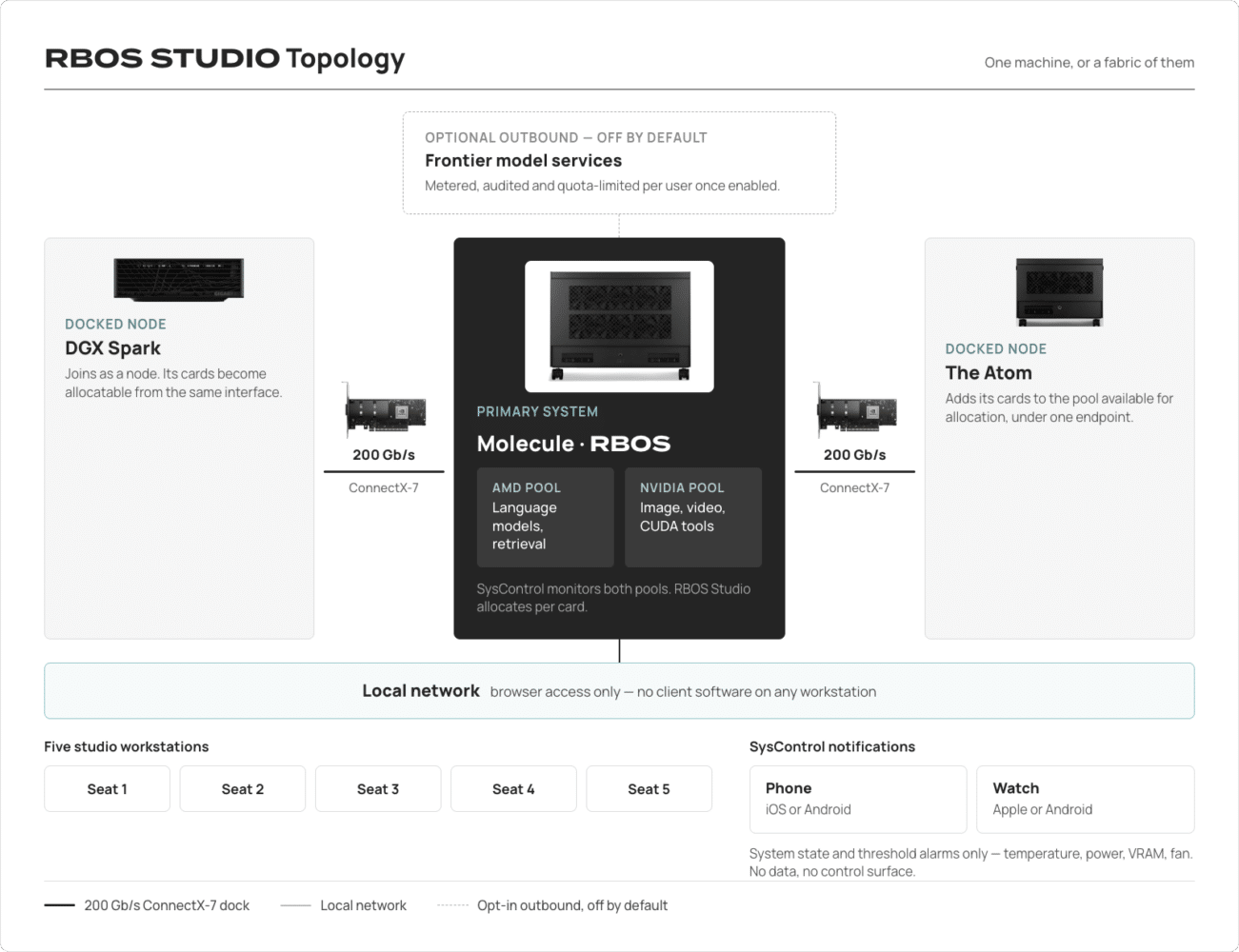
A single system serves a whole studio over the local network. Dock a second machine, or an NVIDIA DGX Spark, and its cards join the pools available for allocation. SysControl reports system state to a phone or watch. Nothing reaches beyond the local network unless an administrator opens the optional outbound channel.
Accountable by design.
SECURITY & GOVERNANCE
On-premises does not mean unmanaged. RBOS Studio provides authenticated accounts, role-based access control and an audit trail, because the administrator who deploys it is accountable for activity on the system.
-
Accounts
Every user has their own account. Sessions and activity are attributable to a person rather than to a shared login on the machine.
-
Roles
Administrators deploy, configure and allocate. Users run what they have been granted, and nothing else.
-
Audit
An audit trail records who ran what, when, and against which model.
-
Secrets
Credentials and keys are held by the system rather than pasted into applications by users.
Specification.
-
Base
Ubuntu 24.04 LTS, hardened and configured for Renderboxes hardware. Provisioning, package repository and update channel managed by Renderboxes.
-
GPU support
AMD and NVIDIA in the same machine, addressed individually, anchored to bus id, held in separate pools. Per-card assignment to applications.
-
Access
Browser-based over the local network. No client software on a workstation.
-
Applications
Containerised and managed by RBOS Studio — installation, versioning, update checks, clean removal, and your own additions.
-
Storage
Named storage areas for the model library, team spaces and downloads, with usage reporting and safe reclamation of unused container data.
-
Monitoring
SysControl reports per-GPU junction temperature, power draw, VRAM and fan headers, with threshold alerting.
-
Network
Inference runs on the machine. Outbound connections are limited to the Renderboxes update channel and administrator-initiated model downloads. A single optional online channel exists for frontier models and is disabled until enabled.
Common questions.
Why deploy two GPU vendors in one system? 

Because their cost profiles and their software compatibility differ. Large-VRAM AMD cards deliver the highest memory capacity value to token cost, and language-model serving is memory-bound — that is where operating cost is determined. NVIDIA cards cover the substantial body of creative and research software written against CUDA that will not run elsewhere. Deployed together, neither pool sits idle waiting on work it cannot service.
Can AMD and NVIDIA share a model between them?
No, and RBOS will not pretend otherwise. Their memory is not interchangeable, so the pools are kept separate and never summed. What you get is both pools working at once on different jobs assisting different users.
What happens when a model will not fit?
It is refused before it is loaded, and the interface states why and what to change. You do not find out by taking the machine down.
Do users need a separate account for every tool?
No. Accounts, roles and access are managed once in RBOS Studio and applied across the tools it manages.
Does inference data leave the machine?
Not unless you enable the optional online channel. It is off by default, clearly marked when on, and every request through it is metered, logged and quota-limited.
Can I add my own applications and models?
Yes. Containerised applications can be registered alongside the supplied catalogue, and models can be brought in from outside the curated set.
What is the administrator password recovery procedure?
Recovery is performed on the machine itself. Physical or filesystem access to the box is the proof of ownership — there is no reset path off the machine.
Inference stays on the machine.
Prompts, documents and model outputs are processed on the system and are not sent to a third-party model provider. The machine does make outbound connections — the Renderboxes update channel, and model downloads an administrator initiates. A single optional channel exists for frontier models that cannot be self-hosted; it remains disabled until an administrator enables it, at which point every request is metered, audited and quota-limited per user.