System memory
Holds the simulation while it solves, along with the scene and other applications.
SideFX requires 16GB, recommends 32GB or more and strongly recommends 64GB for fluid simulations.¹
Matters most




Houdini simulations lean on the processor and system memory, while Karma XPU renders on the processor and NVIDIA GPUs together. We size each workstation for your simulations first and your renders second, then build, set up and test it before it ships.
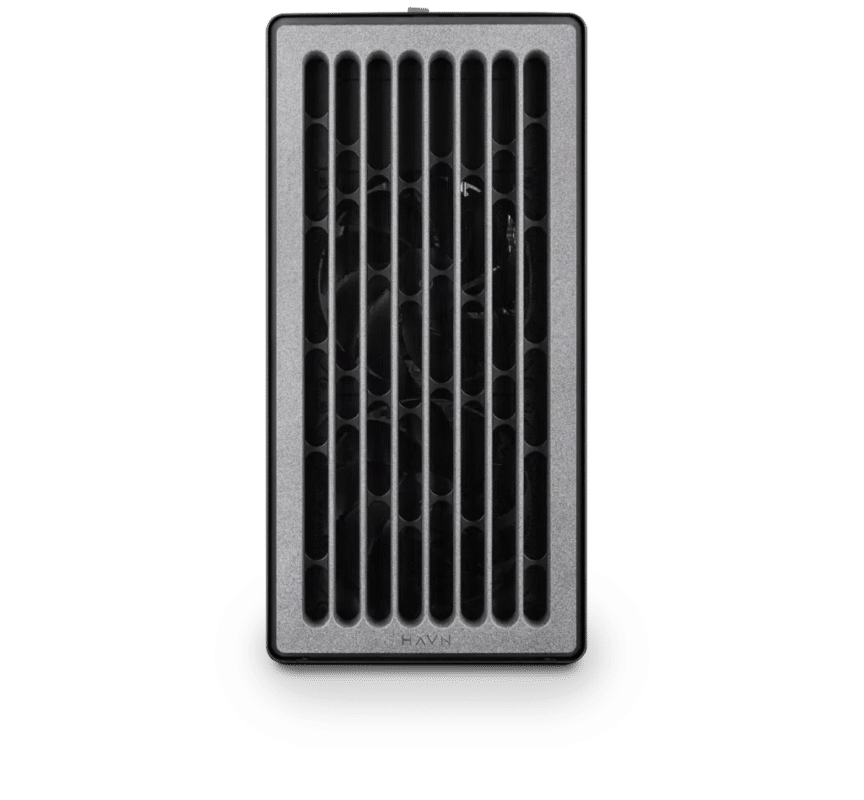
Electron · NVIDIA RTX PRO 4500 32GB
One artist with moderate simulations: 128GB of system memory and a 32GB card for the viewport and Karma XPU.¹
£10,995 inc VAT
Built to order · usually dispatched in 5–7 working days1
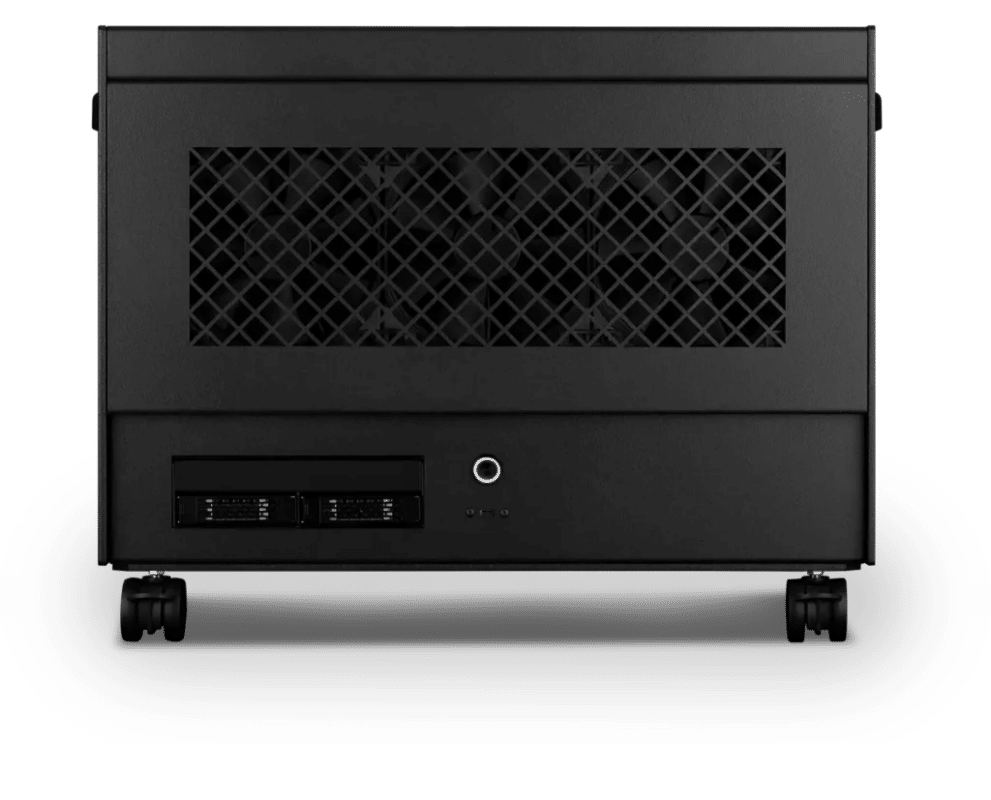
Atom · 2× NVIDIA RTX PRO 5000 48GB
Large simulations and Karma XPU: a 64-core processor, 256GB of memory and two 48GB cards. Twice the system memory of Standard.²
£38,475 inc VAT
Built to order · usually dispatched in 7–10 working days1
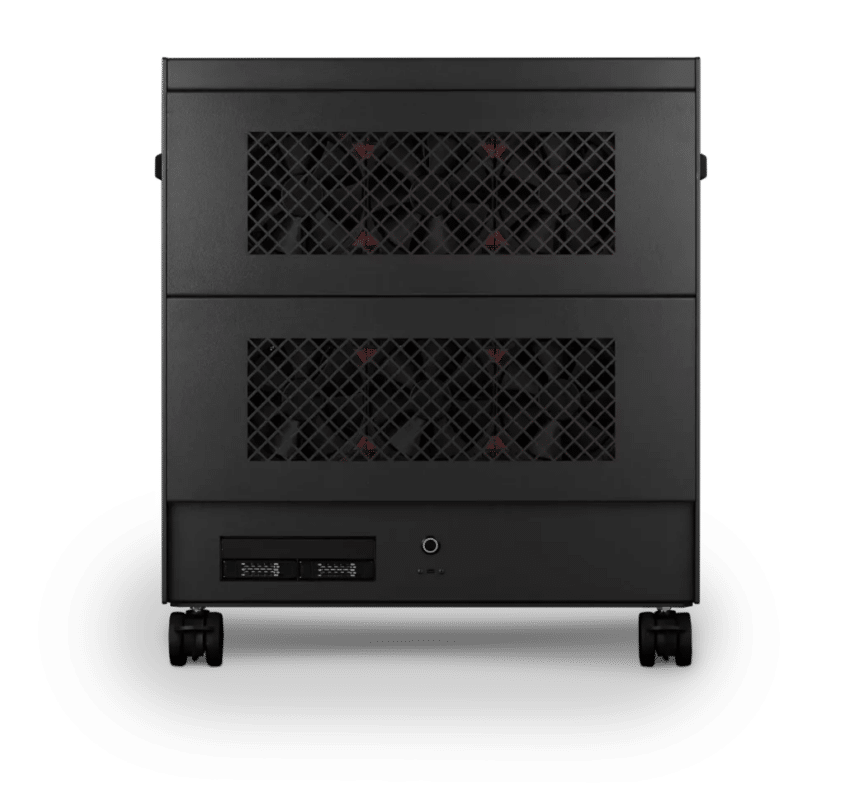
Nano Pro · 4x NVIDIA RTX PRO 6000 Blackwell Max-Q 96GB
Several simulations at once: 96 cores, 1TB of memory and four 96GB cards for Karma XPU. Four times the system memory of Heavy.²
£148,275 inc VAT
Built to order · usually dispatched in 7–10 working days1
Each recommended system is a starting point. Select Customise to add components or change the specification before you order.
1 Working days, when all parts are in stock. If a part is delayed, we confirm your dispatch date before your order goes ahead.

Houdini is 3D software from SideFX, used in film, television, games and commercials for effects: destruction, smoke and fire, fluids, cloth, crowds and procedural environments. Everything you do creates a node, and nodes are wired into networks that define a flow of data, so you can go back and change any step. That suits work that needs many iterations or must be shared across a team.
Its solvers simulate fluids, destruction, pyro, grains, cloth and hair. Vellum and Pyro can run on one GPU through OpenCL, and SideFX strongly recommends 64GB of system memory for fluid simulations. Karma, SideFX's renderer, has two engines: Karma CPU, which runs entirely on the processor, and Karma XPU, which uses the processor and every NVIDIA GPU at once.
Houdini therefore loads the machine differently at each stage. Simulating depends on the processor and system memory, GPU simulation on the memory of one card, and rendering with Karma XPU on the GPUs and the memory on each card.
Houdini and Karma are trademarks of Side Effects Software Inc. Renderboxes is not affiliated with or endorsed by SideFX.
Everything you do creates a node, and networks make it easy to go back and change any step.
Fluids, destruction, pyro, grains, cloth, hair and crowds in one application.
Networks package into digital assets that load into Maya, 3ds Max, Unity and Unreal Engine through Houdini Engine.

A typical effects shot, from network to final frames. The processor and system memory carry the simulation; the GPUs carry the Karma XPU render alongside the processor.
Everything you do creates a node, and the nodes are wired into networks that define a flow of data, so any step can be changed later.
Simulations solve frame by frame and work in system memory. SideFX strongly recommends 64GB for fluid simulations.
Vellum and Pyro can run on one GPU through OpenCL. The GPU memory then limits the size of the simulation.
Simulated frames are cached to disk so you can play them back and render them. Fast NVMe storage writes and reads caches without holding you up.
In Solaris, Karma XPU renders on the processor and every NVIDIA GPU together. Each GPU is addressed separately and memory is not pooled.
Holds the simulation while it solves, along with the scene and other applications.
SideFX requires 16GB, recommends 32GB or more and strongly recommends 64GB for fluid simulations.¹
Matters most
Runs simulations on the processor, Karma CPU and PDG tasks. PDG splits work into tasks that run in parallel across the cores.
Our Heavy build uses a 64-core processor and Studio a 96-core processor for large and parallel simulations.
Matters a lot
Holds the scene for Karma XPU and the simulation for GPU Vellum and Pyro.
SideFX requires 12GB and says 16GB or more is ideal for larger GPU simulations.¹ When Karma XPU finds GPU memory full it evicts textures and slows down significantly.
Matters a lot
Karma XPU renders on every NVIDIA GPU at once.
GPU simulations use one card; Karma XPU is the exception. Memory is not pooled across cards.
Matters for teams
Simulation caches are written to disk frame by frame.
Fast NVMe drives write caches and play them back without stalls.
Matters

SideFX strongly recommends 64GB of system memory for fluid simulations, four times its 16GB minimum. Larger simulations, or several at once, need more.
Our Standard build starts at 128GB, and Studio has 1TB for several large simulations at once.¹
1. SideFX system requirements for Houdini 22, November 2026. Actual use depends on resolution, particle count and the number of simulations run at once.
Pyro simulations for film, episodic and commercials.
Pyro runs on the processor or on one GPU, where GPU memory limits the size.
Fluid simulations from pours to oceans.
SideFX strongly recommends 64GB of system memory for fluids.
Rigid-body fracturing of buildings and vehicles.
The Bullet solver handles highly complex simulations of large data sets.
Vellum for clothing, hair, sand and soft bodies.
Runs on the processor or on one GPU through OpenCL.
Terrain, oceans, clouds and scattered foliage and rocks.
Networks define a flow of data, so any step can be changed later.
Run many versions of a simulation with PDG and TOPs.
PDG splits work into tasks that run in parallel across the cores.
Where each Houdini task does its work, from SideFX's documentation. 1. Published guidance from the software maker, or approximate figures, not Renderboxes tests. Actual needs depend on your scenes. 2. Comparisons are of GPU memory or the number of GPUs between Renderboxes builds, not speed.
| Does its work on | From SideFX | |
|---|---|---|
| Fluid simulations | The processor and system memory | 64GB strongly recommended |
| GPU Vellum and Pyro | One GPU through OpenCL | GPU memory limits simulation size |
| Viewport | One GPU | 12GB of GPU memory or more required |
| Karma CPU | The processor | Runs entirely in software on the CPU |
| Karma XPU | The processor and every NVIDIA GPU | Memory is not pooled across cards |
| Wedges with PDG and TOPs | Processor cores, a farm or the cloud | Tasks run in parallel |
Share your Houdini version, the simulations and renders you run, your current hardware and what slows you down. We will review the right configuration and confirm availability before you order.
Karma XPU uses the processor and every NVIDIA GPU together, and SideFX describes it as a high-performance alternative to Karma CPU with a more limited feature set. Karma CPU runs entirely on the processor and supports features XPU does not, such as VEX shaders. Choose per shot.
No. GPU acceleration for Vellum and Pyro uses one GPU, and its memory limits the simulation size. Karma XPU is the exception and uses several NVIDIA GPUs.
Karma XPU evicts textures it does not need and carries on, but slows down significantly. If a card fails outright, the other devices, including the processor, finish the frame, and the result should be the same.
Simulations are cached to disk so you can play them back and render them. Fast NVMe drives write and play back caches without stalls; we can add more drives or a larger cache volume.
SideFX requires 16GB, recommends 32GB or more and strongly recommends 64GB for fluid simulations. Larger simulations, or several at once, need more, which is why Standard has 128GB, Heavy 256GB and Studio 1TB.
Houdini's GPU simulations use one card. Karma XPU uses multiple NVIDIA GPUs, which is why Studio has four.
No. Karma XPU uses NVIDIA GPUs through OptiX, alongside the CPU (SideFX Karma XPU). Every configuration here uses NVIDIA cards.
Karma XPU does not pool memory across cards, so each card needs room for the scene, and SideFX says the GPU slows down significantly when it has to evict textures (SideFX Karma XPU). Studio’s 96GB cards give the most room.
Standard suits a single artist on a budget with moderate sims. Heavy suits a professional or freelancer running large sims, with 64 cores and 256GB. Studio is for a studio or team running several sims at once and rendering with Karma XPU.
Not sure which build is right? Speak to our team and we will help you choose the right configuration for your work.


Tell us what you are working on and we will recommend a configuration.
Contact us

Offline · Mon–Fri, 9am–5pm UK
Our engineers are online. Ask about a build, a quote or an order and we will answer here.