





How do Renderboxes use AI in-house?
How do Renderboxes use AI in-house?
We run AI on our own hardware. It’s changed how we build everything.
What running serious local AI workloads in-house taught us about workstation design — and why we think our customers are about to want the same thing.
We started for the obvious reasons
A couple of years ago we made a decision that, at the time, felt like a small one. We were going to run our AI workloads locally, on our own hardware, rather than routing them through someone else’s cloud.
The reasons were the reasons anyone would give. We didn’t want to hand our engineering work, our customer data, our IP, and our commercial thinking to a third-party API whose terms of service can change on a Tuesday. Data sovereignty matters. IP protection matters. For a company whose entire value is technical knowledge and design work, shipping that knowledge off-site to be processed by someone else’s infrastructure felt wrong.
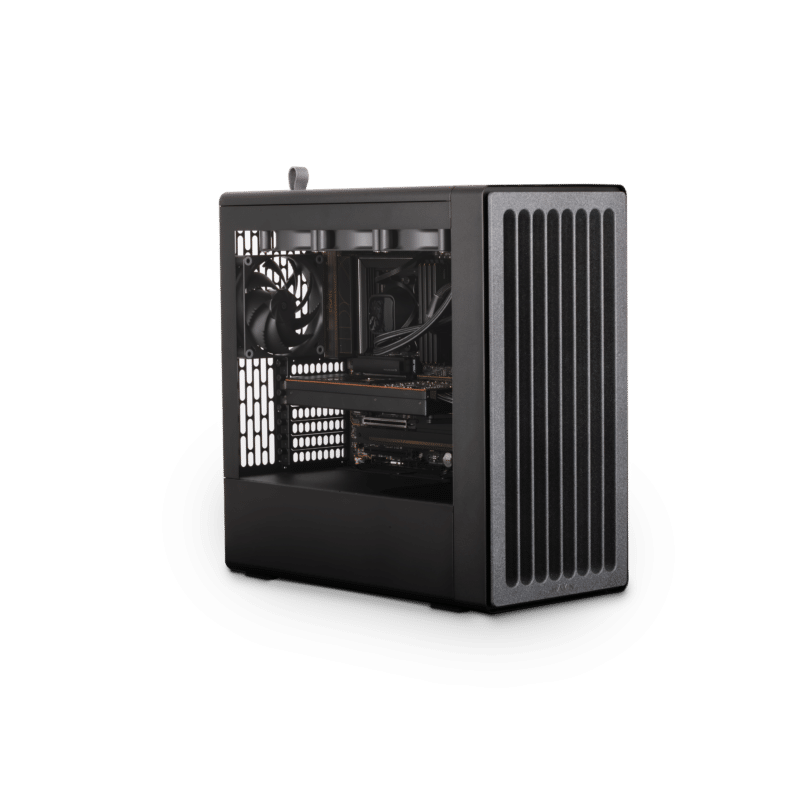
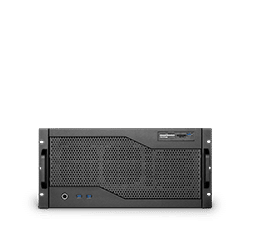
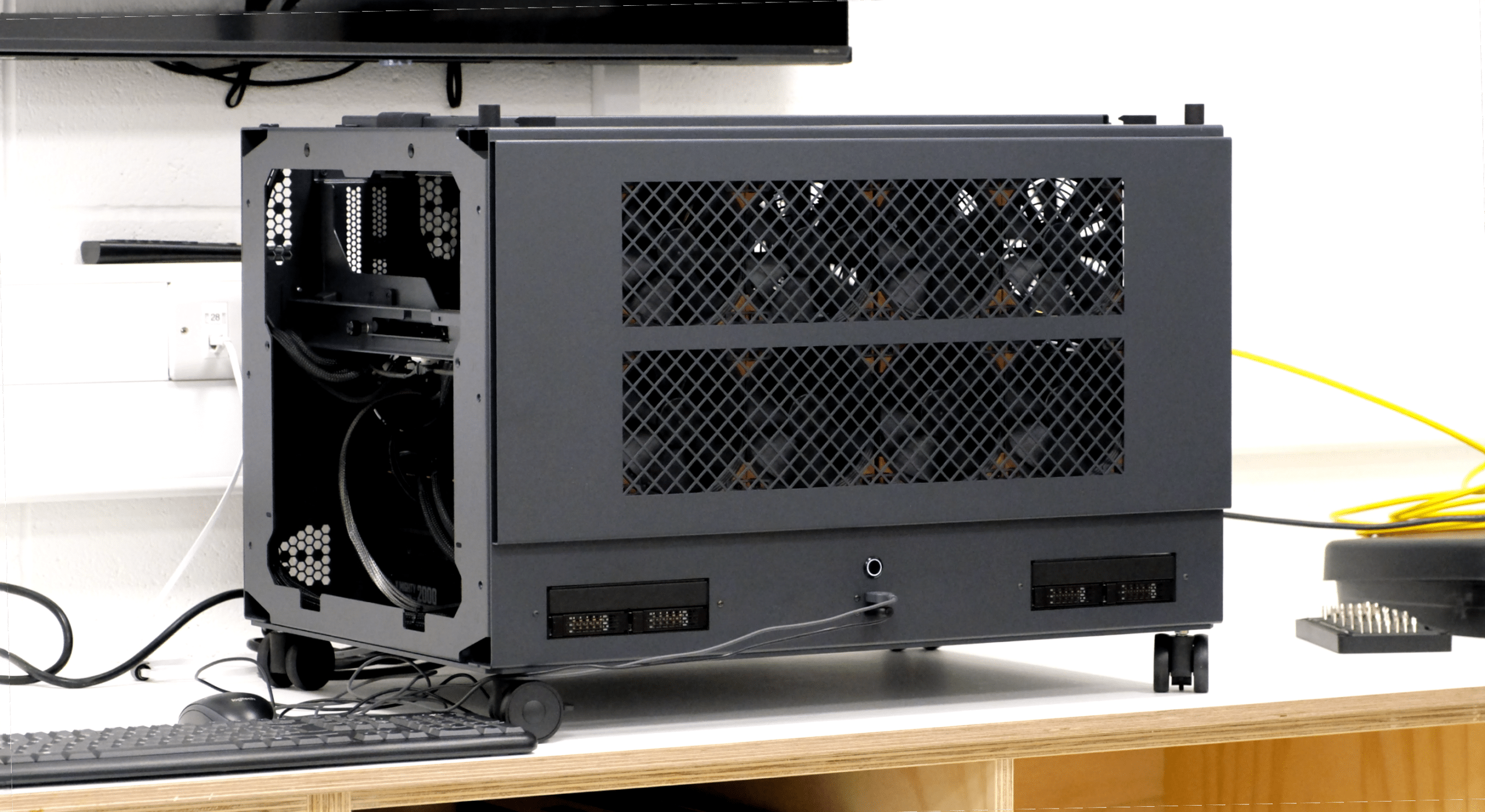
So we set up shop. We run our in-house AI compute on a Molecule Air — our dual-socket EPYC flagship, the same machine our customers buy for the heaviest professional workloads. It turns out it’s also a very good machine for sustained local AI.
What we didn’t expect was how much the experience would change us.
Running AI properly is not like running renders
We’ve been building workstations for creative and engineering workloads for a long time. We know how renderers behave. We know how simulation behaves. We know what a fully-loaded Houdini sim does to a machine at 3am on a deadline night.
AI workloads are different. They are heavier in some ways, lighter in others, and — critically — they have a different sustained-load profile to anything we’d previously engineered for. The memory hierarchy matters in a way that isn’t the same as rendering. Thermal behaviour over hours and days of near-constant utilisation is genuinely different to thermal behaviour during a render queue. The power delivery, the cooling, the component selection decisions — none of them were wrong for rendering, but some of them needed to be revisited once we were running inference and model work around the clock.
We found that out by doing it. Not by reading papers.
What we had to build in order to do this properly
To run AI workloads seriously in-house, we ended up having to build a set of things we didn’t previously have.
New testing procedures, for one. Our existing validation regime — the multi-point stress testing every Renderboxes goes through before it ships — was designed around render and simulation loads. That regime is still right for those workloads. But we’ve had to extend it with a second layer of testing aimed specifically at the behaviours that matter for sustained AI inference and training-adjacent work. Different duty cycles, different bottlenecks, different failure modes to look for.
Efficiency layers, for another. When you run this kind of workload on your own hardware, every inefficiency has a real cost — in watts, in heat, in time. So you learn, quickly, which configurations actually earn their keep and which ones look good on a spec sheet but don’t hold up in practice. We’ve built up a body of operational knowledge about what works that we simply didn’t have two years ago.
And a kind of institutional memory about the machines themselves. Months of our own usage data, on our own workloads, on hardware we built. That feeds directly into the decisions we make when we’re speccing a new customer machine, or designing the next generation.
This is where most of our customers are heading
I don’t think we’re special for running AI locally. I think we’re early.
Every creative studio, production house, agency, architectural practice, engineering firm, and post-production facility we work with is having variants of the same conversation internally right now. They want to use AI tooling in their work. They can see what it unlocks. And many of them are starting to realise that running that tooling through public APIs means routing unreleased creative work, client assets, NDA’d material, and commercially sensitive IP through infrastructure they do not control.
For some workflows, that’s fine. For a lot of professional creative work, it isn’t. If your client contract says the material doesn’t leave your premises, that’s what it says. If your project is under embargo until a launch date, you can’t be uploading storyboards to someone else’s server. If your company’s entire competitive edge is the proprietary methodology you’ve developed over years, feeding it into a third-party model trained on who-knows-what is a decision worth thinking about very carefully.
The answer, for a growing number of businesses, is the same answer we arrived at: run it locally, on hardware you own, on data that doesn’t leave the building.
The learnings are already shaping the next generation
Everything we’ve learned from running AI in-house is going into the next Renderboxes generation. The 2027 Nano Pro will be a meaningfully different machine because of it — not in ways we’re ready to spell out yet, but in ways that will be visible in the choices we make about memory topology, sustained thermal behaviour, and the balance of where the budget goes in a spec.
It’s also starting to shape the non-hardware side of what we do. We’re building local, agentic AI capabilities in-house that will — once they’re ready — make the customer experience of working with Renderboxes better than it already is. Quicker quoting. Smarter configuration guidance. Better pre- and post-sales support informed by actual operational data. All of it running on our own hardware, on our own data, not yours and not anyone else’s.
And one more thing
After a couple of years of exploring this — running local AI on our own machines, using it to make those same machines better — the experience has been genuinely phenomenal. It’s changed how we design, how we test, and how we think about what a workstation actually is in 2026.
So it feels like it might be time that we delivered something that lets our customers have the same experience. Something that runs on hardware they own, on data that stays theirs, that gives them the unfair advantage we’ve been quietly giving ourselves.
More on that soon.
In the meantime: if you’re thinking about local AI and wondering what a machine that can actually run it properly looks like, the answer isn’t a gaming PC with a big GPU stuffed in it. It’s a workstation engineered by people who’ve been running these workloads themselves, for years, on hardware they designed. That’s what we build. It kicks the absolute hell out of everything else in its class, and we can prove it with data from our own benches.
Come and talk to us.
Other Stories
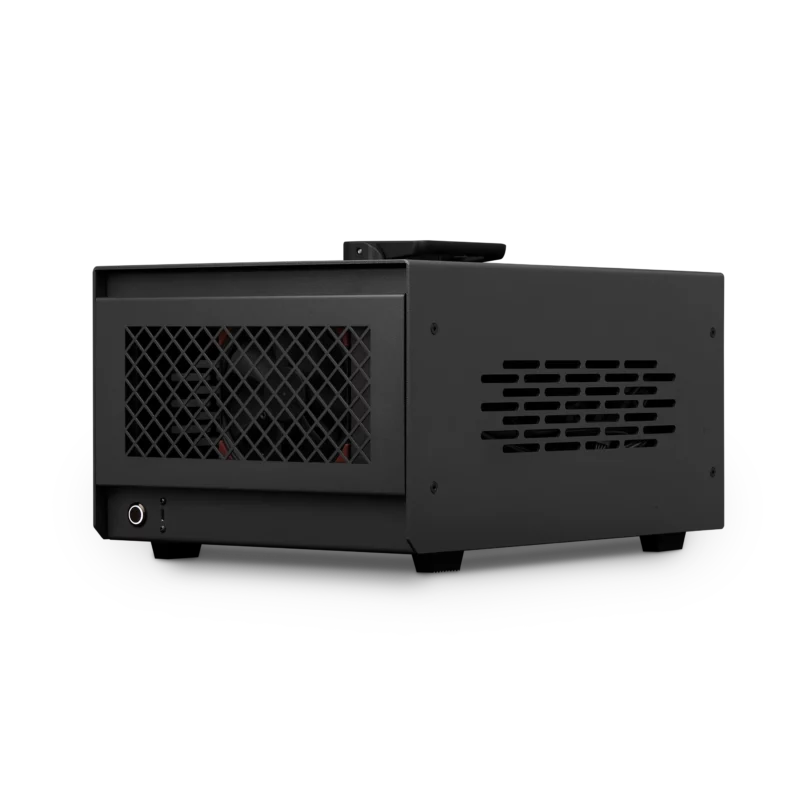
Renderboxes named recommended hardware vendor for Disguise X1
July 14 2026